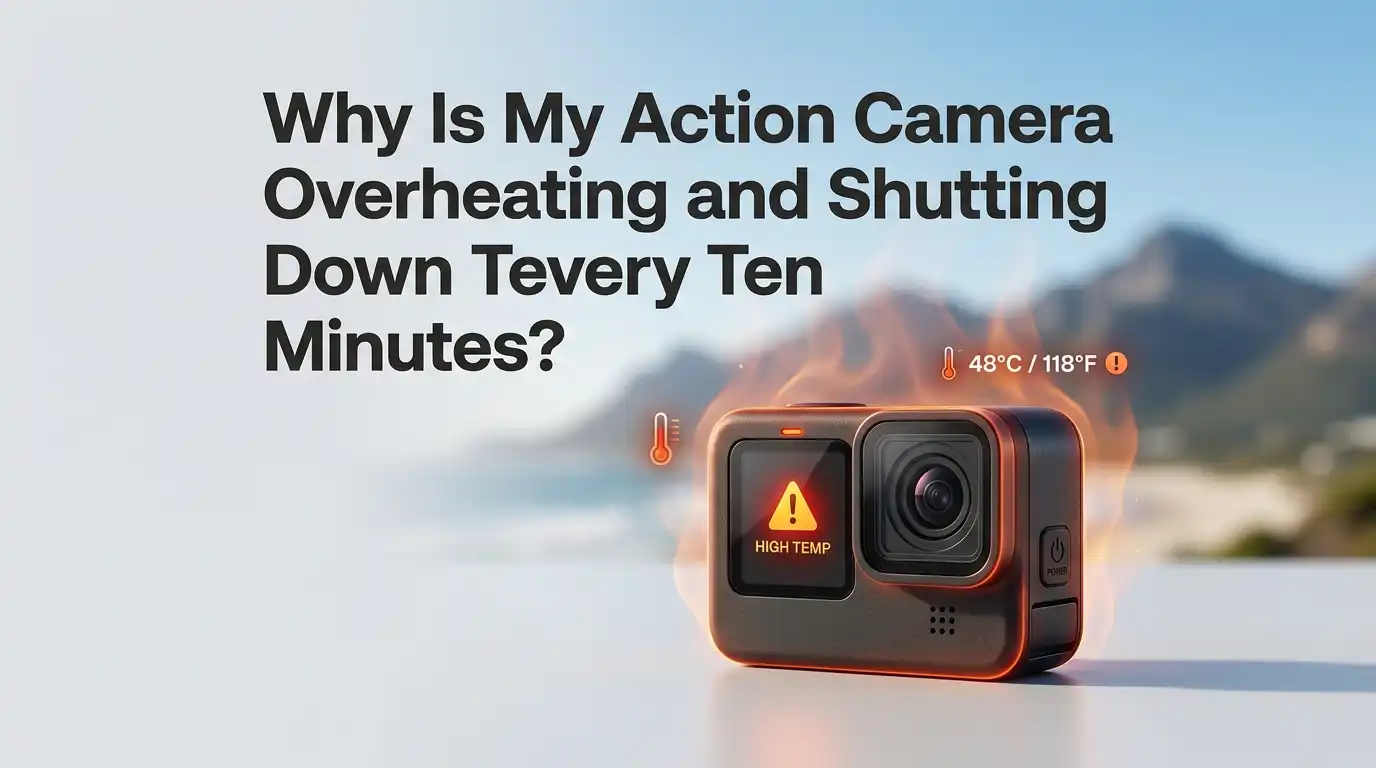
Why Is My Action Camera Overheating and Shutting Down Every Ten Minutes?
Your action camera turns off in the middle of a great shot. The body feels hot. The screen flashes a warning. Then it shuts down for the third time in an hour.
This is a common problem with modern action cameras, and the cause is rarely a broken device. Most of the time, your settings, the weather, or the way you mount the camera are pushing the processor too hard.
In this guide, you will learn why your action camera keeps overheating and shutting down every ten minutes. You will also get step by step fixes you can try right now.
Key Takeaways
- High resolution and high frame rate settings like 5.3K at 60 fps or 4K at 120 fps push the chipset hard and create the most heat. Lower the settings when you do not need the extra detail.
- Lack of airflow is the biggest hidden problem. A still camera on a tripod, inside a case, or stuck on a windshield traps heat fast. Keep air moving around the camera at all times.
- Direct sunlight raises the internal temperature even before you press record. Use shade, a small sun cover, or a light colored cloth to block direct rays.
- Old firmware, bad SD cards, and worn batteries all make heat worse. Update your camera, use a fast V30 or V60 card, and try a fresh battery or USB power.
- Stabilization features like HyperSmooth Boost or Horizon Lock use extra processing power. Turn them off when you film on a tripod or static mount.
- Cooling accessories such as silicone cages with fins, USB powered fan cases, and metal heat sinks can extend recording time by ten to thirty minutes.
What Overheating Actually Means for Your Action Camera
Action cameras pack a powerful processor, a sensor, and a battery into a tiny metal box. When you record in high resolution, the chipset works very hard. That work produces heat. The camera has a built in temperature sensor. When the inside reaches a safe limit, the camera shuts down to protect itself.
This is not a defect. It is a safety feature. Most action cameras will record between ten and thirty minutes in 4K or higher before they reach this limit on a warm day.
Knowing the limit helps you plan your shots better. If you understand the cause, you can change your settings or setup and keep filming much longer without any forced shutdowns.
Why Ten Minutes Seems to Be the Magic Number
Many users report shutdowns at exactly the ten minute mark. There is a reason for this pattern. Action cameras hit their thermal threshold in a steady curve.
The first few minutes of recording warm the chipset slowly. By minute six or seven, the heat builds faster because the body cannot release it quickly enough.
By minute ten, most small cameras hit the cutoff point, especially in 4K or 5K modes. Hot weather, sunlight, and still air make this happen even faster.
If your camera shuts down at exactly the same time each session, the cause is almost always heat buildup, not a hardware fault. Treat it as a signal that your setup needs a small change.
Lower Your Resolution and Frame Rate
The single biggest fix is to drop your video settings. 5.3K at 60 fps creates almost twice the heat of 4K at 30 fps. If you do not need ultra high detail, switch to 4K at 30 fps or even 2.7K at 60 fps. These settings still look great and let you record much longer.
For sports or fast motion, try 1080p at 120 fps. The footage stays smooth and the camera stays cool.
Pros: Free, instant, works on every camera, no extra gear needed. It often doubles your recording time.
Cons: You lose some sharpness and crop options in editing. If your final project needs 5K, this trade off may not work for big productions.
Turn Off Stabilization and Extra Features
Modern action cameras run features like HyperSmooth, RockSteady, Horizon Lock, and FlowState in the background. These features use heavy processing power. That extra work creates a lot of heat. If your camera sits on a tripod or static mount, you do not need stabilization at all.
Turn off all stabilization in the settings menu. Also switch off GPS, voice control, and the live preview screen when you can. Each one uses power and adds heat.
Pros: Big drop in heat output. Battery life also improves. Easy to switch back on later.
Cons: Handheld or moving shots may look shaky without stabilization. You may need a gimbal or a steady hand for smooth footage.
Improve Airflow Around the Camera
Heat needs somewhere to go. A camera in a tight case, on a suction mount, or pressed against a helmet has no way to release heat. Open air is your best friend. Take the camera out of any waterproof housing when you are not in water. Use a frame mount with open sides instead.
Point a small clip on fan at the camera during long static shoots. Even a slight breeze can extend recording time by ten to twenty minutes.
Pros: Very effective for static shots, interviews, and live streams. Cheap to set up with a USB fan.
Cons: A fan adds noise to your audio recording. It also needs a power source nearby. Not useful for action sports or moving shots.
Keep the Camera Out of Direct Sunlight
The sun heats the camera body before you even press record. A black action camera in direct sunlight can reach 120°F (49°C) on its surface within minutes. That heat goes straight into the processor. Shade is one of the easiest fixes for outdoor shoots.
Use an umbrella, a cap, or a small reflective cover when the camera is not in motion. A white cloth draped over the top works in a pinch. Avoid leaving the camera in a hot car before a shoot.
Pros: Costs nothing and works on every camera model. Easy to apply during any outdoor session.
Cons: Hard to manage during action sports where the camera moves. Covers may block your shot angle.
Use an External Power Source Instead of the Battery
The internal battery is one of the biggest heat sources. A battery generates heat as it discharges, and that heat sits right next to the processor. If your camera supports USB-C passthrough power, remove the battery and plug in a power bank instead.
This trick works very well for static setups like vlogging, live streaming, or dashcam use. Some cameras have a “pass through door” accessory that lets you charge while filming.
Pros: Removes the battery as a heat source. Lets you record for hours without worry. Great for fixed setups.
Cons: You need to stay close to a power source. Not practical for sports, biking, or surfing. Some cameras still get warm from the processor itself.
Update Your Camera Firmware
Camera makers release firmware updates to fix heat related bugs. GoPro, DJI, and Insta360 have all pushed updates that improved thermal performance by ten percent or more. If you have not updated in months, your camera may be running outdated code that drains power and creates extra heat.
Open the official app for your camera. Check for updates and install them. Also reset the camera to default settings after the update if heat problems continue.
Pros: Free, official, and often fixes hidden bugs. Sometimes adds new low heat recording modes.
Cons: Some updates can introduce new problems. Always read the release notes before you install.
Check Your SD Card Speed and Health
A slow or failing SD card makes the camera work harder. The processor has to retry writes, which creates extra heat. Use a card rated V30 or higher for 4K, and V60 or V90 for 5K and above. Stick to brands like SanDisk, Lexar, or Samsung that the camera maker lists as approved.
Format the card inside the camera every few weeks. Old files and bad sectors slow down write speeds over time.
Pros: Improves recording stability and reduces heat. Also prevents corrupted files.
Cons: A high speed card costs more. Formatting deletes all files, so back them up first.
Try Cooling Accessories and Cages
If you film long events or interviews, a cooling cage can save your shoot. These come as silicone sleeves with fins, aluminum frames with heat sinks, or active fan cases powered by USB. The fan cases push air across the camera body and keep the temperature low for hours.
Some users report two to three times longer recording times with a fan case. Passive heat sinks help a little, but active cooling works best.
Pros: Big improvement for static shoots. Works even in hot weather.
Cons: Adds bulk and weight. Fan cases need power and may add noise. Not useful for action shots.
Take Short Breaks Between Recordings
Sometimes the fix is simple patience. Let the camera cool down for five minutes between long clips. Open the battery door to release trapped heat faster. Place the camera in a shaded, breezy spot during the break.
This trick works best when you film events with natural pauses, like sports games between innings, weddings between speeches, or hikes between viewpoints. Short breaks keep the internal temperature below the cutoff point all day long.
Pros: Free, easy, and works with any camera. No gear or settings changes needed.
Cons: You may miss spontaneous moments. Not useful for continuous live streams or long single takes.
When to Suspect a Hardware Problem
Most overheating cases are about settings or environment. But sometimes the camera itself has an issue. Swollen batteries, clogged vents, or a failed thermal pad inside the body can all cause early shutdowns. If your camera overheats even in cool air with low settings, hardware may be the cause.
Check the battery for any bulge. Clean the vent slots with a soft brush. If problems continue, contact the brand’s support team. Many cameras under warranty get free repairs for heat related faults.
Pros: Solves deep problems that no setting can fix. Restores full performance.
Cons: Repairs take time and may cost money if the warranty has expired. You lose the camera for a few weeks during service.
Smart Habits That Keep Your Camera Cool Long Term
A few daily habits will keep your camera running well for years. Store it in a cool, dry place when not in use. Avoid charging it in direct sunlight or inside a hot car. Always remove the battery if you will not use the camera for more than a week.
Clean the lens and vents after every trip. Keep the firmware updated. Use approved batteries and SD cards. Small habits prevent big heat problems down the line and keep your footage looking sharp every time you press record.
Frequently Asked Questions
Is it bad if my action camera gets hot to the touch?
A warm camera is normal during recording. A very hot camera that you cannot hold comfortably is a warning sign. Stop recording, let it cool, and lower your settings before you start again.
How long should an action camera record before overheating?
Most cameras record 20 to 40 minutes in 4K at 30 fps in mild weather. In 5K or hot conditions, that can drop to ten or fifteen minutes. Cooling accessories and lower settings extend this time.
Will putting my camera in the freezer help cool it down?
No. Sudden cold creates condensation inside the camera. Water droplets can damage the sensor and circuit board. Let the camera cool in shade or open air instead.
Does waterproof housing make overheating worse?
Yes. A sealed case traps heat. Only use the housing in water or wet conditions. For dry filming, switch to an open frame mount with plenty of airflow.
Can a power bank stop my camera from overheating?
It can help. Removing the internal battery and using USB power cuts one major heat source. This trick works best for static shoots like vlogging or dashcam use.
Should I always use the highest resolution my camera offers?
No. Use the lowest resolution that still meets your needs. 4K at 30 fps looks great for most uses and creates much less heat than 5K or 8K modes.
Why does my new action camera overheat faster than my old one?
Newer cameras have more powerful processors and bigger sensors. They create more heat. Better cooling tech helps, but you still need to manage settings, airflow, and sunlight to get the best results.

Hi, my name is Lily you can say i am a gadget hunter at this point. Welcome to Gadget Gallery The Gallery of Gadget Reviews