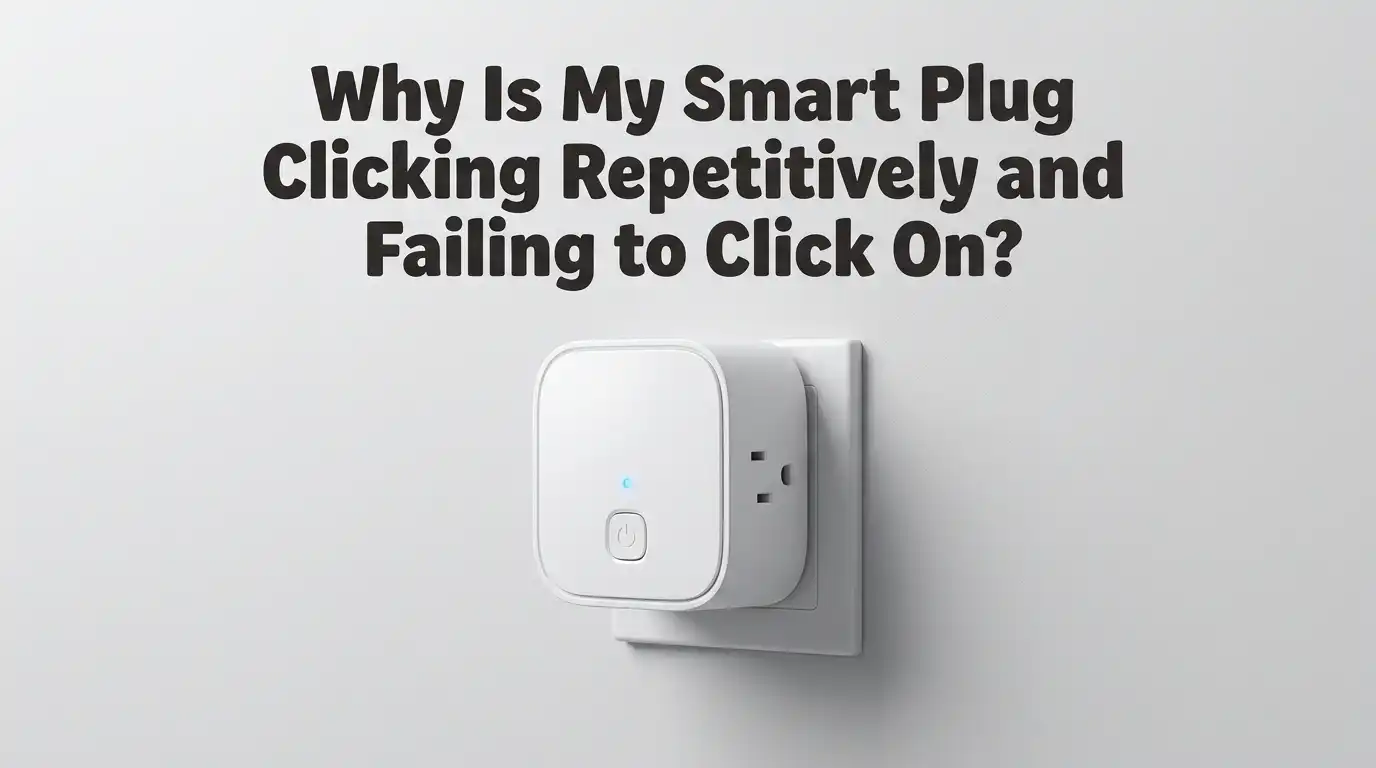
Why Is My Smart Plug Clicking Repetitively and Failing to Click On?
Your smart plug should sit quietly on the wall and obey your voice commands. So when it starts clicking like a tiny metronome and refuses to switch on, the experience feels both annoying and worrying.
That repeated click is a tiny relay struggling to do its job. Sometimes the fix takes thirty seconds. Other times, the plug has reached the end of its life.
This guide walks you through every common reason behind the clicking loop. You will learn what each sound means, how to test the plug safely, and which fixes work best for your situation. By the end, you will know whether to reset, repair, or replace your device.
In a Nutshell
- The clicking sound comes from the internal relay, a small electromechanical switch that opens and closes the circuit. Rapid clicking usually means the relay cannot hold its position.
- A failing capacitor is the most common cause of repetitive clicking in popular smart plugs. The capacitor on the DC side dries out over time and stops feeding the relay enough voltage.
- Overload protection, low voltage, and weak Wi-Fi signals can also trigger the clicking loop. Each problem has its own fingerprint and its own fix.
- A factory reset solves software bugs caused by bad firmware updates or corrupted memory. This is the first step you should try before any hardware work.
- Some clicking plugs are safe to repair at home with a soldering iron and a replacement capacitor. Others should be recycled because the cost of repair is higher than buying a new unit.
- Prevention matters more than repair. Good ventilation, surge protection, and matching the plug to the right appliance will extend its life by years.
What the Clicking Sound Actually Means
The click you hear is the relay armature snapping against its contact. Inside every electromechanical smart plug, a small coil pulls a metal lever when energized. This lever closes the circuit and sends power to your appliance.
When the plug clicks once and stays on, everything works fine. When it clicks again and again without supplying power, the relay is engaging and disengaging in a loop. This usually means the coil cannot get steady voltage, or a safety circuit is forcing the relay to retreat.
Knowing this helps you diagnose the issue faster. A single click means the command reached the relay. Continuous clicking means the relay reaches the closed position but bounces back instantly.
Cause 1: A Failing Internal Capacitor
This is the number one reason behind rapid clicking in brands like Kasa, Tapo, Tenda, and many generic models. A small electrolytic capacitor sits on the DC power board and smooths out the voltage that drives the relay coil.
Over time, heat dries out the electrolyte inside the capacitor. The component loses its ability to store charge. As a result, the voltage sags every time the relay tries to engage, and the relay drops out immediately.
Pros of replacing the capacitor: cheap fix, often under two dollars, and brings the plug back to full life. Cons: requires soldering skills, voids the warranty, and exposes you to mains voltage if done carelessly. Only attempt this fix if you are confident with electronics.
Cause 2: Overload Protection Tripping
Most modern smart plugs include an overload protection circuit. If the connected appliance draws more current than the plug can handle, the safety feature opens the relay automatically. You hear a click, the appliance stops, and the cycle may repeat if the firmware tries to reconnect.
Check the wattage limit printed on the plug. Common limits sit between 1,200 watts and 1,800 watts. Heaters, kettles, and old vacuum cleaners often exceed these limits during startup because of inrush current.
Pros of respecting the load limit: prevents fires, protects your wiring, and keeps the plug working for years. Cons: you may need a heavier duty plug or a direct wall connection for high power appliances. Move the appliance to a different outlet and see if the clicking stops immediately.
Cause 3: Low or Unstable Mains Voltage
A relay coil needs a specific voltage range to stay closed. If your home voltage drops below the threshold, the relay engages briefly then releases. The result sounds exactly like the clicking loop described above.
Low voltage can happen during peak demand hours, when a large appliance like an air conditioner starts nearby, or when your wiring is old and undersized. Brownouts in some regions also trigger this behavior in sensitive smart plugs.
You can confirm this cause by plugging the smart device into a different outlet on a different circuit. If the clicking stops, the original outlet has a voltage problem. Pros of fixing the outlet: solves issues for every device on that circuit. Cons: may require an electrician and some rewiring expense.
Cause 4: Corrupted Firmware or a Bad Update
Smart plugs receive firmware updates through their app. Sometimes an update fails halfway, or the new code contains a bug that puts the plug into a reboot loop. Every reboot triggers a relay click as the device tests its outputs.
You will recognize this cause by the plug showing offline status in the app, blinking its LED in odd patterns, or refusing to pair. The clicking often comes in regular intervals of five to ten seconds.
The fix is a factory reset. Hold the side button for ten to fifteen seconds until the LED flashes amber or orange. Then set up the device from scratch in the app. Pros: free and fast. Cons: you lose schedules and settings, and a corrupted firmware may not accept a reset at all.
Cause 5: Weak Wi-Fi Signal Causing Constant Reconnects
Some smart plugs are programmed to cycle the relay when they lose network connection and reconnect. If your Wi-Fi is patchy, the plug keeps disconnecting and rejoining, and each event may trigger a click.
This problem is more common with plugs placed at the edge of your network. Walls, metal appliances, and microwave ovens all weaken Wi-Fi signals. Some plugs only support 2.4 GHz networks, so a mismatched router setting can cause the same issue.
Pros of strengthening your Wi-Fi: every smart device benefits. Cons: may require a mesh router or extender, which adds cost. Move the plug closer to your router as a test. If the clicking stops, you have found your culprit.
Cause 6: Physical Damage from a Power Surge
A lightning strike or a sudden surge from the grid can damage the internal electronics of a smart plug. The relay may be stuck partway, or the controller chip may send the wrong signals. The clicking sounds erratic rather than rhythmic in these cases.
Check the plug for brown discoloration, melted plastic, or a burnt smell. These signs confirm internal damage. A surge protected outlet or whole house surge protector prevents most of these failures.
Pros of surge protection: saves expensive electronics across your home. Cons: requires upfront investment and occasional replacement of the protector itself. If you spot any burn marks, stop using the plug immediately and recycle it through an electronics waste program.
Step by Step Reset Procedure
A reset solves a large share of clicking issues. Follow these steps carefully and in order.
First, unplug the smart plug from the wall and wait sixty seconds. This drains residual charge from the internal capacitors and clears volatile memory. Next, plug it back in and press the side button for ten to fifteen seconds until the indicator LED changes color or starts blinking rapidly.
After the LED blinks, release the button. Open the companion app on your phone and remove the device from your account. Then add it again as a new device and follow the pairing instructions.
Pros of a factory reset: requires no tools, takes five minutes, and fixes most software glitches. Cons: erases your schedules, automations, and names, so you must set them again.
How to Test the Plug Safely
Before you decide the plug is dead, run a simple test sequence. Safety comes first, so never open a plug while it is connected to mains power.
Start by plugging the smart device into a known good outlet without any appliance attached. Listen to the clicking. If the click stops when nothing is plugged in, the load is the problem. If it continues, the plug itself is faulty.
Next, attach a small lamp or phone charger that draws very little power. If the plug now works, your previous appliance was drawing too much current. Pros of this test: isolates the cause in two minutes. Cons: only tells you whether load matters, not the exact failed component inside the plug.
When Repair Makes Sense and When It Does Not
Repairing a clicking smart plug is satisfying, but it is not always worth your time. Consider repair if the plug is expensive, out of warranty, and the cause is a known capacitor failure. Many hobbyists have brought Tapo and Kasa plugs back to life with a one dollar capacitor swap.
Skip repair if the plug shows burn marks, smells of smoke, or has cracked plastic. Skip it also if you have no soldering experience, because mains voltage components are unforgiving.
Pros of DIY repair: cheap, educational, and keeps electronics out of landfill. Cons: voids any remaining warranty, risks electrical shock, and may not last as long as a new plug. Weigh the time you would spend against the cost of a replacement.
Preventing the Clicking Problem in the Future
Prevention is easier than repair. Start by matching the plug to the appliance. Never connect a 1,500 watt heater to a 1,200 watt plug, even if it seems to work for a few minutes.
Keep the plug in a well ventilated spot. Heat is the main enemy of electrolytic capacitors. Avoid stacking smart plugs together or hiding them behind furniture where air cannot circulate.
Install a surge protector on circuits that feed sensitive electronics. Update firmware only when you read positive feedback from other users about the new version. Pros of these habits: doubles the average lifespan of your smart plugs. Cons: requires a bit of planning when you first set up your smart home, but the payoff is huge.
When to Contact the Manufacturer or Replace the Plug
If your plug is still under warranty, contact the manufacturer before you do anything else. Most brands offer free replacements when the clicking starts within the first two years. You will need your purchase receipt and the serial number printed on the back of the plug.
If the warranty has expired and the plug shows no physical damage, a capacitor repair is your best option for a brand you trust. For cheap generic plugs, replacement is almost always cheaper than repair.
Pros of replacement: you get a fresh warranty and likely a newer feature set. Cons: adds to electronic waste and costs more than a repair. Recycle the old plug responsibly through a certified e waste collection point near you.
Frequently Asked Questions
Is it dangerous to keep using a clicking smart plug?
Yes, it can be. A relay that switches rapidly generates heat and electrical arcs inside the plug. Over time, this damages the contacts and can lead to overheating or even a small fire. Unplug the device until you find the cause.
Can I fix a clicking smart plug without opening it?
Often yes. A factory reset, a firmware update, moving to a different outlet, or removing a heavy appliance solves the problem in many cases. Try every external fix first before considering a teardown.
Why did my smart plug start clicking after a power outage?
Power outages often produce small surges when electricity returns. These surges can damage the capacitor or confuse the firmware. Reset the plug first. If clicking continues, the surge may have caused internal damage.
Do all smart plugs make a clicking sound?
Most do, because they use electromechanical relays. Plugs with solid state switches or triacs operate silently, but they only suit dimmable loads like lamps. A single click during switching is normal. Repetitive clicking is not.
How long should a smart plug last?
A quality smart plug should last five to seven years under normal use. Heat, overload, and surges shorten that lifespan significantly. Most failures from capacitor wear appear after two to four years of constant use.
Will the manufacturer replace my clicking plug for free?
If the plug is within its warranty window and you have proof of purchase, most brands replace it without hassle. Reach out through their support form and include a short video of the clicking sound to speed up the process.

Hi, my name is Lily you can say i am a gadget hunter at this point. Welcome to Gadget Gallery The Gallery of Gadget Reviews