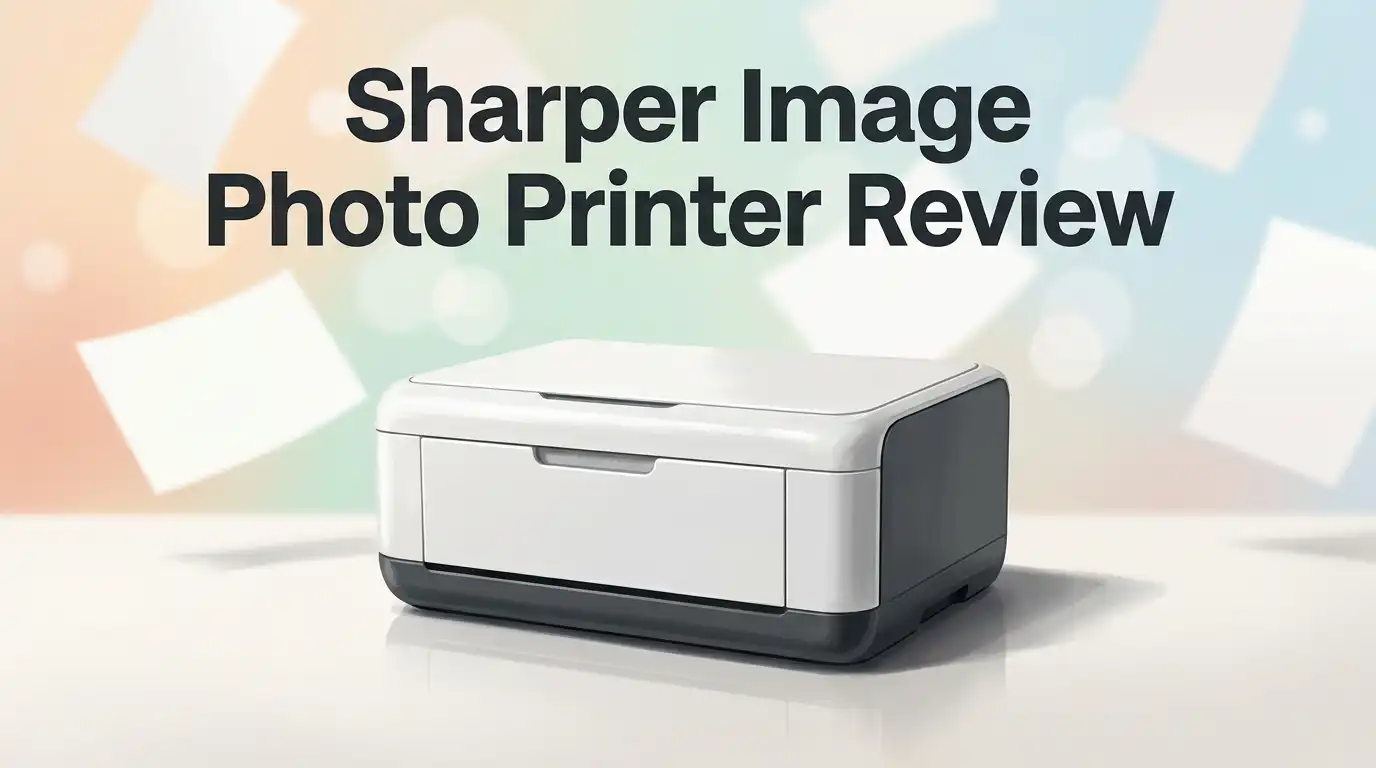
Sharper Image Photo Printer Review 2026: Worth Buying?
Want to print photos straight from your phone? The Sharper Image Photo Printer makes it simple. You snap a picture, hit print, and hold a real photo in seconds.
This small printer fits in your bag or pocket. You can take it anywhere and print memories on the spot.
It connects through Bluetooth to your phone. The app works on both iOS and Android devices. You can edit photos, add filters, and print 4×6 pictures fast.
Many people love how easy this printer is to use. No computer. No wires. Just your phone and a few taps.
But does it really work as well as it sounds? We tested the print quality, paper needs, and connection speed.
This review breaks down everything you need to know. We will cover the good, the bad, and how it compares to brands like Canon and Kodak.
By the end, you will know if this tiny printer deserves a spot in your camera bag. Let’s get into the details and see what makes this device tick.
In a Nutshell
Here’s the quick rundown on the Sharper Image Photo Printer. It covers what stands out and what might slow you down.
- Instant Prints: This printer turns phone photos into real prints in seconds. No computer needed.
- Smart App: The companion app lets you add filters and edits before printing. It works on both iOS and Android.
- Paper Matters: You must use the specific photo paper made for this printer. Regular paper will not work.
- Image Quality Depends on You: Low resolution photos print poorly. Clear, high quality shots give the best results.
- Size Limitation: This printer only makes 4×6 prints. You cannot print larger photos.
- Connection Hiccups: Some users report Bluetooth drops during printing. Staying close to your phone helps keep the connection steady.
This printer competes with brands like Canon SELPHY and Polaroid Grey Label. Each offers similar portable printing, but this model stands out for its simple app and on the go design.
Key Features and Specifications
The Sharper Image Photo Printer packs several standout features into a compact frame. Let’s explore what makes this device tick and how its specifications shape real world performance.
Print Capacity and Output Size define this printer’s core function. It produces 4×6 color photos, which is the standard instant print format. This size works well for wallet prints, scrapbooking, and small displays. The printer cannot handle larger formats, so keep that in mind if you need bigger prints.
Wireless Connectivity relies on Bluetooth technology. Your phone pairs directly with the printer without needing WiFi or cables. The connection works with both iOS and Android devices. However, some users report occasional Bluetooth drops during the printing process. Reconnecting usually solves the issue, but it can feel frustrating when you’re in a hurry.
The Mobile App gives you creative control before printing. You can add filters, adjust colors, crop images, and apply effects. The app is straightforward to navigate, even for first time users. This feature transforms ordinary phone photos into custom prints with personality.
Paper Requirements matter more than you might think. This printer needs specific photo paper designed for its system. Using standard paper or incompatible stock leads to poor results. The optimized paper prevents smudging and ensures color accuracy. You’ll need to budget for ongoing paper purchases since generic alternatives don’t work well.
Image Resolution directly impacts print quality. High resolution photos (12 megapixels or higher) produce sharp, vibrant prints. Low resolution images or heavily cropped photos look blurry and pixelated on the 4×6 format. This is a major limitation if you primarily use older phones or low quality camera sources.
The Portable Design keeps this printer lightweight and packable. It fits easily in bags, backpacks, or even large jacket pockets. Battery life typically lasts for multiple printing sessions before needing a charge. This portability makes it ideal for parties, events, travel, and outdoor adventures.
Understanding these specifications helps you decide if this printer matches your printing needs and lifestyle.

Last update on 2026-10-13 / Affiliate links / Images from Amazon Product Advertising API Some of the links on this website are affiliate links, which means that at no additional cost to you, I earn a commission if you click through and make a purchase. I only recommend products and services that I believe will add value to my readers. Thank you for your support!
Design and Portability
The Sharper Image Photo Printer sits in your hand like a small book. Its compact footprint makes it different from bulky office printers that demand desk space. You can slip this device into a backpack, messenger bag, or even a large camera case without much trouble.
The weight stays light, which matters when you carry it around. Whether you’re at a picnic, concert, or family gathering, portability becomes a real advantage. You won’t feel burdened by bringing it along.
The printer’s exterior uses a clean, modern design. Buttons are clearly labeled, so you don’t need to hunt for controls. The display screen shows connection status and paper levels at a glance. This straightforward layout means less fumbling and more printing.
Connectivity options keep things wireless. Bluetooth links your smartphone directly to the printer without cables. The process happens quickly once you pair your phone the first time. Most users report smooth pairing, though some mention occasional connection drops during longer print sessions.
The paper compartment sits on top, making it easy to load fresh stock. You don’t need to flip the printer over or reach underneath. Finished prints exit from the front, so you can grab them immediately without waiting. This front-facing output reduces frustration when printing multiple photos in sequence.
Dimensions matter for portability. This printer measures roughly the size of a toaster, making it genuinely portable compared to standard photo printers. You can hold it with one hand, though two hands provide better stability during operation.
The build quality feels solid without being overly heavy. The plastic exterior resists minor bumps and scratches. Corner edges have slight curves, reducing the risk of damage if you pack it tightly with other gear.
Thermal printing technology generates heat during operation, so the device gets warm. This is normal and expected. Ventilation slots on the sides allow proper airflow, preventing overheating during extended print sessions.
Overall, the design philosophy prioritizes getting photos printed anywhere, anytime. The printer sacrifices nothing essential to achieve true portability. If you value flexibility and convenience over staying home, this device delivers on its core promise.
Wireless Connectivity and Mobile App
The Sharper Image Photo Printer connects to your smartphone through Bluetooth wireless technology. This connection method means you don’t need cables or USB adapters. Your phone pairs with the printer once, and then printing becomes seamless from that point forward.
The mobile app works on both iOS and Android devices. You download it from your device’s app store and install it quickly. Once installed, the app becomes your creative control center before any print happens.
Inside the app, you find several useful editing tools. Filters and adjustments let you tweak your photos before printing. You can brighten images, adjust contrast, or apply preset filters that match your style. This editing happens on your phone screen, so you see exactly what prints before it actually prints.
The app interface stays simple and intuitive. Most users can figure out the basic functions without reading instructions. You select a photo, make any edits you want, and tap the print button. The printer receives the image wirelessly and starts printing within seconds.
However, some users report Bluetooth connectivity issues during the printing process. The connection occasionally drops, which can interrupt your print job. This problem seems to happen more frequently when the printer sits far from your phone. Keeping your device close to the printer helps prevent these interruptions.
The wireless setup also means you can print from multiple phones. Anyone with the app installed can connect to the same printer. This feature works well for group events or family gatherings where several people want instant prints.
Battery life on the printer itself matters for wireless printing. The Bluetooth connection draws power from the device’s battery, so longer printing sessions drain it faster than wired connections would. You’ll want to keep the printer charged before heading out for extended use.
The mobile app also stores your print history. You can revisit photos you’ve already printed and reprint them without starting from scratch. This convenience saves time when you want duplicate prints of the same image.
Top 3 Alternatives
Canon Selphy Printer

Last update on 2026-10-18 / Affiliate links / Images from Amazon Product Advertising API Some of the links on this website are affiliate links, which means that at no additional cost to you, I earn a commission if you click through and make a purchase. I only recommend products and services that I believe will add value to my readers. Thank you for your support!
The Canon Selphy delivers compact printing with impressive color quality. This printer uses dye-sublimation technology to produce vibrant photos. You get borderless prints in just a few seconds. The compact design fits easily on any desk or shelf.
Connection options include USB, memory cards, and wireless capability. The printer handles 4×6 inch photos efficiently. Color accuracy stands out as a major strength. Setup takes minimal effort. The device runs quietly during operation.
Fujifilm Instax Share

Last update on 2026-10-18 / Affiliate links / Images from Amazon Product Advertising API Some of the links on this website are affiliate links, which means that at no additional cost to you, I earn a commission if you click through and make a purchase. I only recommend products and services that I believe will add value to my readers. Thank you for your support!
Fujifilm’s Instax Share combines instant printing with smartphone integration. You print directly from your phone using the companion app. The printer produces credit-card-sized instant film photos. Each print develops in seconds, giving you physical photos immediately.
The device works with Instax film cartridges. Image quality captures natural colors well. The compact form factor makes it portable. You can print from multiple devices simultaneously. Battery life supports extended printing sessions.
HP Sprocket Printer
![HP Sprocket Portable Photo Printer (2nd Edition) – Instantly print 2x3' sticky-backed photos from your phone – [Luna Pearl] [1AS85A]](https://gadgetgallery.blog/wp-content/plugins/aawp/public/image.php?url=YUhSMGNITTZMeTl0TG0xbFpHbGhMV0Z0WVhwdmJpNWpiMjB2YVcxaFoyVnpMMGt2TkRGbVdXZEdlSE5vYlV3dVgxTk1NVFl3WHk1cWNHYz18MTc5Mjk0OTYyMA=)

Last update on 2026-10-21 / Affiliate links / Images from Amazon Product Advertising API Some of the links on this website are affiliate links, which means that at no additional cost to you, I earn a commission if you click through and make a purchase. I only recommend products and services that I believe will add value to my readers. Thank you for your support!
The HP Sprocket focuses on pocket-sized prints and portability. This printer produces 2×3 inch photos from your smartphone. Wireless connection makes printing simple and fast. The device weighs under one pound.
Print quality delivers sharp details and accurate colors. The printer works with HP Sprocket paper. Charging happens via USB cable. You can print photos from social media directly. The compact size fits in bags and pockets easily. Battery performance supports multiple printing sessions before recharging.
Print Quality and Paper Requirements
The Sharper Image Photo Printer delivers crisp, vibrant 4×6 color photos when you use the right paper and high-resolution images. Print quality depends heavily on your source image. If you start with a low-resolution photo from your phone, the output will look grainy and dull. High-resolution images produce sharp, detailed prints with accurate colors.
The printer uses thermal printing technology to create images without ink cartridges. This process generates heat during printing, so the device becomes warm to the touch. The upside is that you never need to buy ink or deal with clogged nozzles. The downside is that thermal prints can fade over time if exposed to direct sunlight or heat.
Paper selection matters more than most people realize. The Sharper Image Photo Printer requires specific photo paper types designed for thermal printing. Standard copy paper won’t work and will jam inside the device. You need glossy or semi-glossy thermal photo paper in 4×6 dimensions. Using the correct paper prevents smudging and ensures colors stay vibrant longer.
The printer comes optimized for compatible paper stock. When you load the right paper, prints emerge dry and ready to handle immediately. Incompatible paper can damage the heating element and void your warranty. Always check the manual for approved paper brands before purchasing supplies.
Image resolution directly impacts your final output. Photos taken at 1080p or higher from your smartphone will print beautifully. Older photos or screenshots often appear pixelated on the 4×6 print. The mobile app lets you check image quality before printing, so you can avoid wasting paper on low-quality shots.
The print speed stays fast, typically completing a 4×6 photo in under a minute. This speed makes the printer practical for events, parties, and travel situations. You get instant physical photos without waiting hours for processing.
Remember that the 4×6 size limitation means you cannot print larger formats. If you need bigger prints, this printer won’t meet your needs.
User Experience and Setup
Getting your Sharper Image Photo Printer up and running takes just a few minutes. The setup process feels straightforward because Sharper Image designed the hardware with beginners in mind.
First, you unbox the printer and charge it fully. The charging cable connects to a standard USB port. Most people complete this step in under an hour. Next, load your compatible photo paper into the top compartment. The paper slot guides sheets into place without any guessing.
Download the mobile app on your smartphone next. Search for “Sharper Image” in your device’s app store. The app installation takes less than two minutes on both iOS and Android. Once installed, open the app and enable Bluetooth on your phone. The printer appears in your device’s Bluetooth settings within seconds.
Pairing the two devices requires just one tap. The app walks you through each step with clear instructions. Most users complete the entire setup in under ten minutes.
The app interface keeps things simple and uncluttered. You see your photo library on the main screen. Buttons for editing, filters, and print settings sit at the bottom. The editing tools let you adjust brightness, contrast, and saturation before printing. You can also add frames or text if you want creative touches.
One important note: Bluetooth connectivity sometimes drops during printing. Users report occasional interruptions, especially when printing multiple photos back to back. Keeping your phone close to the printer helps prevent these issues. Restarting the Bluetooth connection usually fixes any problems that arise.
The paper compartment design makes reloading simple. You just lift the top panel and slide in fresh sheets. The printer alerts you through the app when paper runs low. Battery indicators also appear on your phone screen, so you know when charging time approaches.
Overall, the user experience feels accessible to anyone. You don’t need technical skills or special knowledge. The combination of simple hardware design and intuitive app controls makes photo printing feel natural and quick.
Pros and Cons
Pros
- Prints instant photos directly from your smartphone with zero hassle
- Portable design lets you take it anywhere for on the go printing
- Optimized paper prevents smudging and keeps your photos looking fresh
- User friendly app includes editing tools and filters built right in
- Thermal printing technology means no ink cartridges to replace or refill
Cons
- Requires specific photo paper types or image quality suffers noticeably
- Low resolution images produce blurry, disappointing final prints
- Limited to 4×6 print size only, no larger format options available
- Bluetooth connectivity drops occasionally during the printing process
Who Should Buy It
This printer works best for people who want instant physical photos from their phone. If you take lots of smartphone pictures and wish you could hold them in your hands right away, this device solves that problem.
Social media enthusiasts and content creators find real value here. You can snap a photo, edit it in the app with built in filters, and print it within minutes. This makes it perfect for parties, events, and gatherings where people want instant keepsakes.
Parents and grandparents love having a portable printer. You can print photos of your kids or grandchildren without needing a computer or visiting a photo lab. The compact size means you can keep it in a bag or purse for family trips.
Travel bloggers and adventurers appreciate the portability. Since it runs on battery power and connects via Bluetooth, you can print memories from anywhere. Road trips, camping, and vacations become more memorable when you capture and print moments on the spot.
Casual photographers who don’t need large prints fit this category well. The 4×6 size works great for scrapbooking, gift giving, and decorating small spaces. If you only want standard photo prints, this limitation won’t bother you.
People who dislike complicated technology will feel comfortable here. The app keeps things simple and straightforward. Setup takes just minutes, and printing requires only a few taps on your phone.
However, this printer is NOT ideal for professional photographers or anyone needing larger prints. If you want 8×10 or 11×14 formats, look elsewhere. Similarly, if you work with low resolution images or phone screenshots, you’ll see disappointing results since the printer shows every quality flaw.
This device also isn’t right for people with unreliable internet or those who need rock solid wireless connections. Occasional Bluetooth drops can interrupt your printing workflow.
In summary, buy this if you want quick physical photos from your smartphone, enjoy portability, and accept the 4×6 size limit. Skip it if you need professional quality, larger formats, or bulletproof connectivity.
Final Verdict
The Sharper Image Photo Printer earns its place as a fun gadget for quick memories. It turns phone photos into real prints in seconds. This makes it a solid pick for anyone who loves sharing moments instantly.
Compared to competitors like the Canon SELPHY CP910 or Polaroid Grey Label GL10, this printer holds its own in simplicity. It focuses on ease of use rather than advanced features. That focus works well for casual users.
The printer shines brightest for people who value speed over perfection. If you want a device that just works without fuss, this fits the bill. Simplicity is its biggest strength.
Still, this printer has clear limits. It won’t replace a professional printer or satisfy photographers who need variety in sizes. Those users should look elsewhere.
Think about your main use case before deciding. If you print photos often for fun, travel, or social sharing, this device delivers real value. If you need flexibility or high resolution output, it may fall short.
The mobile app adds a nice touch to the overall experience. It keeps printing simple without extra steps. This small detail makes a big difference for first time users.
In short, this printer suits casual use far better than professional needs. It rewards users who want quick, tangible photos without complicated setup. Families, travelers, and social media fans will likely enjoy it most.
For anyone chasing perfect studio quality prints, other printers on this list may serve better. But for everyday fun and spontaneous printing, the Sharper Image Photo Printer gets the job done.
Overall, this device delivers on its promise of turning phone photos into instant keepsakes. It keeps things simple, portable, and enjoyable. If that matches what you want from a photo printer, this one deserves a spot on your shelf.
Frequently Asked Questions
Can I print photos larger than 4×6 inches?
No, this printer only handles 4×6 inch prints. If you need bigger formats, you’ll want to explore other options. The compact design makes larger sizes impossible.
What type of paper does this printer need?
You must use specific photo paper made for this device. Regular paper won’t work. Using the wrong paper type will give you blurry, disappointing results. Always check the manual for approved paper brands.
Does the Bluetooth connection stay stable?
Most users report good connectivity, but some experience occasional drops during printing. Make sure your phone stays close to the printer. If you have weak wireless signals at home, this could frustrate you.
What happens if I print a low resolution photo?
The final print will look blurry and pixelated. This printer works best with high quality images from your phone’s camera. Avoid printing screenshots or heavily compressed files.
Is this printer good for professional photography work?
No. This device is made for casual fun, not studio quality output. Professional photographers need larger print sizes and better image control. If you want perfect prints for a business, choose a different printer.

Hi, my name is Lily you can say i am a gadget hunter at this point. Welcome to Gadget Gallery The Gallery of Gadget Reviews