iiwey Dash Cam Review 2026: Worth Installing?
Insurance disputes rarely go the way you hope without proof. A driver reverses into your bumper in a parking lot, insists you rolled forward, and suddenly it’s your word against theirs.
That single scenario sells more dash cams than any marketing campaign ever has. The problem is that the sub-$100 shelf is crowded with cameras that record blurry, unusable footage.
iiwey sits squarely in that budget bracket. I spent weeks with the 2K front and 1080P rear model, plus time comparing it against the brand’s 4K lineup, to see whether the footage actually holds up when you need it.
In a Nutshell
- Resolution that matters: The front camera records at 2K (2560×1440) and the rear at 1080P, which is the minimum realistic spec for reading a license plate at highway distance.
- Free storage included: A 64GB microSD card ships in the box, so you are not making a second purchase before you can record anything.
- Genuinely hidden design: The body tucks behind the rear-view mirror. Drivers who hate clutter on the windshield will appreciate this more than any feature on the spec sheet.
- Parking mode has a catch: Both time-lapse and G-sensor parking monitoring require the iiwey hardwire kit (ASIN B0DHJNRPB9), sold separately. The cigarette lighter cable alone will not do it.
- The app is the weak point: WiFi transfers work, but the connection drops after five idle minutes by design, and iOS users report pairing hiccups more often than Android users.
- Best for: Commuters, rideshare drivers on a budget, and parents equipping a teen’s first car. Not for enthusiasts who want buffered parking recording or flawless firmware.
iiwey Dash Cam Front and Rear 2K and 1080P

Last update on 2026-09-06 / Affiliate links / Images from Amazon Product Advertising API Some of the links on this website are affiliate links, which means that at no additional cost to you, I earn a commission if you click through and make a purchase. I only recommend products and services that I believe will add value to my readers. Thank you for your support!
This is the model most people land on when they search the brand name. It currently sits around $69.99, which puts it below almost every name-brand dual-channel competitor.
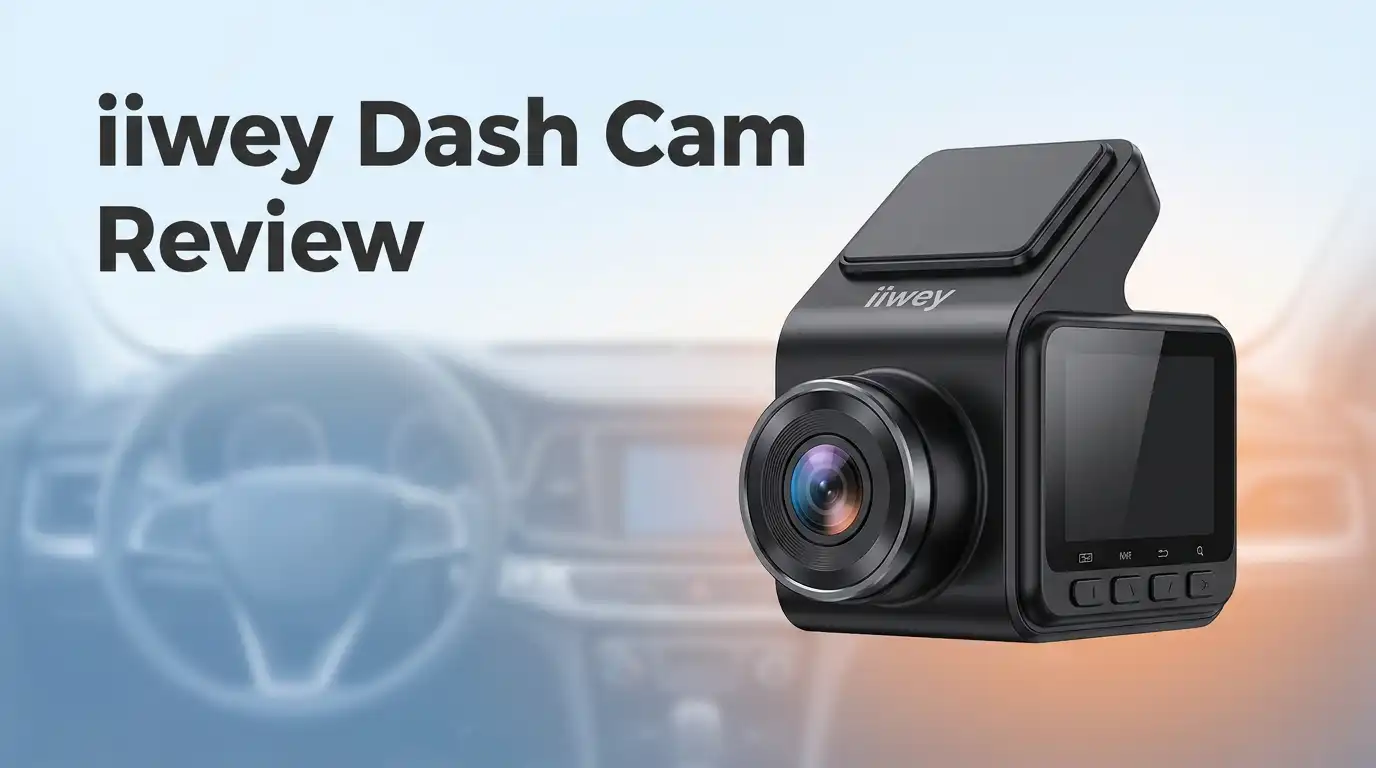
The front unit uses a 170° wide-angle all-glass lens paired with a 2K sensor. The rear camera runs 1080P and connects by a long cable you route along the headliner.
Loop recording overwrites the oldest clips automatically. The built-in G-sensor locks a file the moment it detects an impact, so a collision clip survives the overwrite cycle.
Voice prompts confirm each action, which sounds trivial until you are driving and want to know the camera armed itself. Time-lapse recording and WiFi app control round out the feature list.
What you get, honestly, is a competent evidence recorder rather than a camera system. It captures what happened. It does not do it with the polish of a Viofo or Thinkware, and the price reflects that gap.
Unboxing and First Impressions
The packaging is unremarkable in a reassuring way. A plain box, foam inserts, and everything sitting where you expect it.
Inside: the front camera, the rear camera with its long cable, a 3.5m USB power cable, a spare adhesive mount, a trim removal tool, and the 64GB card already inserted.
The front unit feels lighter than photos suggest. It is mostly plastic, matte black, and the 3-inch IPS screen dominates the rear face.
Picking it up, the build reads as budget but not cheap. Panel gaps are even. Nothing creaks when you squeeze it.
The rear camera is genuinely small, roughly the size of a thumb drive with a lens on the end. That matters because it has to live on your back glass without blocking your view.
The included trim tool is a small kindness. Most brands in this price range make you buy one or bend a credit card into service.
There is no printed quick-start guide worth reading. The manual is thin, translated stiffly, and skips the questions you will actually have during installation.
Installation Day: What Nobody Tells You
The front camera goes up in under five minutes. Clean the glass, peel the adhesive, press, and slide the unit onto the mount.
The rear camera is where your afternoon goes. You are tucking a long cable through the A-pillar, along the headliner, down the tailgate, and into position.
I used the trim tool and worked in short sections. Budget 45 minutes to an hour if this is your first time.
Sedan owners have it easier than SUV and hatchback owners. The rubber grommet between the body and the rear hatch is the hardest part of the whole job.
The power cable plugs into your 12V socket by default. That works, but it means the camera only records while the ignition is on.
One practical note: leave a small service loop of slack near the tailgate hinge. Cables that are pulled tight there eventually fail from repeated flexing.
Test both channels before you tuck everything away. Confirming the rear feed on screen saves you from redoing the whole run.
Top 3 Alternative for iiwey Dash Cam

Last update on 2026-09-06 / Affiliate links / Images from Amazon Product Advertising API Some of the links on this website are affiliate links, which means that at no additional cost to you, I earn a commission if you click through and make a purchase. I only recommend products and services that I believe will add value to my readers. Thank you for your support!
REDTIGER F7N Touch 4K Dash Cam Front and Rear

Last update on 2026-09-06 / Affiliate links / Images from Amazon Product Advertising API Some of the links on this website are affiliate links, which means that at no additional cost to you, I earn a commission if you click through and make a purchase. I only recommend products and services that I believe will add value to my readers. Thank you for your support!
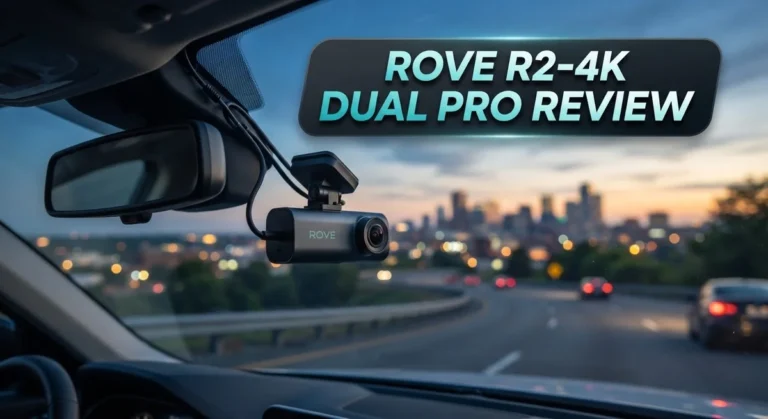
ROVE R2-4K DUAL Dash Cam Front and Rear with STARVIS 2 Sensor

Last update on 2026-09-06 / Affiliate links / Images from Amazon Product Advertising API Some of the links on this website are affiliate links, which means that at no additional cost to you, I earn a commission if you click through and make a purchase. I only recommend products and services that I believe will add value to my readers. Thank you for your support!
VANTRUE N4 3 Channel Dash Cam 4K Plus 1080P
Daytime Footage and Plate Readability
Daytime video is where this camera earns its keep. Colors are neutral, exposure is stable, and the 170° field of view covers about six lanes without heavy distortion at the edges.
Plate capture is the real test. On stationary or slow-moving vehicles within roughly two car lengths, the front 2K channel reads plates cleanly.
Push past that distance, or add closing speed on a highway, and digits soften into guesswork. This is normal physics for a 2K sensor, not a defect.
The rear 1080P channel is noticeably weaker. It documents that a car was behind you and roughly how close, which is usually the point of a rear camera in a rear-end claim.
Bright conditions expose a mild rolling-shutter wobble on rough pavement. It does not affect usability.
Backlit scenes, like driving toward a low sun, blow out the sky but keep the road surface visible. WDR processing handles this adequately rather than impressively.
Night Vision After the Sun Goes Down
Night performance is the honest dividing line between budget and premium dash cams. This one lands where you would expect for the money.
Well-lit city streets look fine. Streetlights, storefronts, and headlights give the sensor enough to work with, and moving plates remain readable at close range.
Unlit rural roads are a different story. Anything outside your headlight cones dissolves into noise, and the f/2.0 aperture on the front lens simply cannot gather more light than it does.
The rear channel struggles more. Headlight glare from a following car often washes out the plate you most want to see.
iiwey’s newer models address this directly. The Q5 and C3 Pro use STARVIS sensors with f/1.6 apertures, and the difference in low light is real.
If most of your driving happens after dark, spending the extra $20 on the 4K STARVIS version is the smarter purchase. That is not an upsell; it is the single biggest quality jump in the lineup.
The iiwey App and WiFi Transfers
The companion app exists to move clips to your phone without pulling the card. It works, with caveats worth knowing before you buy.
You connect your phone to the camera’s own WiFi network, then browse files inside the app. Downloading a one-minute 2K clip takes roughly 20 to 40 seconds.
Here is the documented behavior that frustrates people: if the app stays disconnected for five minutes, the camera shuts its WiFi off automatically. That is a battery-saving decision, not a bug, but nobody reads it in the manual first.
iPhone users report the most pairing friction. iOS handles networks without internet access aggressively, and you sometimes have to reconnect manually in Settings.
Live preview streams at reduced resolution for smoothness. To review true 2K or 4K footage, put the card in a computer.
The interface is functional and plain. It does the job without any pleasure in the doing.
Parking Mode and the Hardwire Kit
This is the section that changes purchase decisions, so read it carefully. The parking features advertised on the box do not work out of the box.
Both time-lapse parking mode and G-sensor impact detection while parked require constant power. Your 12V socket cuts out with the ignition in most vehicles.
That means buying the iiwey hardwire kit, ASIN B0DHJNRPB9, separately. It taps your fuse box and includes low-voltage cutoff so it will not flatten your battery.
One detail from the owner community is worth repeating: iiwey cameras use the A8B8 parking signal standard, not A5B5. Generic third-party hardwire kits frequently fail to trigger parking mode for this reason.
Buy the brand’s own kit. The $20 saved on a generic alternative buys you an afternoon of troubleshooting instead.
Once wired correctly, impact-triggered recording works reliably. There is no buffered pre-event recording, so the first second or two of a hit can be missing.
Build Quality, Heat, and the Mount
The camera runs on a supercapacitor rather than a lithium battery, which is the correct choice for a device that lives on a windshield. Supercaps tolerate heat far better and do not swell.
Summer parking still pushes the unit hot. Mine reached the point of being uncomfortable to touch after a few hours in direct sun, though it never shut down.
The adhesive mount holds well on clean glass. Removing it later takes patience, heat, and fishing line rather than brute force.
Adjustment is limited to tilt. There is no swivel, so the mount position determines your horizontal aim permanently.
The screen is bright enough to read in daylight and dims appropriately at night. Menu navigation uses physical buttons, which beats a touchscreen when your hands are cold.
Firmware is the soft spot. Owners of the pricier C3 Pro have reported random restarts and slow update support, and iiwey’s over-the-air update claims have not always matched reality.
Who Should Skip This Dash Cam
I would rather tell you who this disappoints than pretend it suits everyone.
Rural and overnight drivers should look elsewhere or step up to the STARVIS models. Dark-road footage from this unit will not identify anyone.
Rideshare and delivery drivers need a cabin-facing channel for passenger disputes. Look at iiwey’s N5 or N6 four-channel systems, or the Vantrue N4, instead.
Anyone who wants set-and-forget reliability may find the firmware quirks and app disconnections irritating enough to justify spending double on a Viofo or Thinkware.
Fleet operators and anyone needing legally airtight evidence should not build a case on a $70 camera.
Two smaller flaws deserve mention. The suction and adhesive mount offers no quick-release, so removing the camera for travel is a chore.
The rear cable is long but not universal. Owners of full-size trucks and long-wheelbase SUVs occasionally find it just short enough to be maddening.
Price, Warranty, and Long Term Value
Last update on 2026-09-06 / Affiliate links / Images from Amazon Product Advertising API Some of the links on this website are affiliate links, which means that at no additional cost to you, I earn a commission if you click through and make a purchase. I only recommend products and services that I believe will add value to my readers. Thank you for your support!
At roughly $69.99 with a 64GB card included, the value math is straightforward. Comparable dual-channel cameras from established brands start near $130.
iiwey backs the product with 12 to 18 months of support depending on the model, handled through Amazon messaging or direct email. Reports on response time are mostly positive, with replacement parts offered rather than arguments.
That support record matters more than the warranty length. Budget electronics brands live or die on whether they answer messages, and this one generally does.
Long term, expect two to three years of service. The supercapacitor outlasts a battery, but the plastic mount and the rear cable are the parts most likely to fail first.
Set a calendar reminder to format the microSD card monthly. Card corruption is the leading cause of dash cams that appear to work but recorded nothing.
Judged against its price, this is a sensible purchase. Judged against a $200 camera, it is exactly $130 worse in the ways you would predict.
Frequently Asked Questions
Does the iiwey dash cam record when the car is turned off?
Only with the hardwire kit installed. Using the supplied 12V cable, recording stops when your ignition does, unless your vehicle keeps that socket live.
What size memory card does it support?
The included 64GB card works out of the box. Most iiwey models accept up to 128GB, and some newer units handle 256GB or 512GB. Use a U3 or V30 high-endurance card rated for continuous write cycles, since standard photo cards fail quickly in dash cams.
Can it read license plates at night?
Sometimes, and only at close range under street lighting. On unlit roads, assume plates will not be legible. The STARVIS-equipped Q5 and C3 Pro models perform meaningfully better in these conditions.
Why does the WiFi keep disconnecting?
This is intentional. The camera powers down its WiFi radio after five minutes without an app connection to conserve resources. Reconnect through the camera menu when you need to transfer clips.
Will it drain my car battery?
Not when powered through the 12V socket. With the official hardwire kit, the built-in low-voltage cutoff stops drawing power before your battery reaches a no-start state.
Does it have GPS?
The base 2K model does not embed GPS speed and location data. Several higher models in the range, including the N6 and C3 Pro, include built-in GPS with route replay.
Is it hard to install alone?
The front camera is genuinely easy. The rear camera cable run is the demanding part, and most people finish it in about an hour with the included trim tool.
How does it compare to REDTIGER or ROVE?
Those brands generally offer better night sensors and more mature firmware for $40 to $60 more. iiwey competes purely on price, and it does that job well.

Hi, my name is Lily you can say i am a gadget hunter at this point. Welcome to Gadget Gallery The Gallery of Gadget Reviews