Xpods Pro True Wireless Earbuds Review 2026: Worth It?
If you want amazing sound quality without burning a hole in your wallet, the Xpods Pro True Wireless Earbuds by Naztech might be the perfect pick.
These budget earbuds have gained massive popularity over the past few years. They promise premium features at a fraction of the cost of big names like Apple AirPods Pro.
But do they actually deliver? Can a pair of earbuds under $50 really compete with options that cost five times more? In this detailed review, we break down every single feature of the Naztech Xpods Pro.
Key Takeaways:
- The Xpods Pro offer exceptional bass response and overall sound quality that rivals earbuds costing $150 or more. You get precision-tuned drivers that produce rich lows, clear mids, and crisp highs at a price under $50.
- Battery life is solid at 25 hours total. Each earbud delivers up to 5 hours on a single charge. The wireless charging case adds another 20 hours. This means you can go several days without plugging in.
- Bluetooth 5.0 keeps connections stable with a range of up to 33 feet. Pairing is simple through standard Bluetooth settings, and the earbuds reconnect automatically after the first setup.
- IPX4 water resistance protects against sweat and light rain. This makes the Xpods Pro a good option for workouts, running, and outdoor activities without fear of moisture damage.
- The wireless charging case is a premium touch you rarely find at this price point. You can drop the case on any Qi-compatible charging pad or use the included USB-C cable.
- Touch controls let you manage music and calls directly from the earbuds. You can pause, skip tracks, answer calls, and activate voice assistants like Siri without reaching for your phone.

Naztech Xpods Pro True Wireless Earbuds Overview
The Naztech Xpods Pro True Wireless Earbuds are budget-friendly audio accessories built for everyday use. Naztech is a well-known brand in the affordable tech space. They have produced phone accessories, chargers, and audio products for years.
The Xpods Pro earbuds come in three color options: black, white, and red. Each pair ships with a compact wireless charging case, a USB-C cable, and six sets of silicone ear tips in two colors. This gives you plenty of options to find the right fit.
These earbuds use Bluetooth 5.0 for wireless connectivity. They pair with both Android and iOS devices. The frequency response ranges from 20 Hz to 20 kHz. This covers the full spectrum of human hearing.
Each earbud weighs just 7 grams. The case weighs 38 grams. The total package is light enough to carry in any pocket or bag. The matte textured finish gives the earbuds a nice grip. They feel secure in hand and don’t slip easily.
The Xpods Pro target users who want quality audio on a tight budget. They compete directly with options from TOZO, JLab, and Skullcandy. At their price point, they pack features you would expect from much pricier products.
Sound Quality and Audio Performance
Sound quality is the most important factor for any pair of earbuds. The Xpods Pro deliver impressive results here. Naztech uses custom-tuned drivers that produce full, balanced audio.
The bass response stands out the most. It is deep and punchy without overpowering the mids or highs. Dance, hip-hop, electronic, and pop tracks sound fantastic on these earbuds. You feel the low-end thump clearly during every beat drop.
Mid-range frequencies come through with clarity. Vocals sound natural and well-separated from instruments. Acoustic music and podcasts benefit from this clean mid-range performance.
High frequencies have a slight edge to them at very loud volumes. You may notice a small amount of distortion on the highest pitches. However, this is common in Bluetooth earbuds at every price point, including the Apple AirPods Pro.
Volume levels are another strong point. The Xpods Pro get very loud without significant audio degradation. This makes them ideal for noisy environments like gyms, buses, and crowded offices. The noise isolation from the silicone ear tips helps seal out ambient sound effectively.
For a pair of earbuds under $50, the audio performance is genuinely impressive. Most users will find the sound quality more than adequate for casual and even moderate audiophile listening.
Comfort and Fit
Comfort matters a lot when you plan to wear earbuds for hours. The Xpods Pro handle this well. Each earbud has a compact, lightweight design that sits snugly in most ear shapes.
The package includes six sets of silicone ear tips in small, medium, and large sizes. You can mix and match sizes between your left and right ears. This level of customization helps almost everyone find a secure and comfortable fit.
The silicone material is soft and flexible. It creates a gentle seal inside the ear canal. This seal serves two purposes. It improves bass response and it blocks outside noise passively.
At just 7 grams per earbud, the Xpods Pro are lighter than many competitors. You barely notice them during extended listening sessions. They stay in place during walking, jogging, and light exercise.
The textured matte finish adds a bit of grip. This helps the earbuds stay put even when your ears get slightly sweaty. However, for intense workouts with heavy head movement, ear wings or hooks might provide a more secure hold. The Xpods Pro do not include ear wings.
Overall, comfort is a strong point for these earbuds. Most users report they can wear them for 3 to 4 hours straight without any discomfort or ear fatigue.
Top 3 Alternatives for Xpods Pro True Wireless Earbuds
If you want to explore other options in the same budget range, here are three excellent alternatives to consider.
1. TOZO T6 True Wireless Earbuds

The TOZO T6 is one of the best-selling budget earbuds on Amazon. It features Bluetooth 5.3, IPX8 waterproofing, and up to 50 hours of total playtime. The sound profile is bass-heavy with clear mids. It costs about the same as the Xpods Pro but offers a longer battery life and better water resistance.
2. JLab Go Air Pop True Wireless Earbuds

The JLab Go Air Pop delivers 32+ hours of total playtime and three built-in EQ settings. These earbuds are ultra-affordable and come in many fun colors. They are lightweight, comfortable, and offer a reliable Bluetooth connection. The sound is balanced with a slight bass boost.
3. Soundcore by Anker Life P3

The Soundcore Life P3 steps things up with active noise cancellation, six microphones, and a companion app for custom EQ settings. It offers 50 hours of total playtime and wireless charging. This option costs a bit more but provides features that rival premium earbuds.
Battery Life and Charging Options
Battery life is one of the key selling points of the Xpods Pro. Each earbud provides up to 5 hours of continuous playtime on a single charge. This is enough for most commutes, workouts, or work sessions.
The charging case holds an additional 20 hours of charge. That gives you a combined total of about 25 hours before you need to plug in. You can get roughly four full recharges from the case alone.
Charging the earbuds takes about 1 hour when placed inside the case. The case itself charges via USB-C. Naztech includes a USB-C cable in the box, so you are ready to go right away.
The standout feature here is wireless charging support. You can place the Xpods Pro case on any Qi-compatible wireless charging pad. The case charges without any cable. This is a rare find in earbuds at this price point. Most competitors in the under-$50 range skip wireless charging entirely.
For comparison, the Apple AirPods Pro also offer about 5 hours of listening time per charge and 24 hours total with the case. The Xpods Pro match this number at a fraction of the cost.
Bluetooth Connectivity and Pairing
The Xpods Pro use Bluetooth 5.0 technology. This version offers faster data transmission, lower power consumption, and a more stable connection compared to older Bluetooth versions.
The wireless range extends up to 33 feet (10 meters). This gives you freedom to move around a room without keeping your phone in your pocket. You can leave your phone on a desk while you walk around the office or kitchen.
Pairing the Xpods Pro is straightforward. Open your device’s Bluetooth settings. Remove the earbuds from the case. Select “Xpods Pro” from the list of available devices. The connection happens within seconds.
After the first pairing, the earbuds reconnect automatically every time you take them out of the case. This auto-connect feature saves time and effort daily.
The earbuds work with both Android and iOS devices. They also connect to laptops, tablets, and other Bluetooth-enabled gadgets. However, the Xpods Pro do not feature multipoint connectivity. You can only connect to one device at a time.
Call quality is decent thanks to two built-in microphones. Your voice comes through clearly on the other end during phone calls. Background noise reduction works but is not as advanced as earbuds with dedicated noise-canceling microphones.
Touch Controls and Smart Features
The Xpods Pro feature intuitive touch sensor controls on each earbud. You tap the surface of the earbud to perform different actions. A single tap pauses or plays your music. Double taps skip tracks forward. Triple taps go back to the previous track.
You can also answer and end phone calls with a tap. A long press activates your phone’s voice assistant. This works with Siri on iPhone and Google Assistant on Android devices.
The touch controls take a little practice to master. The touch surface is sensitive, so accidental taps can happen during the first few days. Once you get used to the tap patterns, the controls feel natural and responsive.
There is no companion app for the Xpods Pro. You cannot customize the touch controls or adjust EQ settings through software. This is one area where pricier alternatives like the Soundcore Life P3 have an advantage.
The earbuds also support mono mode. You can use just one earbud at a time while the other stays in the case. This is handy for phone calls or situations where you need to hear your surroundings.
Despite the lack of an app, the touch controls cover all the essential functions. Most users will find the built-in controls sufficient for daily use.
Water Resistance and Durability
The Xpods Pro carry an IPX4 water resistance rating. This means they can handle splashes, sweat, and light rain. You can wear them during workouts without worrying about moisture damage.
However, IPX4 does not mean the earbuds are fully waterproof. You should not submerge them in water. Swimming or showering with the Xpods Pro is not recommended. If you need higher water resistance, the TOZO T6 with IPX8 is a better option.
The build quality of the Xpods Pro is acceptable for the price. The plastic body feels lightweight but sturdy. The matte finish resists fingerprints and minor scratches well.
The charging case uses a magnetic closure that snaps shut firmly. The earbuds click into place with magnets inside the case. This keeps them secure during transport. The hinge on the case lid feels solid and shows no signs of wobble.
For everyday use, the Xpods Pro hold up well. They can survive daily commutes, gym sessions, and casual use. Just avoid exposing them to heavy water or dropping them on hard surfaces repeatedly.
Design and Build Quality
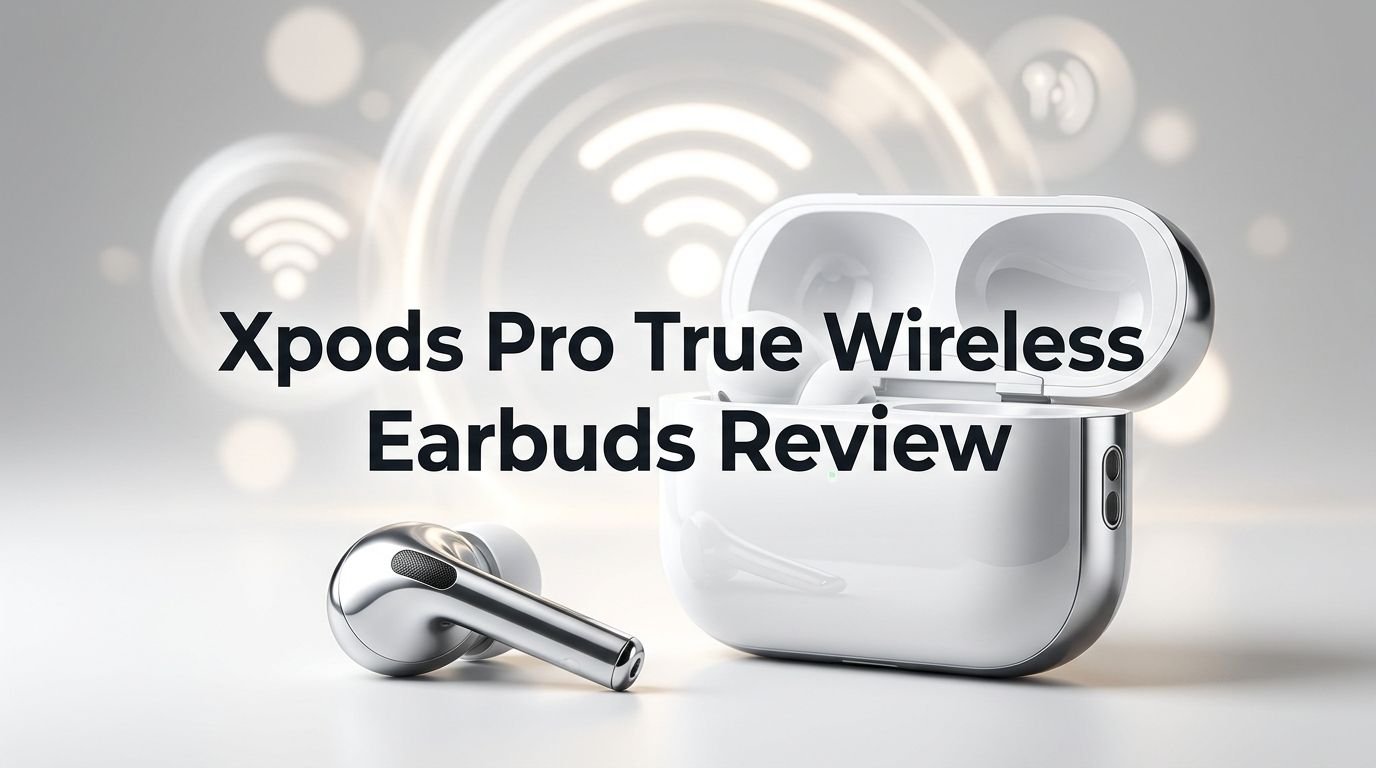
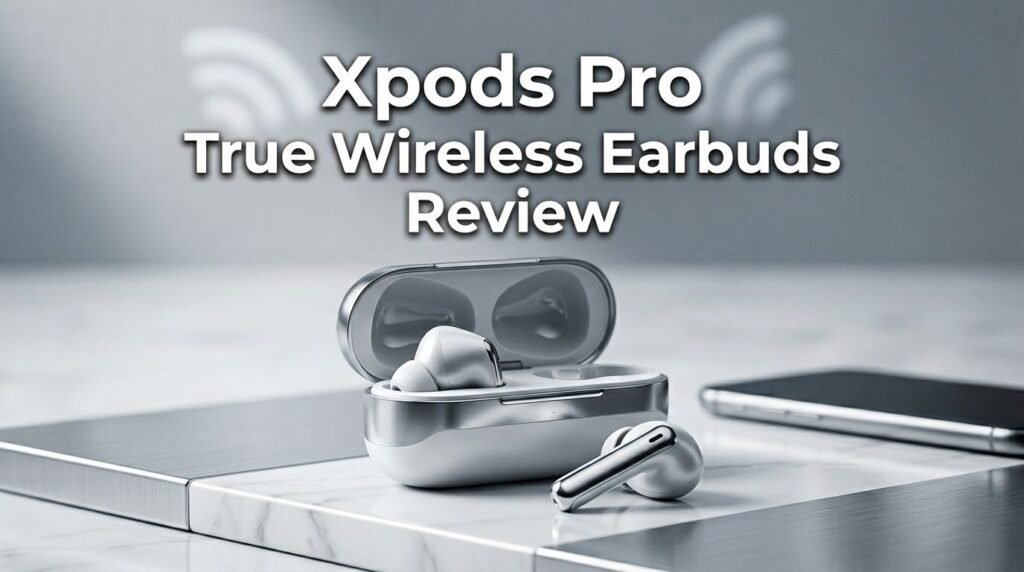
The Xpods Pro sport a clean, modern design that looks similar to Apple AirPods. The stem-style shape extends down from each earbud. This makes them easy to remove and adjust.
The textured matte finish sets the Xpods Pro apart from the glossy plastic found on many budget earbuds. This finish provides better grip and a more premium feel. It also hides fingerprints effectively.
The charging case is compact and pocket-friendly. It measures 7.5 x 15 x 50 mm and weighs only 38 grams. You can toss it in a pocket, purse, or backpack without adding noticeable bulk.
A small LED indicator on the case shows charging status. The light turns on when you open the lid and changes color based on the remaining battery level. This is a simple but helpful feature.
The earbuds come in black, white, and red. All three color options feature the same matte texture and build quality. The red option adds a bold pop of color for those who want their earbuds to stand out.
Overall, the design is clean, functional, and surprisingly attractive for a budget product. The Xpods Pro look and feel more expensive than their actual price tag suggests.
Who Should Buy the Xpods Pro?
The Xpods Pro fit several types of users well. Budget-conscious music lovers will appreciate the excellent sound quality at a price under $50. You get bass and clarity that rival earbuds two or three times the cost.
Gym-goers and fitness enthusiasts benefit from the lightweight design, secure fit, and IPX4 sweat resistance. The earbuds stay in place during most exercises and can handle perspiration without issues.
Students and young professionals on a tight budget will find the Xpods Pro a smart investment. The wireless charging case, long battery life, and reliable Bluetooth make them practical for daily routines.
People who frequently lose or break earbuds should consider the Xpods Pro. Losing a $50 pair hurts much less than losing a $200 pair. The affordable price makes replacement easy and guilt-free.
However, the Xpods Pro may not be the best fit for audiophiles who demand studio-grade sound. They also lack active noise cancellation, multipoint Bluetooth, and a companion app. Power users who need these advanced features should look at the Soundcore Life P3 or similar options.
Xpods Pro vs. Apple AirPods Pro: Quick Comparison
Many people compare the Xpods Pro to Apple AirPods Pro due to their similar design. Here is how they stack up.
Sound quality on the Xpods Pro favors stronger bass. The AirPods Pro offer a more balanced, neutral sound signature. Both perform well, but the Xpods Pro surprise many users with their bass performance at a much lower price.
The AirPods Pro include Active Noise Cancellation and Transparency Mode. These are features the Xpods Pro simply do not have. If you need ANC, the AirPods Pro win this category easily.
Battery life is nearly identical. Both earbuds offer about 5 hours of listening per charge. Total battery life with the case is 24 to 25 hours for each. This is a tie.
The AirPods Pro offer seamless integration with Apple devices. Features like automatic device switching, Spatial Audio, and the Find My network are exclusive to Apple’s ecosystem. The Xpods Pro use standard Bluetooth pairing, which works across all platforms.
The biggest difference is price. The Xpods Pro cost roughly $49. The AirPods Pro cost around $249. That is a $200 gap. If you value premium features and deep Apple integration, the AirPods Pro justify their cost. If you want great sound on a budget, the Xpods Pro offer incredible value.
Pros and Cons of the Xpods Pro
Pros:
- Excellent bass and overall sound quality at a budget price point
- Wireless charging case adds convenience found in premium products
- Lightweight and comfortable for extended wear with multiple ear tip sizes
- IPX4 water resistance handles sweat and light rain
- 25 hours of total battery life with USB-C fast charging
- Simple Bluetooth 5.0 pairing with auto-reconnect
Cons:
- No active noise cancellation to block ambient sounds electronically
- No companion app for EQ customization or firmware updates
- Touch controls have a learning curve with occasional accidental taps
- No multipoint Bluetooth for connecting to multiple devices simultaneously
- IPX4 is not full waterproofing so avoid submerging them
Final Verdict: Should You Buy the Xpods Pro in 2026?
The Naztech Xpods Pro True Wireless Earbuds remain a strong budget option in 2026. They deliver impressive audio quality, reliable connectivity, and useful features at a price that undercuts most competitors.
The bass performance alone makes these earbuds worth the investment for casual listeners. Add in wireless charging, 25 hours of battery life, and a comfortable fit, and the value proposition becomes hard to ignore.
Yes, they lack ANC, a companion app, and some features found on premium earbuds. But at under $50, those missing features are expected trade-offs. The Xpods Pro punch well above their weight class.
If you need affordable earbuds that sound great and last all day, the Xpods Pro are a solid choice. They prove that you do not need to spend $200 or more to enjoy quality wireless audio. For the price, these earbuds are hard to beat.
Frequently Asked Questions
Are the Xpods Pro compatible with Android and iPhone?
Yes, the Xpods Pro work with both Android and iOS devices. They use standard Bluetooth 5.0 for connectivity. You pair them through your phone’s Bluetooth settings. They also connect to laptops, tablets, and any other Bluetooth-enabled device.
Do the Xpods Pro have noise cancellation?
The Xpods Pro feature passive noise isolation through their silicone ear tips. They do not have active noise cancellation (ANC). The ear tips create a physical seal that blocks a good amount of ambient noise. For ANC, consider the Soundcore Life P3 as an alternative.
How long does the Xpods Pro battery last?
Each earbud provides up to 5 hours of playback on a single charge. The charging case adds another 20 hours. Total combined battery life is approximately 25 hours. Charging the earbuds from empty to full takes about 1 hour inside the case.
Can you use just one Xpods Pro earbud at a time?
Yes, the Xpods Pro support mono mode. You can use either the left or right earbud independently while the other one charges in the case. This is helpful for phone calls or when you need to stay aware of your surroundings.
Are the Xpods Pro good for running and workouts?
The Xpods Pro have an IPX4 rating that protects against sweat and light rain. The silicone ear tips help them stay in place during moderate exercise. They work well for jogging, weightlifting, and gym sessions. For very intense movement, earbuds with ear hooks may provide a more secure hold.
Do the Xpods Pro support wireless charging?
Yes, the Xpods Pro charging case supports Qi wireless charging. You can place the case on any compatible wireless charging pad to charge without cables. This feature is rarely found in earbuds at this price point and adds real convenience.