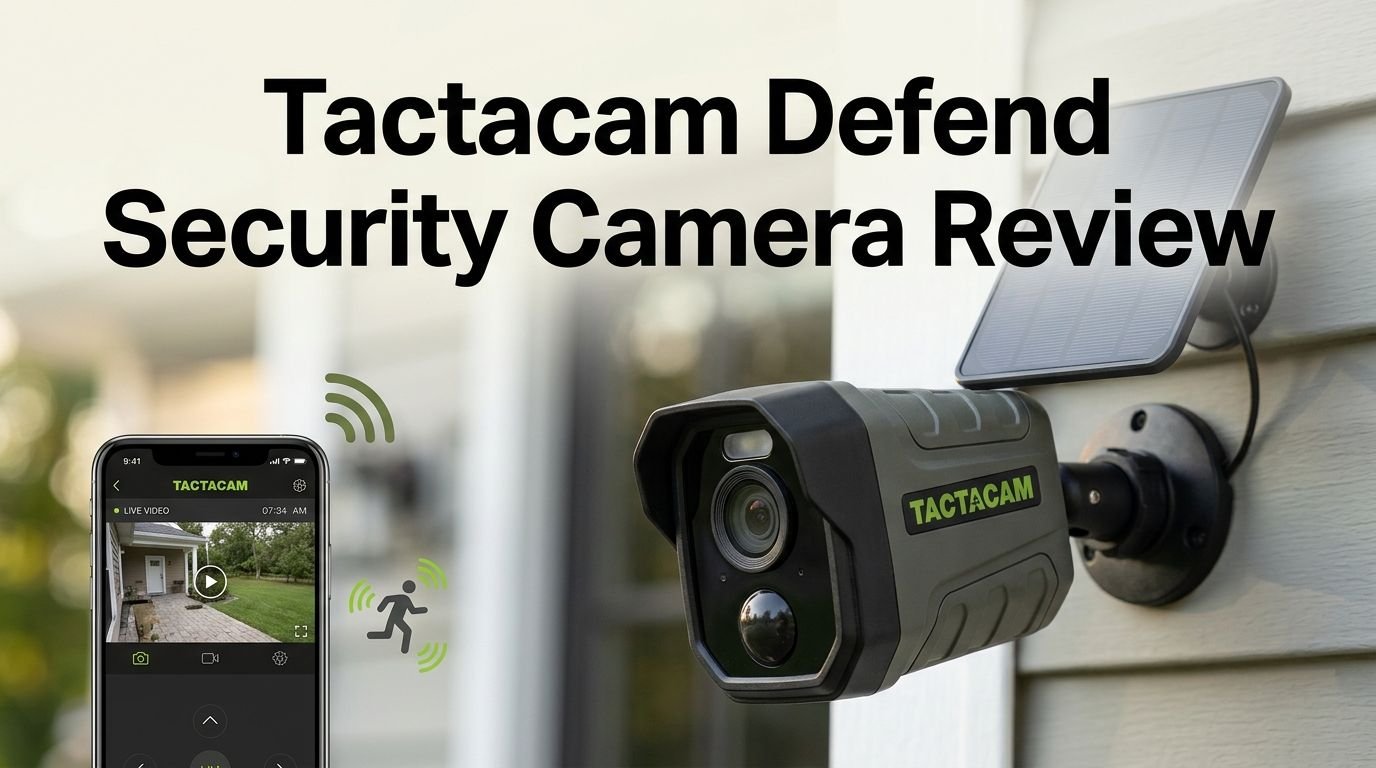
Tactacam Defend Security Camera Review 2026: Worth Your Money?
Are you looking for a security camera that works without WiFi or a power outlet? The Tactacam Defend might be exactly what you need.
This cellular security camera uses 4G LTE connectivity to send photos and videos straight to your phone. You can place it anywhere on your property, even in spots far from your home.
I spent weeks testing this camera. I mounted it on a fence post, let it capture day and night images, and pushed its motion detection to the limit.
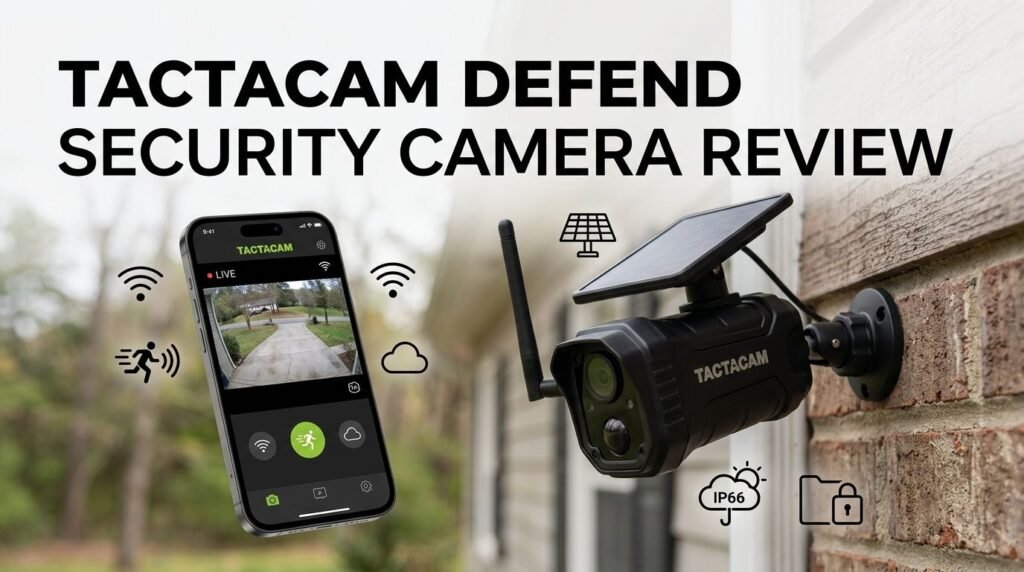
Key Takeaways:
- The Tactacam Defend uses 4G LTE cellular service to transmit photos and alerts. You do not need WiFi, which makes it perfect for barns, gates, remote cabins, and large properties.
- Photo quality is impressive at 4K resolution (interpolated), and the camera also records 1080p video clips. Night vision uses a low glow IR flash to capture clear images after dark.
- Battery life is strong. You can power the camera with 12 AA batteries or an optional rechargeable lithium battery pack ($49.99). An optional solar panel ($59.99) keeps the battery topped off.
- Motion detection range reaches up to 100 feet. The camera has a fast 0.40 second trigger speed. It picks up everything from people and vehicles to small animals like squirrels.
- Subscription plans start at just $5 per month for 250 photos. The Pro Plan costs $13 per month or $120 per year for unlimited photos. A Premium Plan at $19 per month adds unlimited live view sessions.
- The main drawback is the lack of free real time live view. You must pay for the Premium Plan or the Plus add on ($9 per month) to request on demand photos and videos remotely.

What Is the Tactacam Defend Security Camera?
The Tactacam Defend is a cellular security camera built for outdoor use. It connects to the LTE network through an eSIM. This means the camera picks the best available carrier automatically.
You do not need a WiFi router or ethernet cable. The camera sends motion triggered photos and short video clips to your phone through the Defend app. This setup makes it ideal for rural properties, construction sites, vacation homes, and driveways far from your house.
The camera body has an IP66 waterproof rating. It handles rain, snow, dust, and heat with no issues. The build quality feels solid and sturdy. Tactacam designed it to look like a hybrid between a traditional security camera and a trail camera.
You will find a lens, motion sensor, two status LEDs, and a low glow IR flash on the front. The back holds a cellular antenna, a threaded mount socket, and a hinged door. Behind that door sits a power button, test button, USB C port, SD card slot, and battery compartment.
Design and Build Quality
The Tactacam Defend has a compact and tough form factor. Its dimensions measure 6 inches by 4.75 inches by 3.5 inches. The dark color blends well with trees, posts, and building exteriors.
The included mounting bracket has four screw holes. You can secure the camera to walls, posts, or trees. A standard 1/4 by 20 threaded socket on the back allows you to use third party mounts too. However, the antenna placement can interfere with some aftermarket mounts.
The hinged door on the back protects all the ports and buttons. It closes firmly and keeps moisture out. Inside the battery compartment, you will find two AA battery holders that accept a total of 12 AA batteries.
The overall build inspires confidence. This camera can handle harsh outdoor conditions. Trailcampro gave the design quality a score of 89 out of 100, and I agree with that rating.
Top 3 Alternatives for Tactacam Defend Security Camera
If you want to compare the Tactacam Defend with other cellular security cameras on the market, here are three strong options worth considering.
1. Reolink Go PT Ultra 4K LTE Camera

The Reolink Go PT Ultra offers 4K resolution, 360 degree pan and tilt, and smart AI detection. It works on 4G LTE without WiFi. It comes with a solar panel and supports local SD card storage with no mandatory subscription. This is a great pick if you want pan and tilt control.
2. Arlo Go 2 LTE Security Camera

The Arlo Go 2 provides 1080p video, dual LTE and WiFi connectivity, GPS tracking, and a built in spotlight. It works well for vacation homes, RVs, and boats. You will need an Arlo subscription plan for full cloud features.
3. Vosker V300 Ultimate 4G LTE Camera

The Vosker V300 Ultimate is a fully autonomous cellular camera with a high capacity 15,000 mAh external solar power bank. It streams live video and works without WiFi. Plans start at $10 per month. It suits remote job sites and large properties.
Photo and Video Quality
The Tactacam Defend captures 4K photos and 1080p video at 30 frames per second. The photo quality impressed me during daytime tests. Colors looked accurate, and details were sharp enough to identify faces, license plates, and animals.
Trailcampro rated the picture quality at 89 out of 100. That is a high score for a cellular camera in this price range. Keep in mind that the 4K photo resolution uses interpolation. The native sensor resolution is lower, but the software upscaling produces good results.
Night images use the low glow IR flash. The flash emits a faint red glow. This means the camera is not fully invisible at night. Images after dark show solid detail at close range but lose clarity beyond 40 feet.
Video clips are short and get triggered alongside photos. You cannot record continuous video. The camera captures brief clips that give you context around a motion event.
Motion Detection Performance
Motion detection is one of the Tactacam Defend’s strongest features. The camera uses a PIR (passive infrared) sensor to detect heat and movement. The detection range reaches up to 100 feet (30 meters).
The trigger speed clocks in at a fast 0.40 seconds. This means the camera fires almost instantly after it senses motion. The recovery time between shots is about 16 seconds because the camera transmits each photo to the cloud before snapping another one.
The PIR sensitivity is adjustable through the app. You can increase it to catch small animals or lower it to avoid false triggers from swaying branches. During my testing, the camera detected a squirrel from across a garden area. That level of sensitivity impressed me.
One useful feature is the motion schedule. You can set the camera to activate only during specific hours. This helps save battery life and reduces unnecessary photo alerts.
Battery Life and Power Options
The Tactacam Defend offers three power options: 12 AA batteries, a rechargeable lithium battery pack, or a solar panel. Each option fits different needs and budgets.
With Energizer Ultimate Lithium AA batteries, the camera lasts about 7.1 months at a rate of 30 photos per day. That is excellent battery life for a cellular camera. Standard alkaline batteries will last less time.
The rechargeable lithium battery pack costs $49.99. It slides into the battery compartment and charges through a USB C cable. With this pack, you avoid buying disposable batteries over and over.
The solar panel costs $59.99 and comes with its own internal battery. Mount the panel facing south at a 30 to 45 degree angle, and it will keep your camera charged indefinitely. The combination of the rechargeable battery and solar panel is the best long term investment.
I recommend buying both accessories if you plan to use this camera for months or years. You will save money and avoid trips to swap batteries.
Setting Up the Tactacam Defend
Setup takes about 10 to 15 minutes. The process is straightforward. Start by inserting batteries or the rechargeable battery pack into the compartment.
Next, download the Defend app on your smartphone. Create an account and follow the on screen prompts. The app will ask you to select a data plan. Then scan the QR code on your camera to activate it.
Place the camera at a height of 8 to 10 feet and angle it slightly downward. Position it within 65 feet of the area you want to monitor. The camera connects to the cellular network automatically through its eSIM.
You can optionally insert a Class 10, U3 SD card (up to 32GB) for extra local storage. The camera also has 8GB of internal storage built in. Once everything is connected, the camera begins capturing motion events right away.
The Defend App and Web Interface
The Defend app is available for iOS and Android. The home screen shows thumbnail previews from all your cameras. The event view displays captures in chronological order.
You can tap any image to see it in full size. Downloading photos is easy. The camera settings let you adjust PIR sensitivity, enable or disable video recording, set a motion schedule, and check battery status.
The app also shows a calendar view that logs all events by date. This helps you scroll back through days of activity quickly. The interface is clean and simple. Even first time users will feel comfortable.
There is also a web app that you can access from a desktop computer. It mirrors most of the mobile app features. You can view events, download media, and change camera settings from your browser.
One complaint: on demand live view and video requests require the Premium Plan or Plus add on. Without those, you only see motion triggered photos in the app.
Subscription Plans and Pricing
The Tactacam Defend requires a monthly or annual data plan to transmit photos over cellular. Here is a breakdown of the current options.
The Starter Plan costs $5 per month or $55 per year per camera. It includes 250 photos per month. If you go over the limit, you can add 250 more photos for $5. This plan works for low traffic areas.
The Pro Plan costs $13 per month or $120 per year per camera. It gives you unlimited photos. This is the best value for most users who want full coverage without photo caps.
The Premium Plan costs $19 per month or $175 per year per camera. It includes unlimited photos, unlimited live view sessions, and 60 day cloud storage. This is the top tier option for users who want maximum control.
An optional Plus add on at $9 per month covers all your cameras and lets you request on demand photos and videos. I wish Tactacam included this in the Pro Plan, but it is a separate charge.
Night Vision and Low Light Performance
The Tactacam Defend uses low glow infrared LEDs for night vision. The flash produces a faint red glow that is visible to the human eye at close range. It is not a fully invisible “no glow” camera.
Night images are clear at distances up to about 40 feet. Beyond that, details start to fade. The IR flash illuminates subjects well enough to identify people, animals, and vehicles in most cases.
Trailcampro measured the nighttime power consumption at 25.8 Ws per photo. That is slightly higher than daytime power use (22.9 Ws). This means heavy night activity will drain your battery faster than daytime use alone.
If stealth matters to you, the red glow might be a concern. A person standing close to the camera could notice the faint light. For general property monitoring, this is usually not a problem.
Weatherproofing and Durability
The Tactacam Defend carries an IP66 waterproof certification. This rating means the camera resists powerful water jets and heavy rain. Dust and sand cannot penetrate the housing either.
The camera is built in Vietnam and uses quality materials. The housing feels thick and sturdy. The hinged door seals tightly to protect internal components from moisture.
Tactacam offers a one year warranty from the date of activation. Some retailers like Trailcampro extend this to two years. If you buy from a retailer with extended warranty support, you will have extra peace of mind.
This camera stays outside 24 hours a day, 365 days a year. It handles summer heat, winter cold, and everything in between. After several weeks of outdoor testing through rain and wind, my unit showed no signs of wear.
Pros and Cons of the Tactacam Defend
Here is what the Tactacam Defend does well. The camera offers strong photo quality, fast trigger speed, and excellent battery life. Setup is quick and painless. The cellular connectivity frees you from WiFi range limits. Subscription plans start at an affordable $5 per month.
The optional solar panel and rechargeable battery turn this into a true set it and forget it camera. The app is user friendly. The IP66 rating makes it dependable in all weather conditions. Internal storage of 8GB means you can store photos even without an SD card.
Here is what could be better. The camera has no free real time live view. On demand photos and videos cost extra through the Plus add on. The 16 second recovery time between shots can cause you to miss fast moving events. The IR flash has a visible red glow that is not fully hidden.
The mounting bracket works fine, but the antenna can create issues with some third party mounts. Batteries and the solar panel are sold separately, which increases your total startup cost.
Who Should Buy the Tactacam Defend?
The Tactacam Defend is a perfect fit for rural property owners. If you have a barn, gate, shed, or garden that sits far from your home’s WiFi, this camera fills that gap. Farmers, ranchers, and homeowners with large acreage will get the most value.
It also works well for vacation homes, construction sites, boat docks, and hunting land. Any location without reliable power or internet becomes a candidate for this camera.
If you need a camera with continuous live streaming or instant real time video, this is not the best choice. The Tactacam Defend focuses on photo alerts with optional short video clips. Users who need full video monitoring should look at alternatives like the Reolink Go PT Ultra or Arlo Go 2.
Budget conscious buyers will appreciate the low entry price of around $99 to $149 for the camera and the affordable $5 per month starter plan. Just remember to factor in the cost of the rechargeable battery and solar panel for the best experience.
How Does It Compare to Trail Cameras?
The Tactacam Defend sits between a traditional trail camera and a full security camera. It shares DNA with Tactacam’s popular Reveal line of cellular trail cameras. The form factor and cellular technology are similar.
However, the Defend focuses on security rather than wildlife. The camera shape, mounting system, and app features target property monitoring. The PIR sensitivity catches human sized subjects and vehicles as its primary use case.
Traditional trail cameras often have faster recovery times and multi shot burst modes. The Defend’s 16 second recovery time is slower because it uploads each photo before capturing the next one. Trail cameras that store photos locally avoid this delay.
If you already own Tactacam Reveal cameras, you can manage Defend cameras through the same ecosystem. The apps work together, and you can view all your cameras in one place.
Final Verdict: Is the Tactacam Defend Worth It?
The Tactacam Defend is a solid cellular security camera that delivers on its core promise. It sends clear photos to your phone without WiFi or power wires. The 4K photo quality, fast trigger speed, and long battery life make it a reliable outdoor monitor.
The subscription plans are affordable. The camera is easy to set up. The IP66 weatherproofing keeps it safe from the elements. Paired with the rechargeable battery and solar panel, this camera runs hands free for months.
The main weaknesses are the paid live view feature, the red glow IR flash, and the 16 second recovery time. These are fair trade offs at this price point. For under $150 plus a cheap monthly plan, you get a capable cellular camera that covers areas your WiFi cameras cannot reach.
I recommend the Tactacam Defend for anyone who needs reliable remote property monitoring. It is not a replacement for a full home security system. But as an add on camera for distant corners of your property, it does an excellent job.
Frequently Asked Questions
Does the Tactacam Defend require WiFi to work?
No. The Tactacam Defend uses 4G LTE cellular service to send photos and alerts. It has a built in eSIM that automatically selects the best available carrier. You do not need a WiFi router or internet connection at the camera’s location.
How much does the Tactacam Defend subscription cost?
Plans start at $5 per month (Starter Plan with 250 photos). The Pro Plan costs $13 per month for unlimited photos. The Premium Plan costs $19 per month and adds unlimited live view and 60 day cloud storage. Annual billing offers savings on each tier.
Can the Tactacam Defend record video?
Yes. The camera records short 1080p video clips triggered by motion events. However, continuous video recording is not available. Accessing video clips through the app requires the Plus add on ($9 per month) or the Premium Plan.
How long does the battery last on the Tactacam Defend?
With Energizer Ultimate Lithium AA batteries, the camera lasts up to 7.1 months at 30 photos per day. The optional rechargeable lithium battery pack lasts about 4.7 months per charge. Adding the solar panel provides indefinite power in sunny locations.
Is the Tactacam Defend waterproof?
Yes. The camera has an IP66 waterproof rating. It resists heavy rain, dust, and strong water jets. You can mount it outdoors year round without a protective housing.
Does the Tactacam Defend have live view?
Live view is available only on the Premium Plan ($19 per month) or through the Plus add on ($9 per month). The base Starter and Pro plans do not include real time live view. You will only receive motion triggered photos on those plans.