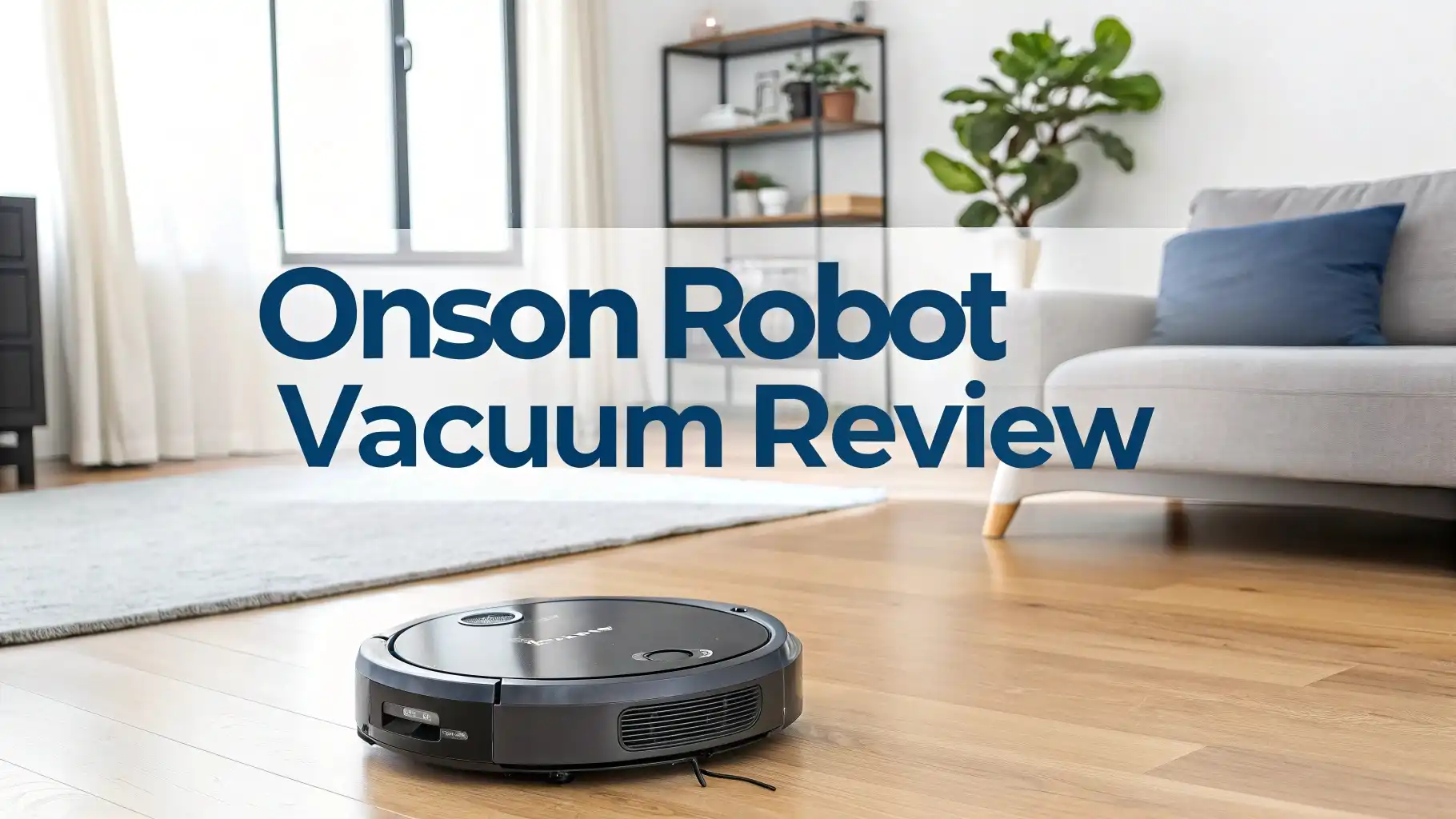
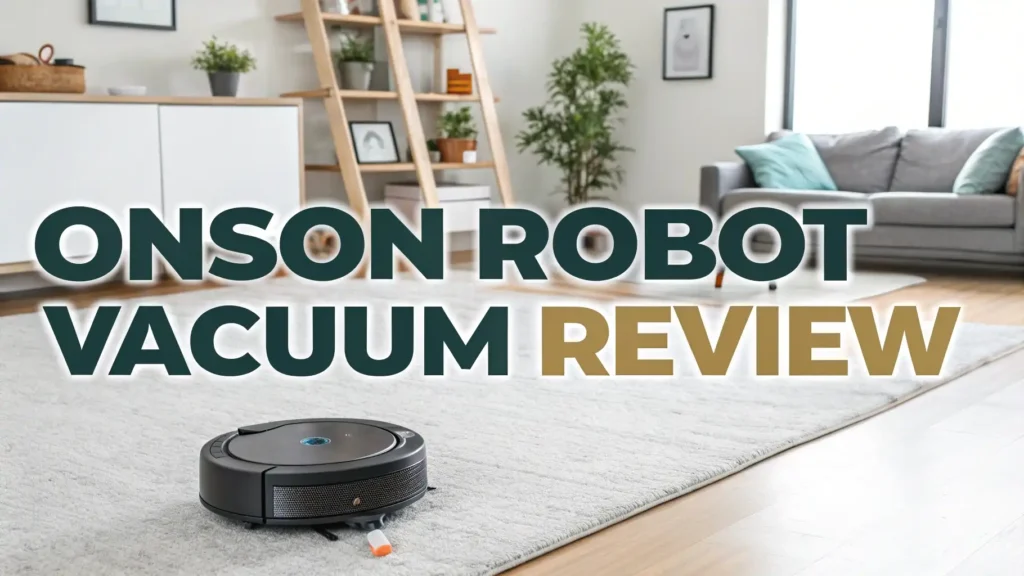
Onson Robot Vacuum Review: Budget Friendly Solution
Are you tired of spending hours pushing a vacuum around your home? The Onson robot vacuum might be the answer you have been searching for.
This budget friendly cleaning machine has been making waves in the home cleaning market. It offers features that were once only available in expensive models.
In this detailed review, we will explore everything you need to know about Onson robot vacuums. You will discover if this smart cleaning device is the right choice for your home.
Key Takeaways
- Dual functionality: The Onson robot vacuum combines vacuuming and mopping in one device, saving you time and effort on multiple cleaning tasks.
- Strong suction power: With suction ranging from 1400Pa to 3500Pa, these vacuums effectively remove dirt, pet hair, and debris from various floor types.
- Smart connectivity: Features include WiFi connectivity, app control, Alexa compatibility, and Google Assistant support for convenient hands free operation.
- Long battery life: Most models offer 100 to 120 minutes of continuous cleaning time, covering up to 1290 square feet on a single charge.
- Affordable pricing: Onson robot vacuums provide excellent value compared to premium brands, typically priced between $80 and $150.
- User friendly design: The slim profile and automatic charging feature make these vacuums easy to use and maintain for everyday cleaning needs.

What Makes Onson Robot Vacuum Stand Out
The Onson robot vacuum has carved out a special place in the crowded market of robotic cleaners. This device stands out because it delivers premium features at a fraction of the cost of well known brands. Many homeowners appreciate that they can get smart home integration without spending a fortune. The vacuum works quietly in the background while you focus on other tasks. Its slim design allows it to slide under furniture where dust often hides. The combination of affordability and functionality makes it an attractive option for first time robot vacuum buyers.
Onson BR151 Robot Vacuum and Mop Combo
The Onson BR151 represents one of the most popular models in the lineup. This unit features 2300Pa powerful suction that handles everyday messes with ease. The dual functionality lets you vacuum and mop simultaneously, cutting your cleaning time in half. Users love the 120 minute battery life that covers approximately 1290 square feet per charge. The device connects to your smartphone through the dedicated app, giving you complete control over cleaning schedules. You can also use voice commands through Alexa or Google Assistant for truly hands free operation.
The BR151 includes a 230ml water tank for mopping functions. This capacity is sufficient for cleaning medium sized rooms without refilling. The vacuum employs a zig zag cleaning pattern that ensures no spot gets missed. Many customers report that the BR151 handles pet hair exceptionally well. The combination of strong suction and efficient brush design picks up stubborn fur from carpets and hard floors alike.

Powerful Suction Technology
Suction power makes or breaks a robot vacuum. The Onson lineup offers models with varying suction levels to match different cleaning needs. The basic models start at 1400Pa, which works well for light daily maintenance. Mid range models boost performance to 2300Pa, tackling tougher dirt and debris. The premium options reach 3500Pa, delivering cleaning power that rivals much more expensive competitors.
Higher suction power proves especially valuable for homes with pets or high traffic areas. The stronger motors pull embedded dirt from carpet fibers more effectively. Hard floors benefit too, as the increased airflow captures fine dust particles that weaker vacuums leave behind. Users consistently praise the suction performance in online reviews. Many note that their Onson vacuum picks up debris that their previous robot vacuum missed.
Smart Connectivity Features
Modern robot vacuums need to be smart, and Onson delivers on this front. WiFi connectivity allows you to control your vacuum from anywhere using your smartphone. The companion app lets you start cleaning sessions remotely, perfect for when you are on your way home. You can set custom cleaning schedules so your floors stay clean automatically. The app also displays cleaning history and maintenance reminders.
Voice control integration takes convenience to another level. Simply tell Alexa or Google Assistant to start cleaning, and the vacuum springs into action. This hands free operation proves incredibly useful when your hands are full or you are relaxing on the couch. The smart features transform a simple appliance into a connected home device that fits seamlessly into modern life.

Top 3 Alternatives for Onson Robot Vacuum
While Onson offers great value, you might want to explore other options in the same price range. Here are three excellent alternatives worth considering.
Battery Life and Charging Performance
Battery performance determines how much area your robot vacuum can cover in one session. Onson robot vacuums typically run for 100 to 120 minutes on a full charge. This runtime handles most small to medium sized homes in a single cleaning cycle. Larger homes might require the vacuum to recharge and resume cleaning, which the device does automatically.
The automatic charging feature adds tremendous convenience. When the battery runs low, the vacuum navigates back to its charging dock on its own. No manual intervention is needed. After charging, some models resume cleaning right where they left off. The charging time varies by model but generally takes 3 to 4 hours for a complete charge. Users appreciate that they can set the vacuum to clean while they are away, and it will be ready for the next session when they return.
Mopping Functionality Explained
The 2 in 1 vacuum and mop combo sets Onson apart from basic robot vacuums. A water tank attaches to the device, and microfiber mop pads secure to the bottom. As the vacuum moves across your floors, it simultaneously sweeps and mops. This dual action saves considerable time compared to vacuuming first and then mopping separately.
The mopping function works best on hard floors like tile, hardwood, and laminate. You should remove the water tank when cleaning carpeted areas. The water flow cannot be adjusted on most models, so you get a consistent light mopping action. This approach handles everyday dirt and light stains effectively. However, it cannot replace deep cleaning or tackle stubborn stuck on messes. Think of it as maintenance mopping rather than intensive floor scrubbing.
Navigation and Cleaning Patterns
Navigation technology determines how efficiently a robot vacuum cleans your home. Onson uses gyroscope navigation in most models rather than advanced laser mapping. The vacuum moves in a zig zag pattern that covers the floor systematically. While not as sophisticated as expensive LIDAR systems, this approach still delivers thorough cleaning.
Anti collision sensors prevent the vacuum from damaging furniture or walls. Drop sensors detect stairs and ledges, stopping the device before it falls. The vacuum might occasionally bump into objects gently as it maps your space. This is normal behavior for gyroscope navigation systems. Over time, users report that their Onson vacuum seems to learn the layout better and navigate more efficiently.
Performance on Different Floor Types
Versatility across floor types makes a robot vacuum truly useful. Onson performs exceptionally well on hard floors including tile, hardwood, laminate, and vinyl. The strong suction and brush system capture both large debris and fine dust particles. Many users specifically praise the performance on hardwood floors, noting excellent pickup without scratching.
Carpet performance depends on the pile height. Low to medium pile carpets get cleaned effectively by most Onson models. The vacuum adjusts to the surface and increases power as needed. Pet hair removal from carpets receives particularly positive feedback. However, thick or high pile carpets may challenge these vacuums. The relatively modest height clearance and suction power work best on shorter carpet fibers.
Noise Levels and Operation
Nobody wants a vacuum that sounds like a jet engine. Onson robot vacuums operate at approximately 60 to 65 decibels during normal use. This noise level compares to a normal conversation or background music. You can easily watch TV or talk on the phone while the vacuum runs. Many users schedule cleaning sessions when they leave home to avoid any noise entirely.
The quiet operation proves especially valuable for homes with sleeping babies, noise sensitive pets, or people working from home. The vacuum does increase noise slightly when operating at maximum suction power. Even then, it remains considerably quieter than traditional upright vacuums. The low noise profile makes it practical to run the vacuum more frequently without disturbing daily activities.
Maintenance and Filter System
Regular maintenance keeps your robot vacuum running efficiently. Onson vacuums use a straightforward maintenance routine that most users find manageable. The dustbin should be emptied after each use or when it fills up. This container simply pulls out, empties into the trash, and clicks back into place.
Filters require cleaning or replacement every few months. Most models include a spare filter in the box. Washing the filter under running water extends its life between replacements. The main brush and side brushes collect hair and debris over time. These components pull out easily for cleaning. Many users recommend checking and cleaning brushes weekly if you have pets. The mop pads are washable and reusable, though replacements are inexpensive when needed.
App Control and Scheduling
The smartphone app transforms how you interact with your robot vacuum. Download the companion app and connect your vacuum through WiFi. The interface displays your cleaning history, battery status, and maintenance alerts. You can start or stop cleaning sessions remotely, which proves incredibly convenient.
Scheduling functionality ranks among the most appreciated features. Set your vacuum to clean at specific times on certain days. For example, you might schedule Monday, Wednesday, and Friday cleanings at 10 AM when you are typically at work. The vacuum will clean automatically without any action from you. This set and forget approach keeps floors consistently clean with minimal effort. Users report that regular scheduled cleaning reduces the need for deep cleaning sessions.
Pet Hair Performance
Pet owners face unique cleaning challenges, and Onson robot vacuums handle pet hair surprisingly well. The combination of strong suction and specialized brush design pulls pet fur from various surfaces. Many customer reviews specifically mention excellent pet hair pickup as a standout feature. The vacuum navigates around food and water bowls without getting stuck.
Hair wrap around the brushes will occur with regular use, just as with any vacuum. Checking and removing wrapped hair weekly keeps performance optimal. Some users with multiple pets or long haired breeds run their Onson daily to stay ahead of shedding. The dustbin capacity handles moderate amounts of pet hair before requiring emptying. Overall, the vacuum provides solid performance for pet households at a fraction of premium pet specific models.
Value for Money Analysis
Price matters when choosing a robot vacuum. Onson delivers exceptional value compared to premium brands like Roomba or Roborock. You get many similar features at prices ranging from $80 to $150. This pricing makes robot vacuum technology accessible to budget conscious shoppers. The money saved can be put toward replacement parts or other home needs.
The feature set justifies the price for most users. Smart connectivity, mopping capability, decent battery life, and reliable performance create a compelling package. While you might find some limitations compared to $500 plus vacuums, the core cleaning functions work well. Many reviews note that the Onson exceeds expectations for its price point. The vacuum represents an excellent entry into automated cleaning without major financial commitment.
Common Issues and Solutions
Every product has potential issues, and understanding them helps set realistic expectations. WiFi connectivity can sometimes be tricky during initial setup. Make sure your vacuum is on a 2.4GHz network rather than 5GHz. Keeping the vacuum close to your router during setup usually resolves connection problems.
Getting stuck under furniture or on rug edges happens occasionally. Placing boundary strips or removing problematic rugs during cleaning prevents this issue. The vacuum might need help escaping from tight spots initially. Battery not lasting as long as expected usually indicates the vacuum is working harder than necessary. Clearing obstacles and regular brush maintenance improves efficiency. If problems persist, customer service typically responds to inquiries, though response times vary.
How Does Onson Compare to Premium Brands?
You might wonder how Onson stacks up against expensive competitors. Premium brands offer more advanced navigation, typically using LIDAR or camera systems for precise room mapping. They create floor plans and clean in perfectly straight lines. Onson uses simpler gyroscope navigation that still covers the area but less efficiently. Premium models have stronger suction, sometimes reaching 5000Pa or higher. They also feature larger dustbins and longer battery life.
However, Onson provides the core functions that most homes need. Your floors get cleaned effectively even without laser precision. The cost difference can be three to ten times higher for premium brands. Unless you have specific needs like multi floor mapping or zone cleaning, Onson delivers satisfying results. The value proposition makes it an excellent choice for first time buyers or budget minded shoppers.
Frequently Asked Questions
How long does the Onson robot vacuum battery last?
The battery typically lasts 100 to 120 minutes on a full charge. This runtime covers approximately 1290 square feet depending on floor type and cleaning mode. The vacuum automatically returns to its charging dock when the battery runs low. Charging takes about 3 to 4 hours for a complete cycle.
Can the Onson robot vacuum clean multiple rooms?
Yes, the vacuum can clean multiple rooms as long as they are accessible and the battery holds out. The device uses sensors to navigate between rooms and avoid obstacles. For larger homes, it may need to recharge and resume cleaning to cover all areas. Creating a clear path between rooms improves efficiency.
Is the Onson robot vacuum good for pet hair?
Absolutely. Many users praise the Onson for excellent pet hair pickup on both carpets and hard floors. The strong suction and brush design effectively capture pet fur. You will need to clean wrapped hair from the brushes regularly, especially if you have long haired pets or multiple animals.
Can I use the mop function on carpet?
No, you should remove the water tank and mop pads before cleaning carpeted areas. The mopping function is designed exclusively for hard floors like tile, hardwood, and laminate. Using the mop on carpet will wet the fibers and potentially damage both the carpet and the vacuum.
How often should I empty the dustbin?
Empty the dustbin after each cleaning session or when it becomes full. The dustbin capacity ranges from 0.2 to 0.6 liters depending on the model. Homes with pets or high traffic may require more frequent emptying. A full dustbin reduces suction power and cleaning effectiveness.
Does the Onson vacuum work with Alexa?
Yes, most Onson models support Alexa and Google Assistant voice control. After connecting the vacuum to your WiFi and smart home system, you can use voice commands to start, stop, or dock the vacuum. This hands free control adds tremendous convenience to your cleaning routine.
What is the warranty on Onson robot vacuums?
Warranty coverage varies by model and seller. Most Onson vacuums come with a one year manufacturer warranty covering defects in materials and workmanship. Always check the specific warranty terms before purchasing. Register your product after purchase to activate warranty coverage.
Can I schedule cleaning times with the Onson vacuum?
Yes, the smartphone app allows you to create custom cleaning schedules. Set specific days and times for automatic cleaning sessions. The vacuum will start cleaning at the scheduled time without any action from you. This feature keeps your floors consistently clean with minimal effort.