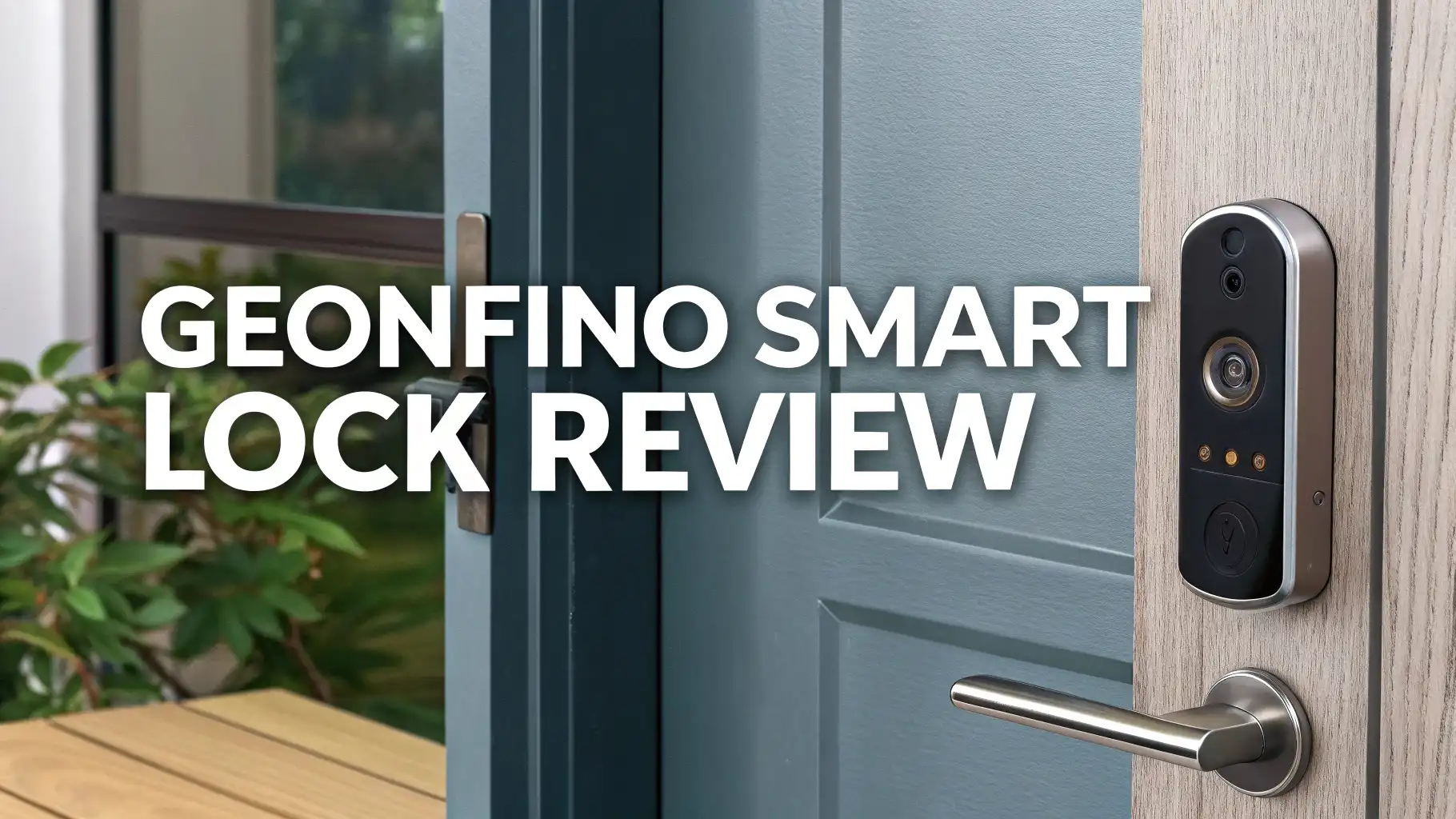
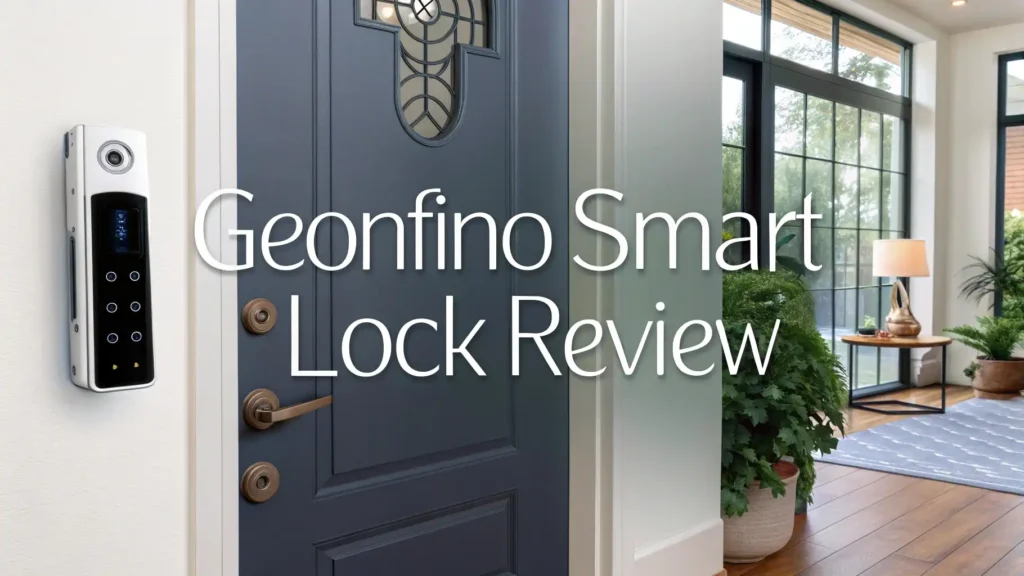
Geonfino Smart Lock Review: Budget Fingerprint Door Lock
Your home security matters. Traditional keys can be lost, stolen, or copied without your knowledge. The Geonfino Smart Lock offers a modern solution that combines convenience with advanced security features.
This comprehensive review explores why this affordable smart lock has become a popular choice for homeowners looking to upgrade their door security without breaking the bank.
Smart locks have transformed how we secure our homes. The Geonfino brand delivers fingerprint recognition, keypad entry, and app control in a single device.
Key Takeaways:
- Six unlocking methods give you flexibility with fingerprint, app control, IC card, passcode, traditional key, and optional gateway connectivity for remote access
- 0.5 second fingerprint recognition provides fast entry with biometric technology that stores up to 100 fingerprints for family and trusted guests
- IP65 weatherproof rating ensures reliable performance in extreme temperatures from negative 22°F to 131°F, making it suitable for exterior doors
- Budget friendly pricing under $80 makes premium smart lock features accessible without the high cost of luxury brands
- No monthly subscription fees mean you control your lock through Bluetooth and optional WiFi gateway without ongoing charges
- 8000+ battery cycles from four AA batteries provide approximately 12 months of use before replacement becomes necessary

What Is The Geonfino Smart Lock
The Geonfino Smart Lock represents a 6-in-1 keyless entry system that replaces your standard deadbolt. This electronic door lock combines modern technology with traditional security methods. You can unlock your door using your fingerprint, a numeric code, a key card, your smartphone, or a physical key backup.
The lock fits standard door preparations, which means installation works with most existing setups. The touchscreen keypad responds quickly to your input. The fingerprint sensor recognizes your print in half a second. You will appreciate this speed when you are carrying groceries or arriving home in bad weather.
Geonfino designed this lock for both indoor and outdoor use. The IP65 weatherproof certification protects against rain, snow, and dust. The internal components resist moisture and temperature extremes. Your lock continues working even when weather conditions become challenging.
How Does The Fingerprint Recognition Work
Fingerprint technology provides the fastest way to enter your home. The Geonfino sensor captures over 100 unique fingerprints in its memory. Each family member gets their own registered fingerprint. You can also add prints for trusted friends, pet sitters, or regular service providers.
The recognition process takes less than one second from touch to unlock. The semiconductor fingerprint sensor reads the unique patterns on your fingertip. This biometric data stays encrypted within the lock itself. Your fingerprint information never gets transmitted to external servers or cloud storage.
The sensor works in various conditions. Light rain or moisture on your finger does not prevent recognition. The system learns your fingerprint pattern over time, which improves accuracy with repeated use. You can register multiple fingers for each person, giving you backup options if one finger gets injured.
Multiple Entry Methods For Different Situations

Life brings different situations that require different access methods. The Geonfino lock adapts to your needs with six distinct unlocking options. This flexibility ensures you always have a way to enter your home, even when your primary method is not available.
The touchscreen keypad lets you create custom numeric codes. You can program temporary codes for guests visiting for a specific time period. These codes automatically expire after you set the duration. Parents appreciate giving kids their own codes instead of physical keys that can be lost at school.
The IC card option works like a hotel key card. You simply tap the card against the reader. This method suits elderly family members who might struggle with smartphone apps or remembering codes. The physical card stays in a wallet or purse for easy access.
The smartphone app gives you control through Bluetooth connectivity. You can lock or unlock your door from within range. The app also tracks who enters and when. This access log helps you monitor your home security. You see exactly when family members come and go.
Top 3 Alternatives For Geonfino Smart Lock


Installation Process And Requirements
Installing the Geonfino Smart Lock does not require professional help. Most homeowners complete the installation in 30 to 45 minutes using basic tools. The package includes a detailed instruction manual with step by step photos. You need a screwdriver, measuring tape, and the included installation template.
The lock fits standard door preparations with a 2-1/8 inch cross bore and 1 inch edge bore. These measurements match most existing deadbolt setups in North America. You remove your old lock and replace it with the Geonfino system. The installation template helps you align everything correctly.
Door thickness compatibility ranges from 1-3/8 inches to 2-1/4 inches. This range covers the majority of residential doors. The adjustable latch accommodates different backset measurements. You can install this lock on wood, metal, or composite doors.
The lock operates on four AA batteries installed in the interior assembly. Battery power means you do not need to run electrical wiring. The low battery indicator alerts you weeks before power runs out. You can still use the physical key override if batteries die unexpectedly.
Smart Home Integration And Connectivity
Modern smart homes benefit from devices that work together. The Geonfino lock connects to your smart home ecosystem through optional WiFi gateway integration. This gateway, sold separately, bridges the lock to your home network. You gain remote access and voice control features with this addition.
Amazon Alexa compatibility lets you control the lock with voice commands. You can ask Alexa to lock your door when you leave or check the lock status from another room. This hands free control adds convenience to your daily routine. You never need to wonder if you remembered to lock the door after leaving.
The Bluetooth connection works without additional hardware. Your smartphone communicates directly with the lock when you are within range. This direct connection provides privacy since no data passes through external servers. You control your lock locally without depending on internet connectivity.
The companion app available for iOS and Android offers real time notifications. You receive alerts when someone unlocks the door. The activity log shows you a complete history of all entry events. You can review this log to track patterns or identify unauthorized access attempts.
Security Features That Protect Your Home
Security forms the core purpose of any door lock. The Geonfino system includes multiple layers of protection beyond just the locking mechanism. These features work together to prevent unauthorized entry and alert you to potential security threats.
The anti-peep password function protects your real code from onlookers. You can enter random digits before and after your actual password. The system recognizes your true code within the longer string of numbers. This feature prevents people from stealing your code by watching you enter it.
An automatic lock feature engages after you close the door. You can set the delay time based on your preferences. The door locks itself after 5, 10, or 30 seconds. You never accidentally leave your door unlocked when you rush out.
The tamper alarm activates when someone attempts to force the lock or remove it. A loud warning beep sounds to scare away intruders and alert neighbors. This audible alarm adds a deterrent layer that stops many break in attempts before they succeed.
Wrong password attempts trigger a temporary lockout. After five incorrect entries, the keypad disables for several minutes. This protection prevents brute force attacks where someone tries multiple code combinations. The lockout period increases with repeated failed attempts.
Battery Life And Power Management

Power efficiency matters in electronic locks. The Geonfino system optimizes battery consumption to provide long term reliability. The four AA batteries deliver approximately 8000 unlock cycles before requiring replacement. For most families, this equals about one year of normal use.
The lock enters sleep mode when not in use. Touching the keypad or sensor wakes the system instantly. This sleep function conserves battery power during idle periods. The efficient power management extends battery life significantly compared to older smart lock models.
A low battery warning appears on the keypad display when power drops below 20 percent. You also receive notifications through the smartphone app. This advance warning gives you several weeks to replace batteries before they die completely.
Emergency power options protect you if batteries fail. The lock includes external micro USB port on the front panel. You can connect a power bank to provide temporary power. This emergency feature lets you unlock the door and access the interior to replace the batteries.
Weatherproof Design For Outdoor Use
Exterior doors face harsh environmental conditions. The Geonfino lock features IP65 weatherproof certification that protects internal electronics from moisture and debris. This rating means the lock withstands rain, snow, and dust without performance degradation.
The operating temperature range spans from negative 22°F to positive 131°F. This wide range covers extreme winter cold and summer heat. The lock continues functioning reliably even when weather conditions become uncomfortable for humans. You never get locked out due to temperature related failures.
The exterior panel includes sealed components that prevent water infiltration. The fingerprint sensor and keypad resist moisture damage. The protective coating on the touchscreen maintains sensitivity even when wet. You can unlock your door during rainstorms without worrying about damaging the electronics.
The UV resistant finish prevents sun damage to the exterior housing. The black coating does not fade or crack after years of sun exposure. The professional appearance lasts throughout the product lifetime. Your front door maintains its attractive look without weathering visible on the lock.
User Experience And Daily Operation
Living with a smart lock should be smooth and intuitive. The Geonfino system delivers user friendly operation that family members of all ages can master quickly. The learning curve remains minimal, which means everyone adapts to the new lock within days.
The illuminated keypad activates when you approach the door. The numbers glow clearly in darkness, making nighttime entry simple. You do not need to fumble with flashlights or phone lights to see the buttons. The automatic illumination adds convenience during evening returns home.
The one touch locking from inside provides quick security. You press the lock button once, and the deadbolt engages. This simple action takes less effort than turning a traditional thumbturn. Children and elderly family members can lock the door easily without struggling.
The lock operates quietly compared to many electronic locks. The motor produces minimal noise when engaging or disengaging. You will not wake sleeping family members when you arrive home late. The smooth mechanical action reflects quality construction and precise engineering.
Response time impresses users who value efficiency. From fingerprint touch to door unlock takes under two seconds total. The system responds instantly to valid credentials. You spend less time waiting at your door and more time inside your home.
Comparison With Traditional Lock Systems
Understanding the differences between smart and traditional locks helps you appreciate the upgrade. Traditional deadbolts require physical keys that can be lost, stolen, or duplicated without permission. Smart locks eliminate these vulnerabilities while adding new capabilities.
Key management becomes simple with smart locks. You never need to rekey your lock when moving into a new home or after losing a key. You simply delete old user credentials and add new ones through the app. This digital approach saves money and time compared to locksmith services.
The access tracking capability does not exist with traditional locks. You never know when someone entered your home with a physical key. The Geonfino log shows you exactly who unlocked the door and when. This transparency improves security awareness for your household.
Traditional locks offer no temporary access options. You must either give someone a physical key or hide one near your door. Smart locks let you create time limited codes for service providers or guests. The code stops working automatically after the specified period expires.
The convenience factor makes daily life easier. You do not dig through bags searching for keys while carrying items. Your fingerprint or code works every time. This streamlined entry process feels liberating after years of managing physical keys.
Common Issues And Troubleshooting Tips

Even reliable products occasionally need troubleshooting. Understanding common issues and their solutions helps you maintain optimal performance from your Geonfino lock. Most problems have simple fixes that do not require professional assistance.
Fingerprint recognition sometimes fails in very cold weather. Your fingertips contract slightly in extreme cold, changing the pattern temporarily. The solution involves warming your hands before attempting entry or using an alternative access method like the keypad during cold days.
The lock may not respond if batteries run very low despite warning indicators. Always keep spare AA batteries available. Replace batteries promptly when the low power warning appears. Waiting too long can leave you locked out unexpectedly.
Value For Money And Long Term Investment
Price matters when upgrading your home security. The Geonfino Smart Lock delivers exceptional value compared to premium brands charging double or triple the price. You get similar core features without paying for expensive brand names.
The no monthly fees model saves money over time. Many smart lock brands require cloud service subscriptions for remote access and notifications. Geonfino provides these features through the optional gateway without ongoing charges. You pay once and enjoy full functionality indefinitely.
Who Should Buy The Geonfino Smart Lock
This smart lock serves various user groups with different needs and priorities. Understanding whether the Geonfino matches your specific situation helps you make the right choice. Several types of homeowners benefit most from this particular model.
Budget conscious buyers who want smart lock features without premium prices find excellent value here. You get fingerprint recognition, app control, and multiple entry methods for under $80. This affordability makes smart home security accessible to more families.
Tech enthusiasts who enjoy trying new home automation products appreciate the integration options. The lock works with existing smart home systems through the WiFi gateway. You can build a comprehensive security setup gradually without massive upfront investment.
Frequently Asked Questions
Can the Geonfino smart lock be hacked through Bluetooth
The Bluetooth connection uses encryption to protect against unauthorized access. The lock only pairs with devices you explicitly authorize through the pairing process. The limited Bluetooth range also provides physical security since someone must be very close to your door to attempt connection. The lock includes anti tampering alarms that alert you to physical attacks on the device itself.
How do I add or delete user fingerprints and access codes
The smartphone app provides a simple interface for managing users. You access the user management section and follow the prompts to add new fingerprints or codes. The lock enters programming mode and walks you through the registration process. Deleting users works the same way through the app menu. Changes take effect immediately after you confirm them.
Does the lock work during power outages
Yes, the lock operates independently of your home’s electrical system. The internal AA batteries power all functions. A power outage does not affect the lock’s operation. You can still use all entry methods normally. The optional WiFi gateway loses internet connectivity during outages, but local Bluetooth control continues working.
What happens if someone enters the wrong code multiple times
The lock implements a progressive lockout system. After three incorrect attempts, the keypad displays a warning. After five failed attempts, the keypad locks for five minutes. Additional repeated failures increase the lockout period. This protection prevents brute force attacks where someone tries many code combinations.
Can I install the Geonfino lock myself or do I need a locksmith
Most homeowners successfully install the lock themselves in under an hour. The package includes detailed instructions and all necessary hardware. You need only basic tools like a screwdriver. The lock fits standard door preparations, so no drilling or modifications are usually necessary. Professional installation remains an option if you prefer expert help.
How long do the batteries actually last with daily use
Battery life depends on usage frequency. A typical family using the lock 10 to 15 times daily can expect approximately 12 months before replacement. Heavy use shortens this period slightly. The lock provides several weeks of warning before batteries die. The emergency power port lets you unlock the door with a power bank if batteries fail unexpectedly.