Brother MFC-L3720CDW Review 2026: Scam or Legit?
Are you looking for a color laser printer that handles printing, scanning, copying, and faxing without breaking the bank? The Brother MFC-L3720CDW has been gaining serious attention in 2026.
It delivers sharp print quality, wireless connectivity, and a compact design at an attractive price point. But is it the right fit for your home office or small business?
In this detailed review, we break down every feature of the Brother MFC-L3720CDW. We cover print speed, output quality, toner costs, setup process, and much more.
Key Takeaways:
- The Brother MFC-L3720CDW retails for around $399.99 and delivers excellent print quality that matches its pricier sibling, the MFC-L3780CDW. It is a strong choice for budget-conscious buyers who need an all-in-one color laser printer.
- Print speed is rated at 19 pages per minute (ppm), which is moderate for its class. If speed is a top priority for your workflow, you may want to consider faster options like the Canon MF753Cdw at 35 ppm.
- Color toner costs run higher than average at 16.4 cents per color page. This is a notable downside. Buyers who print mostly in black and white will save more money, as monochrome costs sit at a competitive 2.5 cents per page.
- The printer offers dual-band Wi-Fi, Ethernet, USB, and Wi-Fi Direct for flexible connectivity. It also supports AirPrint, Mopria, and popular cloud services like Google Drive and Dropbox.
- The 3.5-inch color touchscreen makes setup and daily use simple. You can create up to 48 custom shortcuts for scanning, faxing, copying, and more.
- It weighs 44 pounds and measures 15.8 x 17.5 x 16.1 inches, making it compact enough for most desks. A 250-sheet input tray and 50-sheet automatic document feeder (ADF) handle common office tasks with ease.

Brother MFC-L3720CDW Overview and First Impressions
The Brother MFC-L3720CDW is a color laser-class all-in-one printer built for home offices and small workgroups. It prints, scans, copies, and faxes. Brother positions it as the budget-friendly alternative to its popular MFC-L3780CDW model.
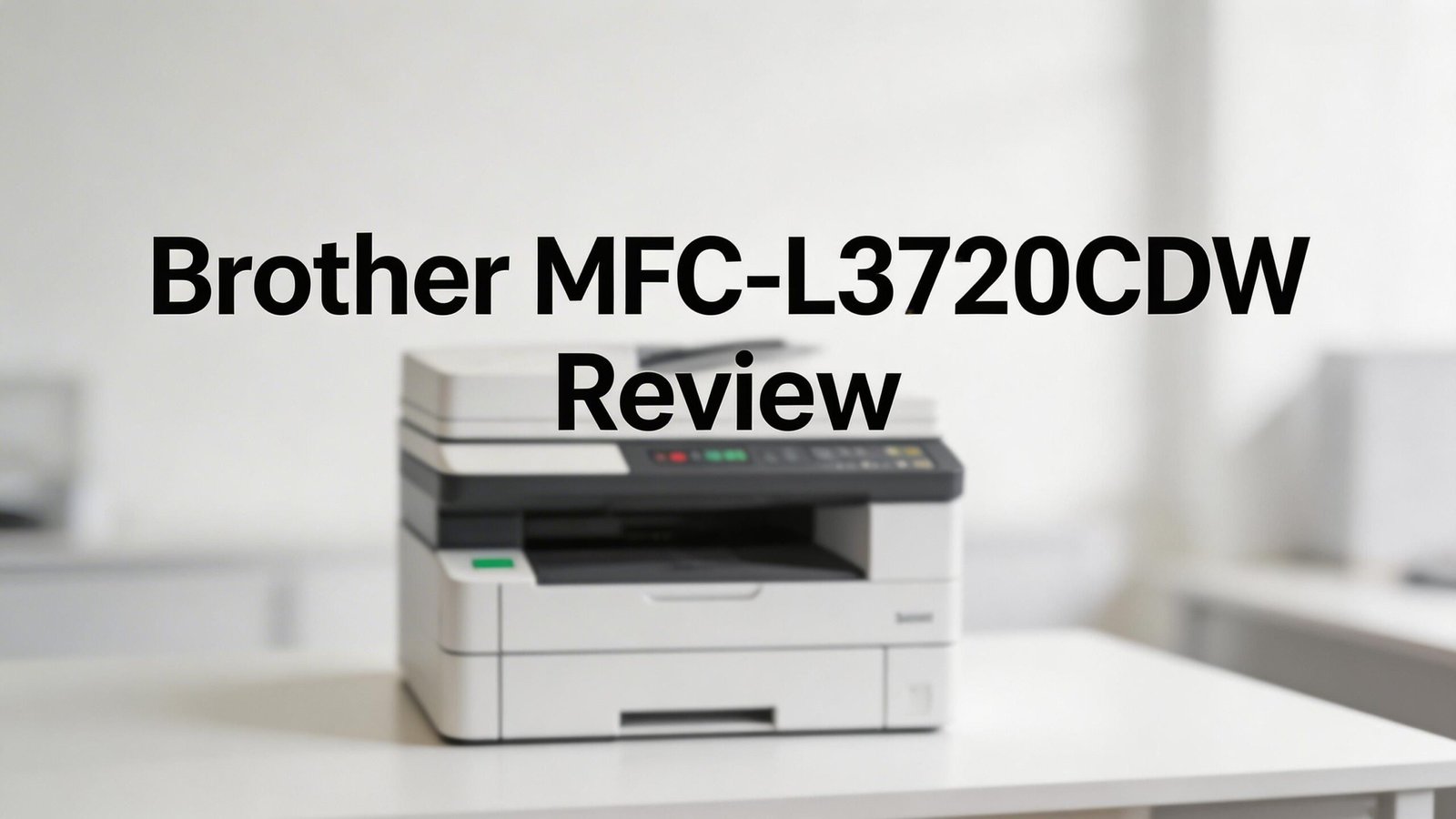
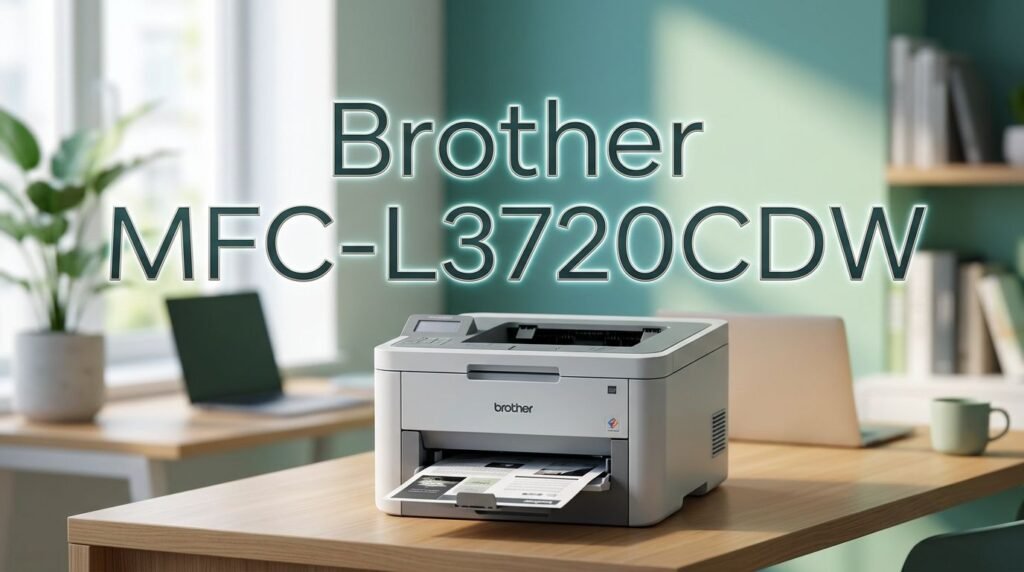
Right out of the box, the printer looks clean and professional. The white exterior blends well with most office setups. Its compact frame keeps your desk clutter-free. You will notice the 3.5-inch color touchscreen on the front panel, which gives it a modern feel.
One important note: this is technically an LED printer, not a true laser. It uses a light-emitting diode array instead of a laser to create images on the drum. However, from a practical standpoint, the difference is invisible. The output looks identical to traditional laser prints.
Brother ships the printer with four starter toner cartridges already installed. Setup is simple. You remove the plastic restraints, load paper, plug in the unit, and follow the on-screen prompts. The entire process takes about 15 minutes.
Print Speed and Performance
The Brother MFC-L3720CDW is rated at 19 pages per minute for both color and monochrome printing. In real-world testing by PCMag, the printer hit 21.1 ppm in simplex mode for text documents. That is slightly faster than the rated speed.
Duplex (two-sided) printing clocks in at about 8.8 ppm. This is decent for an entry-level color laser. However, it falls behind competitors like the HP Color LaserJet Pro MFP 3301fdw at 26 ppm and the Canon MF753Cdw at 35 ppm.
For complex color documents like PDFs, PowerPoint handouts, and Excel spreadsheets, the printer completed a full test suite in 169 seconds. That works out to roughly 8.9 ppm for mixed content. Photo printing averages about 12 seconds per 4×6-inch image, which is on the slower side.
If you print under 100 pages per week and don’t need lightning-fast output, the MFC-L3720CDW handles daily tasks well. Speed-sensitive offices should consider the higher-tier MFC-L3780CDW or the Canon MF753Cdw instead.
Print Quality: Text, Graphics, and Photos
Print quality is where the Brother MFC-L3720CDW truly shines. It produces output that matches the more expensive MFC-L3780CDW. Business text is crisp and readable down to 4-point font sizes. That is impressive for any printer in this price range.
Charts, graphs, and color graphics appear with well-defined colors and accurate tones. Saturation levels are consistent across different document types. The contrast could be slightly stronger in some cases, but it remains professional and clean.
Photo output is also solid. Colors look true-to-life with pleasing saturation. There are no stray dots, vertical lines, or misaligned pages. You won’t get borderless prints like an inkjet, but the quality is more than enough for flyers, brochures, and newsletters.
Every printed page comes out smudge-free and sharp. If print quality matters most to you and you can accept moderate speed, this printer is a standout performer.
Top 3 Alternatives for Brother MFC-L3720CDW


Paper Handling and Input Capacity
The Brother MFC-L3720CDW comes with a 250-sheet main paper input tray and a single-sheet manual feed slot. The 50-sheet automatic document feeder (ADF) sits on top. It handles letter, legal, and executive paper sizes.
The output tray holds up to 150 sheets. This is generous for an entry-level model. You can leave larger print jobs running without worrying about paper stacking up and falling off the tray.
One limitation is the lack of an optional second tray. If you need more than 250 sheets of capacity, you must refill the tray more often. The higher-end MFC-L3780CDW supports an optional 250-sheet tray for a total of 530 sheets.
For most home offices and small businesses printing fewer than 3,000 pages per month, the standard capacity works fine. Heavy-volume offices should consider models with additional tray options.
Scanner and Copy Features
The built-in scanner on the MFC-L3720CDW performs well. Brother rates it at 29 ppm for monochrome scans and 22 ppm for color scans. The flatbed scanner supports up to 1,200 x 1,200 dpi optical resolution. Interpolated resolution goes up to 19,200 x 19,200 dpi.
Scans from the ADF max out at 600 x 600 dpi, which is standard for this price range. The ADF handles up to 50 pages at a time. It does not offer duplex (two-sided) scanning, though. The MFC-L3780CDW adds that feature.
Advanced scan options include automatic de-skew, scan previews, blank page skip, and file splitting. You can scan to folders, email addresses, and cloud services directly from the control panel. OCR (optical character recognition) support lets you create searchable PDF files.
An extendable hinge on the scanner lid makes it easy to scan thick books and magazines without damaging the spine. Copy quality mirrors the strong print output, with sharp text and accurate colors.
Connectivity and Wireless Options
The MFC-L3720CDW provides solid connectivity options for a printer in its class. You get USB 2.0, Ethernet, dual-band Wi-Fi (2.4 GHz and 5 GHz), and Wi-Fi Direct. These cover most home and small office setups.
The printer supports AirPrint for Apple devices and Mopria for Android. You can print from smartphones and tablets without extra software. Cloud printing works through Google Drive, Dropbox, Evernote, and OneNote.
Brother’s own Mobile Connect app lets you wirelessly print, scan, and copy documents from your mobile devices. The app works on both iOS and Android. It gives you full control over print settings from your phone.
One missing feature is a dedicated USB port for thumb drive printing. The MFC-L3780CDW includes this, along with NFC card reader support. If walk-up USB printing matters to you, this is a notable gap.
Touchscreen and Control Panel Experience
The 3.5-inch color touchscreen on the MFC-L3720CDW is bright, responsive, and easy to read. It uses large, well-labeled icons that make menu navigation quick. You don’t need to hunt through confusing submenus.
Brother lets you create up to 48 custom shortcuts for frequent tasks. These shortcuts cover copying, scanning, faxing, emailing, and document storage. They are organized into eight tabs with six shortcuts each.
You can set up a shortcut for scanning a document to a specific folder in a particular format. Another shortcut might copy a two-sided document at a set number of pages. This saves real time in busy offices.
While the 3.5-inch screen is functional, some competitors offer larger displays. The HP 3301fdw has a 4.3-inch screen. The Canon MF753Cdw features a 5-inch touchscreen. If screen size matters to you, those models have an edge.
Toner Costs and Long-Term Value
Toner cost is the biggest consideration with the MFC-L3720CDW. The printer supports standard-yield and high-yield toner cartridges. It does not support Brother’s super-high-yield cartridges. That privilege belongs to the MFC-L3780CDW.
Monochrome printing costs about 2.5 cents per page with the high-yield black toner bundle. That is competitive with most models in this class. Color printing, however, sits at 16.4 cents per page. This is higher than the MFC-L3780CDW at 12.9 cents and the Canon MF753Cdw at 14.7 cents.
Here is a practical example. If you print 2,858 color pages, the cost difference between the L3720CDW and L3780CDW erases the $100 purchase price savings. After that point, the L3780CDW becomes cheaper overall.
If you print mostly black-and-white documents, the MFC-L3720CDW offers strong value. If you print color pages daily, the higher toner costs add up fast. Budget your expected color volume before you commit.
Setup Process and Software
Setting up the MFC-L3720CDW is straightforward. The four toner cartridges come pre-installed. You remove the plastic restraints, load paper, and plug in the printer. The touchscreen walks you through language, date, time, and Wi-Fi setup.
For computer connections, Brother uses its EasySetup application. You download it from Brother’s website, select your product, and choose your preferred setup. The app installs the necessary drivers and the iPrint&Scan software.
The Brother iPrint&Scan app gives you direct access to printing and scanning functions. You can adjust print parameters, color settings, scan resolution (up to 1,200 dpi), and scan destinations. It also displays real-time toner levels for all four cartridges.
Additional software includes the Brother Utilities app for status monitoring and updates. The Brother Creative Center provides free templates for calendars, invitations, business cards, and brochures. The complete software package is well-organized and user-friendly.
Design, Size, and Build Quality
The MFC-L3720CDW measures 15.8 x 17.5 x 16.1 inches and weighs 44 pounds. It sits comfortably on a standard desk or office table. The white exterior looks clean and professional.
Compared to competitors, the Brother is slightly wider but shorter than the Ricoh C125 MF. It is taller and wider than the HP 3301fdw. The 44-pound weight strikes a good balance. It feels solid without being too heavy to move.
Build quality is respectable for a sub-$400 printer. The paper tray slides smoothly. The ADF cover opens and closes with a satisfying firmness. The touchscreen responds quickly to taps and swipes.
The scanner lid has an extendable hinge for thick documents. This is a small but useful detail that many cheaper printers skip. Overall, the MFC-L3720CDW feels well-built for its price category.
Fax Capabilities
The MFC-L3720CDW includes a built-in fax modem with internal memory for up to 500 pages. This means you can queue large fax jobs without worrying about memory limits.
Fax functionality integrates directly into the touchscreen menu. You can send faxes, receive them, and set up speed-dial numbers for frequent contacts. The process is simple and quick.
While faxing may seem outdated, many industries still require it. Healthcare, legal, and government offices use fax communication daily. Having a built-in fax saves you from buying a separate machine or paying for an online fax service.
You can also manage fax settings through the Brother iPrint&Scan software on your computer. This lets you send PC-faxes directly from documents on your screen without printing them first.
Who Should Buy the Brother MFC-L3720CDW?
The MFC-L3720CDW is ideal for home office users and small businesses that need an all-in-one color laser printer on a budget. It fits buyers who value print quality over print speed.
This printer is a great match if you print mostly black-and-white documents with occasional color pages. The monochrome cost per page is low. The color cost per page is acceptable for light color use.
It is also a good pick for people who need scan, copy, and fax in one device. The scanner is capable, the ADF holds 50 pages, and the fax modem stores up to 500 pages.
You should look elsewhere if you need fast color printing, duplex ADF scanning, or super-high-yield toner support. In those cases, the Brother MFC-L3780CDW offers better long-term value despite its higher upfront cost.
Final Verdict: Is the Brother MFC-L3720CDW Worth Buying in 2026?
The Brother MFC-L3720CDW is a solid all-in-one color laser printer at a competitive price. It delivers excellent print quality, simple setup, and reliable daily performance. The 3.5-inch touchscreen and wireless connectivity add real convenience.
The main drawbacks are its moderate print speed and higher color toner costs. If you print many color pages each month, the savings over the MFC-L3780CDW disappear quickly.
For buyers who prioritize sharp output, a compact design, and affordability, the MFC-L3720CDW earns a recommendation. It handles everyday printing, scanning, copying, and faxing with confidence. Just be honest about your color printing volume before you buy.
Frequently Asked Questions
Is the Brother MFC-L3720CDW a true laser printer?
No. It uses an LED array instead of a laser to create images on the drum. However, the print quality and user experience are identical to traditional laser printers. Brother groups both technologies under the laser printer category.
What is the print speed of the Brother MFC-L3720CDW?
Brother rates it at 19 pages per minute for both color and black-and-white. Real-world simplex testing showed speeds of about 21.1 ppm for text documents. Duplex printing runs at approximately 8.8 ppm.
Does the Brother MFC-L3720CDW support duplex scanning?
No. The ADF on this model supports single-sided scanning only. If you need automatic two-sided scanning, the Brother MFC-L3780CDW offers that feature with its single-pass duplex ADF.
How much does toner cost for the Brother MFC-L3720CDW?
Black-and-white pages cost about 2.5 cents each with the high-yield toner bundle. Color pages cost approximately 16.4 cents each. The printer does not support Brother’s super-high-yield toner cartridges.
Can I print from my phone with the Brother MFC-L3720CDW?
Yes. It supports AirPrint for iPhones and iPads, Mopria for Android devices, and the Brother Mobile Connect app. You can also print through cloud services like Google Drive and Dropbox.
Does the Brother MFC-L3720CDW have an Ethernet port?
Yes. It includes USB 2.0, Ethernet, dual-band Wi-Fi, and Wi-Fi Direct. You can connect it to your network with a wired or wireless connection based on your preference.
How does the Brother MFC-L3720CDW compare to the MFC-L3780CDW?
The MFC-L3780CDW is faster (31 ppm vs. 19 ppm), supports super-high-yield toner, includes duplex ADF scanning, and has a USB port for thumb drives. The MFC-L3720CDW costs about $100 less but has higher color toner costs and fewer features. The L3780CDW is the better long-term value for color-heavy printing.