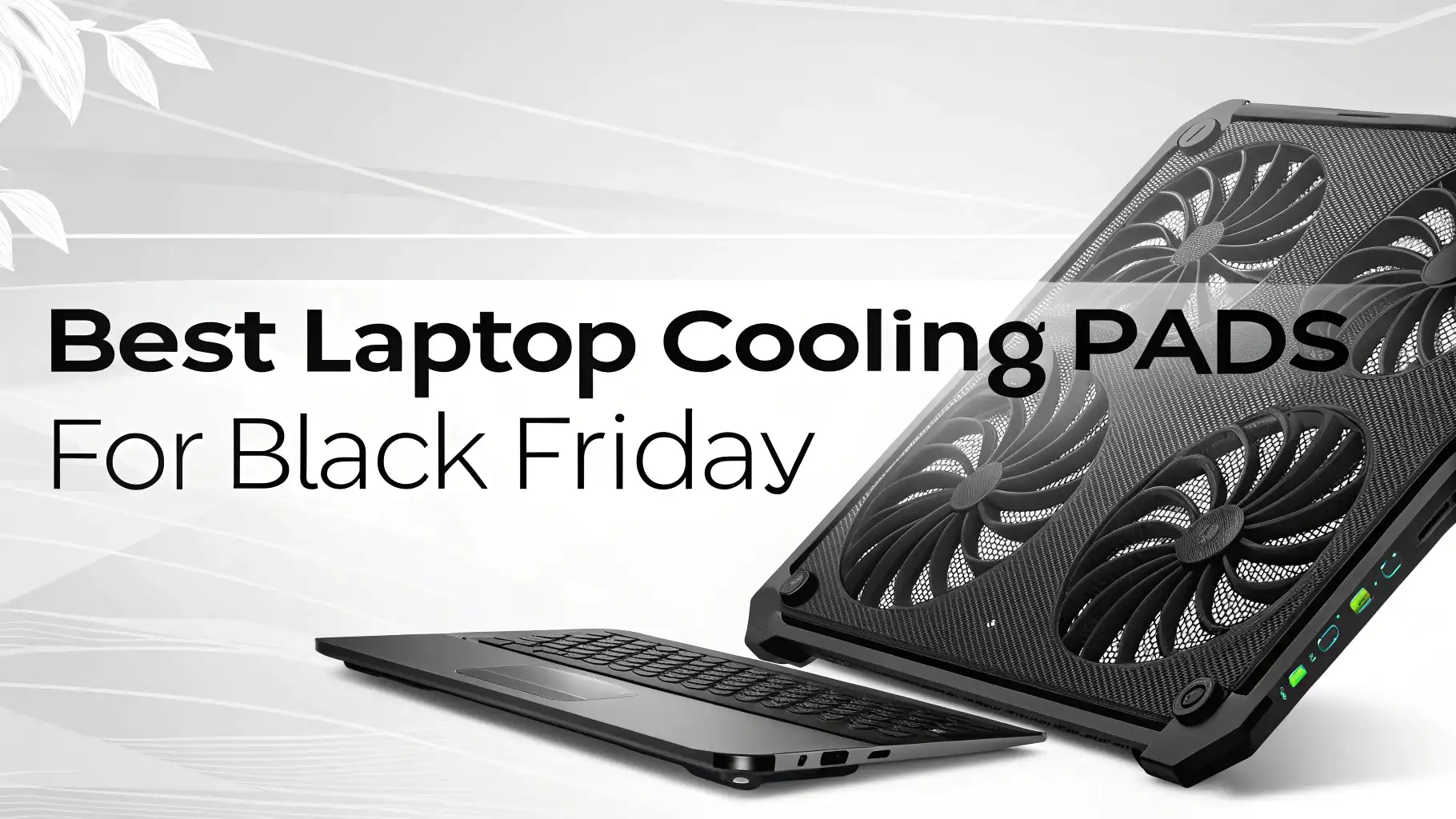
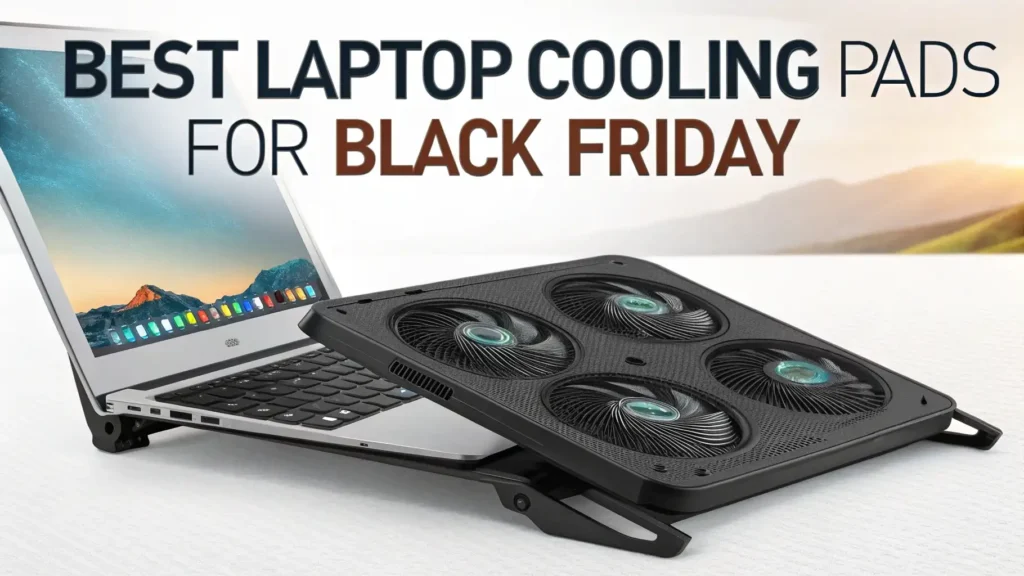
11 Best Laptop Cooling Pads for Black Friday 2026
Your laptop runs hot during gaming sessions or heavy workload. The fans scream like jet engines. Performance drops.
You worry about long term damage to your expensive machine. Black Friday 2026 is the perfect time to grab a laptop cooling pad that can save your device and boost its performance. This guide shows you the best cooling pads available on Amazon right now.
Gaming laptops and high performance notebooks generate significant heat. This heat can throttle your CPU and GPU performance. It can reduce the lifespan of internal components.
Key Takeaways
- Why You Need a Cooling Pad: Laptop cooling pads reduce operating temperatures by 15 to 30 degrees Fahrenheit. They prevent thermal throttling that kills your gaming performance and work productivity.
- Fan Configuration Matters: Look for pads with large diameter fans (120mm or bigger) or multiple smaller fans positioned correctly. Single turbo fans work better than many weak fans.
- Height Adjustment is Essential: Adjustable height settings improve ergonomics and optimize airflow beneath your laptop. Most good cooling pads offer 3 to 8 height positions.
- RGB Lighting is Optional: Pretty lights don’t cool your laptop. Focus on cooling performance first and aesthetics second. Save money by skipping RGB if you don’t need it.
- Black Friday Deals: Expect discounts of 20 to 40 percent on premium cooling pads during Black Friday 2026. Set price alerts now for the models you want.
- Compatibility Check: Verify your laptop size before buying. Most cooling pads support 15.6 to 17.3 inch laptops. Smaller 13 to 14 inch laptops need specific models.
Kootek Laptop Cooling Pad with 5 Quiet Fans

The Kootek cooling pad brings five fans to keep your laptop cool during extended use. This pad supports laptops from 12 inches up to 17 inches. You get excellent compatibility across most laptop sizes.
The design features one large 120mm fan in the center. Four smaller 70mm fans surround it. This configuration provides comprehensive coverage for heat dissipation. The blue LED lights add a gaming aesthetic without being too flashy.
Height adjustment comes with two positions. The metal mesh surface feels sturdy and allows maximum airflow. Two USB ports let you connect other devices while using the cooling pad. The price point makes this an affordable option for most budgets.
Pros:
Multiple fan configuration covers the entire laptop base
Works with laptops up to 17 inches
Amazon’s Choice product with proven reliability
Two USB ports for device connectivity
Budget friendly price point
Cons:
Only two height adjustment positions
Fans can be slightly audible at maximum speed
LED lights cannot be turned off independently
Havit HV F2056 Laptop Cooler with 3 Fans

The Havit HV F2056 is Amazon’s bestseller in laptop cooling pads. Over 43,000 customers rated this product. The slim portable design makes it easy to carry in your laptop bag.
Three fans work quietly to cool your device. The mesh surface allows air to flow freely beneath your laptop. You can feel the temperature difference within minutes of turning it on. The blue LED lighting provides visibility in low light conditions.
This pad works perfectly for 15.6 to 17 inch laptops. The ergonomic design raises your laptop to a comfortable typing angle. Your neck and wrists experience less strain during long work sessions. The USB powered operation means no extra power adapter needed.
Pros:
Best seller status with 43,800 reviews
Ultra slim and portable design
Three quiet fans provide effective cooling
No external power adapter required
Affordable price for the quality delivered
Cons:
Limited to larger laptops only
Fixed height position
Blue LED might be too bright for some users
IETS GT500 Powerful Turbo Fan Cooling Pad

The IETS GT500 represents the premium tier of laptop cooling pads. This pad features a single massive turbo fan that spins at 5000 RPM. The industrial grade fan moves enormous volumes of air.
Sealed foam around the fan creates a pressure chamber. This forces air directly into your laptop’s intake vents. The cooling performance exceeds most multi fan designs. Temperature drops of 20 to 30 degrees Celsius are common.
Infinitely variable speed control lets you adjust the fan from silent to maximum. The LCD screen shows fan speed and USB port status. Three USB ports provide connectivity for peripherals. The dust filter protects your laptop from particles.
Pros:
Exceptional cooling performance with 5000 RPM turbo fan
Infinitely adjustable fan speed
Sealed foam creates pressure for directed airflow
LCD display shows operating status
Dust filter protects laptop internals
Cons:
Higher price point than basic models
Larger and heavier than slim cooling pads
Can be loud at maximum speed settings
llano V12 RGB Gaming Laptop Cooler

The llano V12 brings professional grade cooling to your gaming setup. The 5.5 inch diameter turbofan operates at 2800 RPM with 36W power consumption. This combination delivers serious cooling capacity.
Touch control interface makes adjustments easy. The LCD screen displays real time fan speed and temperature data. RGB lighting creates an impressive visual effect for gaming setups. The sealed foam ensures maximum cooling efficiency.
This pad handles laptops from 15.6 inches up to 21 inches. The adjustable speed control ranges from whisper quiet to full blast. Three USB ports let you connect your gaming accessories. The build quality feels premium and durable.
Pros:
Large 5.5 inch turbofan with 36W power
Touch control with LCD display
RGB lighting with multiple color modes
Supports extra large laptops up to 21 inches
Three USB ports for peripherals
Cons:
Premium pricing
Heavier than standard cooling pads
RGB might be unnecessary for some users
ICE COOREL Laptop Cooling Pad with 6 Fans

The ICE COOREL cooling pad offers six fans at a budget friendly price. This pad provides excellent value for students and home users. The six fan configuration covers the entire laptop base evenly.
Six height adjustment positions let you find the perfect angle. The ergonomic design reduces neck and wrist strain during long sessions. Two USB ports provide connectivity without sacrificing ports on your laptop.
The metal mesh construction feels solid. Blue LED lighting illuminates each fan. The pad supports laptops from 13 to 15.6 inches. The affordable price makes this accessible for most budgets.
Pros:
Six fans provide complete coverage
Six height adjustment positions
Very affordable price point
Two USB ports included
Compatible with common laptop sizes
Cons:
Fans are smaller and less powerful
Build quality not as premium
LED lighting cannot be disabled
ChillCore RGB Gaming Laptop Cooling Pad

The ChillCore cooling pad combines nine fans with RGB lighting effects. This pad targets gaming laptops from 15.6 to 19.3 inches. The extensive fan array ensures no hot spots remain.
Eight height adjustment stands provide maximum flexibility. You can create the perfect viewing angle for gaming or productivity. The RGB lighting features multiple color modes and breathing effects. Two USB ports keep your peripherals connected.
The large surface area accommodates even the biggest gaming laptops. The fan speed control lets you balance cooling with noise levels. The sturdy construction supports heavy laptops without flexing.
Pros:
Nine fans provide maximum coverage
Eight height adjustment positions
RGB lighting with multiple effects
Supports extra large gaming laptops
Adjustable fan speeds
Cons:
Takes up significant desk space
RGB might be too flashy for professional settings
Higher power consumption with nine fans
TECKNET N8 Laptop Cooling Pad

The TECKNET N8 offers simplicity and effectiveness in one package. Three blue LED fans work quietly to cool laptops from 12 to 17 inches. The slim profile makes this easy to pack and transport.
The metal mesh surface provides excellent airflow and durability. The ergonomic design creates a comfortable typing angle automatically. USB powered operation means no batteries or extra adapters needed.
Over 12,500 customers rated this cooling pad. The consistent positive reviews speak to its reliability. The affordable price point makes this accessible for budget conscious buyers.
Pros:
Three quiet fans with blue LED
Fits wide range of laptop sizes
Slim and portable design
Over 12,500 positive customer reviews
Budget friendly pricing
Cons:
Fixed height angle
Basic feature set
LED brightness cannot be adjusted
KLIM Everest Powerful Turbo Fan Cooling Pad

The KLIM Everest competes with premium cooling pads. The 4300 RPM turbo fan delivers serious cooling power. Sealed foam directs airflow into your laptop’s intake vents for maximum efficiency.
Adjustable speed control lets you find the right balance between cooling and noise. The pad supports laptops from 14 to 17.3 inches. The sturdy construction feels premium and built to last.
KLIM backs this product with strong customer support. The brand has reputation for quality laptop accessories. The German engineering shows in the attention to detail.
Pros:
Powerful 4300 RPM turbo fan
Sealed foam for directed airflow
Adjustable speed control
Quality construction and materials
Strong brand reputation
Cons:
Higher price than basic models
Single fan design might not suit all laptops
Larger footprint on desk
Razer Laptop Cooling Pad

The Razer cooling pad brings gaming brand quality to cooling solutions. The sleek black design matches Razer’s gaming laptop aesthetic. Chroma RGB lighting syncs with other Razer devices.
The pad features quiet operation even during intense gaming sessions. The non slip surface keeps your laptop secure during use. The USB passthrough port maintains connectivity.
Razer designed this pad specifically for their gaming laptops. It also works well with other brands from 15 to 17 inches. The premium build quality justifies the higher price point.
Pros:
Premium Razer brand quality
Chroma RGB integration
Quiet operation
Non slip surface
Matches Razer laptop aesthetic
Cons:
Higher price for brand name
Limited to Razer ecosystem for full features
Fewer fans than competitors
TopMate C5 Laptop Cooling Pad

The TopMate C5 provides five fans in an affordable package. The pad suits budget conscious users who need effective cooling. Red LED lighting adds visual appeal without breaking the bank.
Five height adjustment levels help you find comfort. The metal mesh construction allows maximum airflow. Two USB ports provide peripheral connectivity. The pad handles laptops from 12 to 15.6 inches.
The lightweight design makes this easy to transport. Students and travelers appreciate the portability. The price to performance ratio stands out in this category.
Pros:
Five fans at budget price
Five height adjustments
Lightweight and portable
Two USB ports
Good cooling for the price
Cons:
Plastic construction feels less premium
Fans are smaller and less powerful
Red LED only
Targus Chill Mat Cooling Pad

The Targus Chill Mat takes a minimalist approach to cooling. The dual fan design focuses on simplicity and reliability. The pad works with laptops up to 17 inches.
The slim profile sits flat on your desk or lap. USB power means no batteries needed. The mesh surface provides good airflow without excessive thickness. The understated design suits professional environments.
Targus has decades of experience in laptop accessories. This cooling pad reflects their focus on practical solutions. The affordable price makes this accessible to everyone.
Pros:
Simple and reliable design
Professional appearance
Slim profile
Works with large laptops
Affordable pricing
Cons:
Only two fans
No height adjustment
Basic feature set
No LED lighting
Factors to Consider When Choosing a Laptop Cooling Pad
Your Laptop Size: Measure your laptop before buying a cooling pad. Most gaming laptops measure 15.6 or 17.3 inches. Ultrabooks and business laptops often measure 13 or 14 inches. Buy a pad that matches or slightly exceeds your laptop size.
Fan Configuration: Single large turbo fans cool better than many small fans. The IETS GT500 and llano V12 prove this concept. Multiple fan designs like the Kootek work well for even heat distribution. Consider your laptop’s intake vent location when choosing.
Noise Level: Turbo fans create more noise at high speeds. Multi fan designs typically run quieter. Check customer reviews for noise complaints. Look for pads with adjustable speed control if noise concerns you.
Build Quality: Metal mesh construction lasts longer than plastic. Premium pads use better bearings in fans. Higher quality pads justify their cost through durability. Budget pads work fine for occasional use.
Portability: Slim pads like the Havit HV F2056 travel easily. Large turbo fan pads stay home on your desk. Consider how often you transport your laptop. Travel frequently means choose slim and light.
Price vs Performance: Budget pads cost 15 to 30 dollars. Premium pads reach 70 to 100 dollars. The performance gap is significant. Decide if maximum cooling justifies higher cost for your needs.
How to Maximize Cooling Pad Effectiveness
Clean Your Laptop First: Dust inside your laptop blocks airflow. Open the bottom panel and clean fans with compressed air. Remove dust from heatsink fins. A clean laptop responds better to external cooling.
Position the Pad Correctly: Align the cooling pad fans with your laptop’s intake vents. Most laptops intake air from the bottom. Some gaming laptops use side intakes. Proper alignment maximizes cooling effect.
Adjust Fan Speed: Start with medium fan speed. Monitor temperatures during use. Increase speed if temperatures stay high. Lower speed when doing light tasks. This extends fan life and reduces noise.
Maintain Proper Height: Use height adjustment to improve airflow beneath the laptop. Higher positions allow more air circulation. Find the balance between cooling and comfortable viewing angle.
Regular Maintenance: Clean the cooling pad monthly. Dust accumulates on fan blades and mesh surface. Wipe with a soft cloth. Check USB connections for secure fit. Simple maintenance keeps performance optimal.
FAQs
Do laptop cooling pads really work?
Yes, laptop cooling pads reduce temperatures effectively. Quality pads drop temperatures by 15 to 30 degrees Fahrenheit. The cooling effect depends on pad design and laptop configuration. Turbo fan designs like IETS GT500 show the most dramatic results. Multi fan pads provide good cooling for most users.
Can cooling pads damage my laptop?
No, cooling pads cannot damage your laptop when used correctly. The external airflow only helps your laptop’s cooling system. Some users worry about dust from cooling pads. Quality pads include dust filters to prevent this issue. The benefits far outweigh any minimal risks.
How long do laptop cooling pads last?
Quality cooling pads last 3 to 5 years with regular use. Fan bearings eventually wear out. Budget pads might last 1 to 2 years. Premium brands like KLIM and IETS use better components. Regular cleaning extends lifespan significantly.
Are expensive cooling pads worth it?
Expensive cooling pads deliver better performance and durability. The IETS GT500 and llano V12 justify higher prices with superior cooling. Budget users get adequate cooling from affordable options like Kootek. Heavy gamers and content creators benefit most from premium pads.
Will a cooling pad improve gaming performance?
Yes, cooling pads can improve gaming performance noticeably. High temperatures cause thermal throttling. Your CPU and GPU slow down to prevent damage. A cooling pad prevents throttling. You maintain higher frame rates during long gaming sessions. The improvement is most noticeable in demanding games.
Can I use a cooling pad with a laptop stand?
Yes, you can use cooling pads with laptop stands. Some cooling pads include built in stands. Separate stands elevate the laptop higher. This creates even more airflow space. The combination provides maximum cooling and ergonomic benefits.