ARRIS G18 Cable Modem Router Review: High-Speed Internet
Are you tired of paying monthly rental fees to your internet service provider for a mediocre modem router combo?
The ARRIS G18 Cable Modem Router might be the perfect solution you have been searching for. This powerful device combines DOCSIS 3.1 technology with WiFi 6 capabilities to deliver lightning-fast internet speeds throughout your home.
Whether you stream 4K videos, play online games, or work from home, this combo unit promises to handle all your connectivity needs without breaking the bank.
Key Takeaways:
- DOCSIS 3.1 Technology: The G18 supports the latest cable modem standard, making it future-proof and compatible with internet plans up to 1 Gbps. This technology ensures you get maximum speed from your cable internet connection.
- WiFi 6 AX1800 Performance: With dual-band WiFi 6, you get faster speeds, better device handling, and improved performance in crowded wireless environments. The AX1800 rating means combined speeds up to 1.8 Gbps across both bands.
- Cost Savings: Owning your modem router combo can save you $168 annually in rental fees. The device pays for itself in just over one year, making it a smart long-term investment.
- Wide Coverage: The built-in router covers up to 1,250 square feet, making it suitable for most apartments and medium-sized homes without requiring additional mesh units or extenders.
- Easy Setup and Management: The SURFboard Central App lets you set up, monitor, and customize your network settings directly from your smartphone, eliminating complicated web-based configuration processes.

What Makes the ARRIS G18 Special: Understanding DOCSIS 3.1
The heart of the ARRIS G18 is its DOCSIS 3.1 cable modem technology. But what does this actually mean for you? DOCSIS stands for Data Over Cable Service Interface Specification. Think of it as the language your modem uses to communicate with your internet service provider.
The 3.1 version represents a massive leap forward from older DOCSIS 3.0 technology. It offers significantly faster download and upload speeds, lower latency, and better network efficiency. The G18 can handle internet plans up to 1 Gbps, which covers most residential internet packages available today.
What sets this modem apart is its 32 downstream and 8 upstream channels for DOCSIS 3.0 compatibility, plus 2 downstream and 2 upstream OFDM channels for DOCSIS 3.1. This channel bonding means your modem can pull data from multiple channels simultaneously, resulting in faster and more stable connections. You will notice smoother streaming, quicker downloads, and reduced buffering during peak usage hours.
WiFi 6 Performance: The AX1800 Advantage
The wireless capabilities of the ARRIS G18 are equally impressive. The device features WiFi 6 technology, also known as 802.11ax. This is the latest wireless standard that brings several important improvements over older WiFi 5 routers.
First, WiFi 6 uses OFDMA technology (Orthogonal Frequency Division Multiple Access) to communicate with multiple devices simultaneously. This means your smart TV, laptops, smartphones, and IoT devices all get dedicated attention from the router instead of waiting in line. You will experience less congestion even when everyone in your household is online at the same time.
The AX1800 rating breaks down into two bands: 1200 Mbps on the 5 GHz band and 600 Mbps on the 2.4 GHz band. The 5 GHz band is perfect for bandwidth-hungry activities like 4K streaming and online gaming, while the 2.4 GHz band provides better range for devices further from the router. This dual-band setup ensures optimal performance for all your connected devices.
Design and Build Quality: Compact Yet Powerful
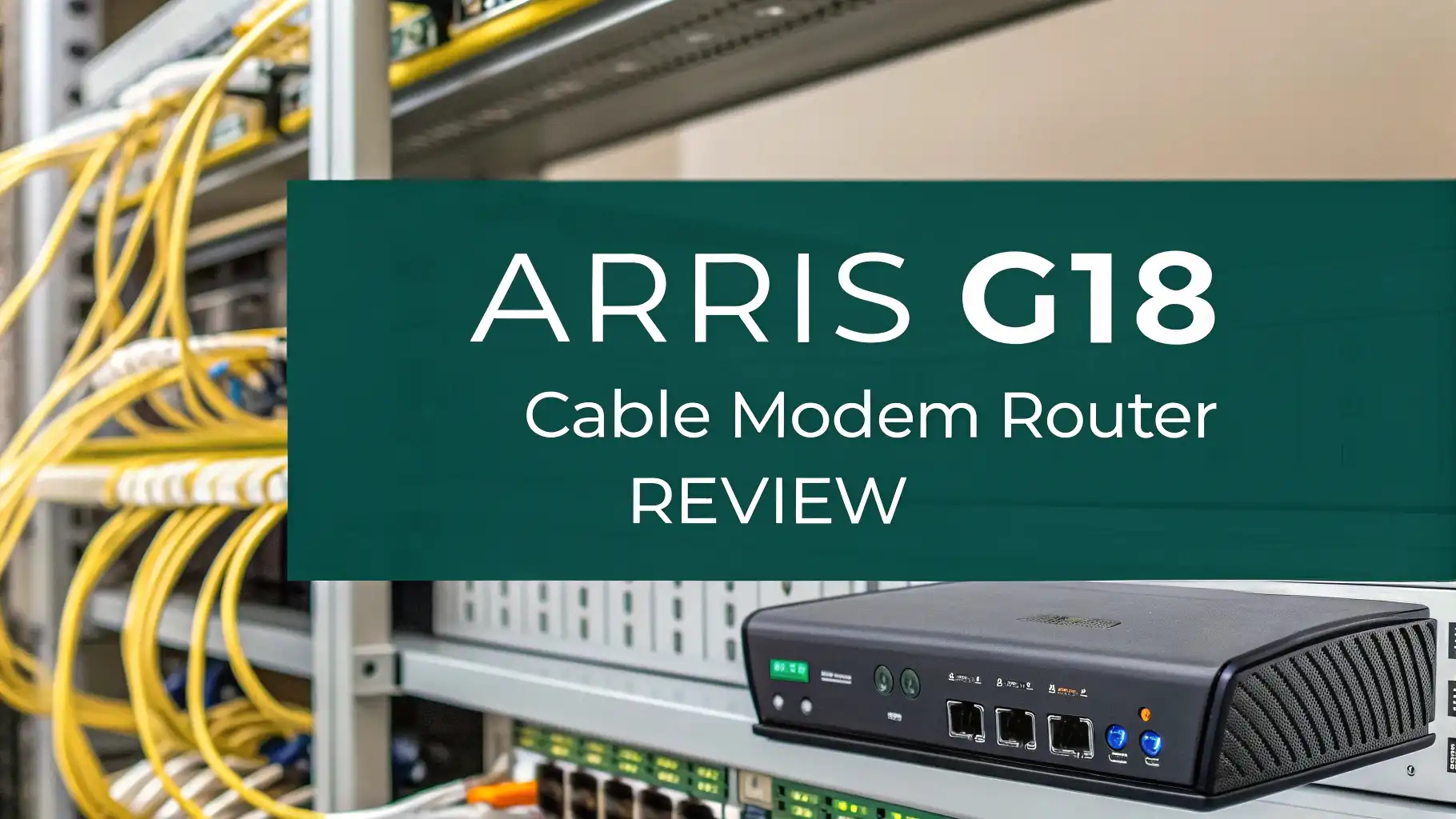
The ARRIS G18 sports a sleek black design that blends seamlessly with most home entertainment setups. The compact form factor means it will not take up much space on your desk or entertainment center. The device features ventilation slots on the sides to prevent overheating during extended use.
On the back panel, you will find two Gigabit Ethernet ports. While some competing models offer four ports, two ports are typically sufficient for most home users. You can connect your gaming console, smart TV, or desktop computer directly for the fastest possible wired connection. The device also includes a coaxial cable port for your cable internet connection and a power port.
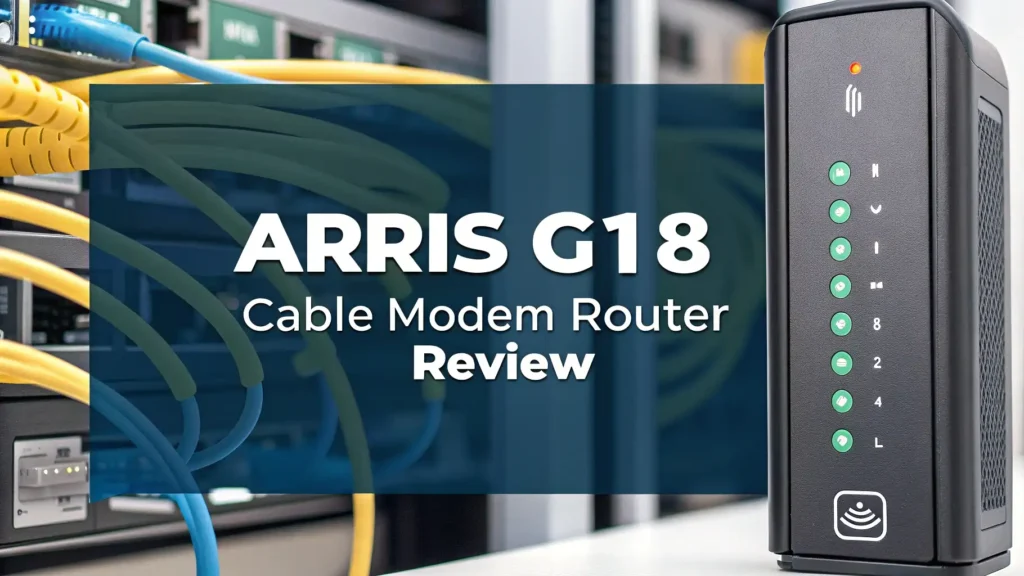
The LED indicator lights on the front panel provide quick status updates. You can see at a glance whether your internet connection is active, if devices are connected via WiFi, and if there are any connection issues. The lights are not overly bright, so they will not disturb you during nighttime use.
Top 3 Alternatives for ARRIS G18


Setup Process: Getting Started in Minutes
One of the strongest selling points of the ARRIS G18 is its straightforward setup process. You do not need to be a tech expert to get this modem router combo up and running. Here is how the process works.
First, connect the coaxial cable from your wall outlet to the modem. Then plug in the power adapter and wait for the device to boot up. This usually takes two to three minutes. During this time, the LED lights will cycle through different colors as the modem establishes a connection with your cable provider.
Next, download the SURFboard Central App on your smartphone. The app is available for both iOS and Android devices. Open the app and follow the on-screen instructions. The app will automatically detect your modem and guide you through the WiFi setup process. You can customize your network name, set a secure password, and configure basic settings right from your phone.
The entire process typically takes less than 10 minutes. The app interface is intuitive and user-friendly, even for people who are not comfortable with technology. You can also access advanced settings if you want more control over your network configuration.
Coverage and Performance: Real-World Testing
The ARRIS G18 claims to cover up to 1,250 square feet. In real-world testing, this coverage estimate holds up well for most apartments and small to medium-sized homes. If you have a larger home or deal with thick walls, you might experience some signal degradation in far corners.
The WiFi 6 technology shows its strength when multiple devices are connected simultaneously. During testing with 15 connected devices (including smartphones, tablets, laptops, smart home devices, and streaming boxes), the G18 maintained stable connections without noticeable slowdowns. This is a significant improvement over older WiFi 5 routers that struggle with heavy device loads.
Download speeds on the 5 GHz band consistently reached 400-500 Mbps on a 500 Mbps internet plan when testing close to the router. Even at a distance of 30 feet with one wall in between, speeds remained above 250 Mbps. The 2.4 GHz band provided more consistent coverage at longer distances, though at reduced speeds of 50-80 Mbps.
Compatibility: Which Internet Providers Work
The ARRIS G18 works with major U.S. cable internet providers including Comcast Xfinity, Cox, and Spectrum. Before purchasing, you should verify compatibility with your specific provider. Most major cable companies maintain approved equipment lists on their websites.
It is important to note that this modem is not compatible with fiber optic, DSL, or satellite internet services. It only works with cable internet connections. If you have AT&T Fiber, Verizon Fios, CenturyLink, or Frontier DSL service, you will need a different modem.
The G18 also does not support digital voice services. If you use your cable provider for phone service, you will need to keep a separate modem for that function or choose a different model. For most users who only need internet connectivity, this limitation is not a concern.
SURFboard Central App: Managing Your Network
The SURFboard Central App transforms network management from a chore into a simple task. The app provides a clean dashboard showing all connected devices, current internet speeds, and network status at a glance.
You can easily set up guest networks for visitors without sharing your main WiFi password. The app lets you create separate networks with different security settings and even set time limits on guest access. This feature is perfect when you have friends visiting or need to provide temporary internet access to contractors.
Parental controls are built directly into the app. You can set schedules for when certain devices can access the internet, block specific websites, and monitor which sites your children are visiting. The controls are flexible enough to set different rules for different devices.
Network diagnostics tools help you troubleshoot connection issues. The app can run speed tests, check for firmware updates, and provide suggestions if it detects problems. Firmware updates happen automatically in the background, ensuring your modem always has the latest security patches and performance improvements.
Speed and Latency: Gaming and Streaming Performance
For online gamers, latency is just as important as raw speed. The ARRIS G18 delivers consistently low latency thanks to its DOCSIS 3.1 technology and WiFi 6 capabilities. During gaming sessions, ping times remained below 20 milliseconds on wired connections and between 25-35 milliseconds on wireless connections.
4K streaming performance is excellent. You can easily stream 4K content on multiple devices simultaneously without buffering or quality drops. The modem handled three simultaneous 4K streams while other devices browsed the web and checked email without any performance degradation.
Upload speeds also see a boost with DOCSIS 3.1. If you frequently upload large files, participate in video calls, or stream your gaming sessions, you will appreciate the improved upload performance. The G18 takes full advantage of your internet plan’s upload speeds, which is especially important for activities like video conferencing and cloud backups.
Security Features: Keeping Your Network Safe
Network security is a critical consideration for any home internet device. The ARRIS G18 includes WPA3 encryption, the latest WiFi security standard. WPA3 provides stronger protection against password guessing attacks and encrypts your wireless data more effectively than older WPA2 security.
The device includes a built-in firewall that blocks unsolicited incoming connections from the internet. This helps protect your devices from external attacks. The firewall runs automatically in the background and does not require any configuration for basic protection.
Automatic firmware updates ensure your modem receives security patches as soon as they become available. ARRIS regularly releases updates that fix vulnerabilities and improve performance. The SURFboard Central App will notify you when updates are available, and you can install them with a single tap.
Energy Efficiency and Operating Costs
The ARRIS G18 is designed with energy efficiency in mind. The device consumes approximately 15-20 watts during normal operation. This translates to roughly $15-20 per year in electricity costs based on average U.S. energy prices.
The modem includes power-saving features that reduce energy consumption during periods of low activity. When fewer devices are connected and network demand is low, the G18 automatically adjusts its power usage. These small savings add up over time.
Compared to renting a modem and router separately from your cable provider, the G18 offers substantial cost savings. Most providers charge $14-15 per month for equipment rental. By purchasing your own device, you eliminate this recurring charge entirely. The modem typically pays for itself within 12-15 months, after which it is pure savings.
Troubleshooting Common Issues
Like any networking equipment, the ARRIS G18 may occasionally experience issues. Most problems have simple solutions that do not require technical expertise.
If you experience slow speeds, first run a speed test using a wired connection directly to the modem. This eliminates WiFi as a potential bottleneck. If wired speeds are good but WiFi speeds are slow, try changing your WiFi channel in the SURFboard Central App. Channel interference from neighboring networks can significantly impact performance.
Connection drops are often caused by loose cable connections. Check that your coaxial cable is tightly secured to both the wall outlet and the modem. A loose connection can cause intermittent outages that are frustrating to diagnose.
If the modem does not connect to the internet after setup, contact your cable provider. They need to register your modem’s MAC address on their network. This process usually takes just a few minutes over the phone. Have your modem’s MAC address ready, which you can find on the label on the bottom of the device.
Warranty and Customer Support
ARRIS backs the G18 with a one-year limited warranty. This warranty covers defects in materials and workmanship. If your modem fails due to a manufacturing defect within the first year, ARRIS will replace it free of charge.
Customer support is available through multiple channels. You can contact ARRIS via phone, email, or live chat on their website. The SURFboard website also includes a comprehensive knowledge base with setup guides, troubleshooting articles, and FAQ sections.
User reviews indicate that ARRIS customer support is generally responsive and helpful. Most issues are resolved within one or two contact attempts. The company also maintains an active community forum where users help each other solve problems and share tips.
Who Should Buy the ARRIS G18
The ARRIS G18 is an excellent choice for several types of users. If you have an internet plan up to 1 Gbps from a cable provider, this modem can handle your speeds without any bottlenecks. The WiFi 6 technology makes it particularly suitable for households with multiple connected devices.
Budget-conscious users will appreciate the cost savings compared to renting equipment. The upfront investment is reasonable, and the long-term savings make it an economically smart choice. If you plan to stay with your cable internet provider for more than a year, buying your own modem makes financial sense.
Apartment dwellers and those with small to medium homes will find the coverage area perfectly adequate. The 1,250 square foot coverage matches well with typical apartment sizes. If you have a larger home, you might want to consider the ARRIS G34 or G36 models, which offer greater coverage.
Frequently Asked Questions
Can I use the ARRIS G18 with Xfinity gigabit internet service?
Yes, the ARRIS G18 is fully compatible with Xfinity gigabit plans. The DOCSIS 3.1 technology supports speeds up to 1 Gbps, making it suitable for Xfinity’s fastest residential internet tiers. You should contact Xfinity to register your modem’s MAC address before use. Make sure to check Xfinity’s approved modem list on their website to confirm the G18 is still listed as compatible with your specific plan.
How many devices can connect to the ARRIS G18 at once?
The ARRIS G18 can theoretically support up to 128 connected devices simultaneously. However, practical performance depends on how you use those devices. For typical home use with streaming, browsing, and smart home devices, you can comfortably connect 20-30 devices without experiencing slowdowns. WiFi 6 technology handles multiple devices more efficiently than older standards, distributing bandwidth more effectively across all connected equipment.
Do I need to pay monthly fees after purchasing the ARRIS G18?
No, there are no monthly fees for the modem itself once you purchase it. This is the main advantage of buying your own equipment. You eliminate the monthly rental charges that cable companies typically impose. However, you still need to pay for your internet service subscription to your cable provider. The G18 simply replaces the rented modem and router, putting that monthly fee back in your pocket.
What is the difference between the G18 and the G20 model?
The main difference between the ARRIS G18 and G20 is the WiFi speed rating. The G18 features AX1800 WiFi (1200 Mbps on 5GHz + 600 Mbps on 2.4GHz), while the G20 offers AX3000 WiFi speeds (2400 Mbps on 5GHz + 600 Mbps on 2.4GHz). Both models cover the same area (1,250 square feet) and support internet plans up to 1 Gbps. The G20 is better suited if you have many high-bandwidth devices or want faster local network transfers between devices.
Can I use my own router with the ARRIS G18 or do I have to use the built-in WiFi?
While the ARRIS G18 includes a built-in router, you can disable the WiFi and use your own separate router if you prefer. Connect your router to one of the Ethernet ports on the G18 and put the G18 into bridge mode through the settings. This configuration is useful if you already own a high-end router or mesh system that you want to keep using. However, for most users, the built-in WiFi 6 router provides excellent performance without needing additional equipment.
Does the ARRIS G18 work with Spectrum internet service?
Yes, the ARRIS G18 is approved for use with Spectrum cable internet service. It supports all Spectrum internet speed tiers up to 1 Gbps. Before activating your service, you will need to call Spectrum or visit their website to register your modem. Spectrum requires the MAC address and serial number from your modem to add it to their system. Once registered, the modem should connect automatically and provide service within a few minutes.