How Does Candy AI Appear on a Bank Statement?
Privacy is the first question most people ask before they pay for an AI companion app. You want the product, but you do not want a confusing or embarrassing line sitting on your bank statement for a partner, a parent, or an accountant to read.
So here is the short version. Candy AI bills under a neutral company name, not under the product name you use on the site. The charge looks like a plain software payment, and nothing in the text hints at the type of service you bought.
This guide explains the exact descriptor, the amounts you may see, the payment methods that change how the entry looks, and the steps you can take to keep everything quiet. You will also get cancellation steps, refund rules, pros, cons, and a full FAQ section.
In a Nutshell
Here are the key facts in a quick list before we go deeper.
- The descriptor is EverAI. Candy AI confirms that the charge on your credit card statement shows as EverAI, which is the operating company behind the platform. The words Candy and AI girlfriend never appear.
- The company is based in Malta. EverAI Limited is registered at a business centre in Santa Venera, Malta, so some banks add a Malta location tag or a foreign transaction note to the line.
- Prices are small and ordinary looking. Plans run at $13.99 per month, $9.99 for a first month, $26.97 quarterly, and $47.88 annually, so the amount blends in with normal app subscriptions.
- Several payment routes exist. Credit cards, debit cards, crypto, Apple Pay, Google Pay, and bank transfer options such as Volt and Pix are all accepted, and each one prints a slightly different statement line.
- Crypto leaves the smallest trace. A crypto payment never touches your card network, so your bank only sees the exchange purchase, not the subscription itself.
- Cancellation is self service. You can unsubscribe from the Settings page inside your profile at any time, which stops future entries from appearing.
What Candy AI Is and Why Billing Privacy Matters
Candy AI is an AI companion platform. You create a virtual character, choose a personality, and chat through text, voice, images, and video.
People use it for company, for roleplay, for creative writing, and for adult content. The platform says it serves tens of millions of users worldwide.
Because the content is personal, the payment side carries real weight. A single odd line on a statement can trigger awkward questions at home.
Most adult leaning subscription services understand this. They register a parent company with a neutral name and run all card payments through that entity.
Candy AI follows that model. The brand you see on screen is Candy AI, but the merchant of record is a separate company name that tells a reader nothing.
Banks also benefit from this setup. Clear merchant names reduce chargebacks, so payment processors prefer a consistent legal entity on every transaction.
The result works in your favour. You get a short, dry, forgettable entry rather than a label that announces what you bought.
Still, privacy is never automatic. The descriptor protects the content of the purchase, not the fact that a purchase happened.
Anyone with full access to your statement will still see a charge, a date, and an amount. That is why the rest of this guide covers extra steps you can take.
Understanding the system early saves you stress later. Let us look at the exact wording next.
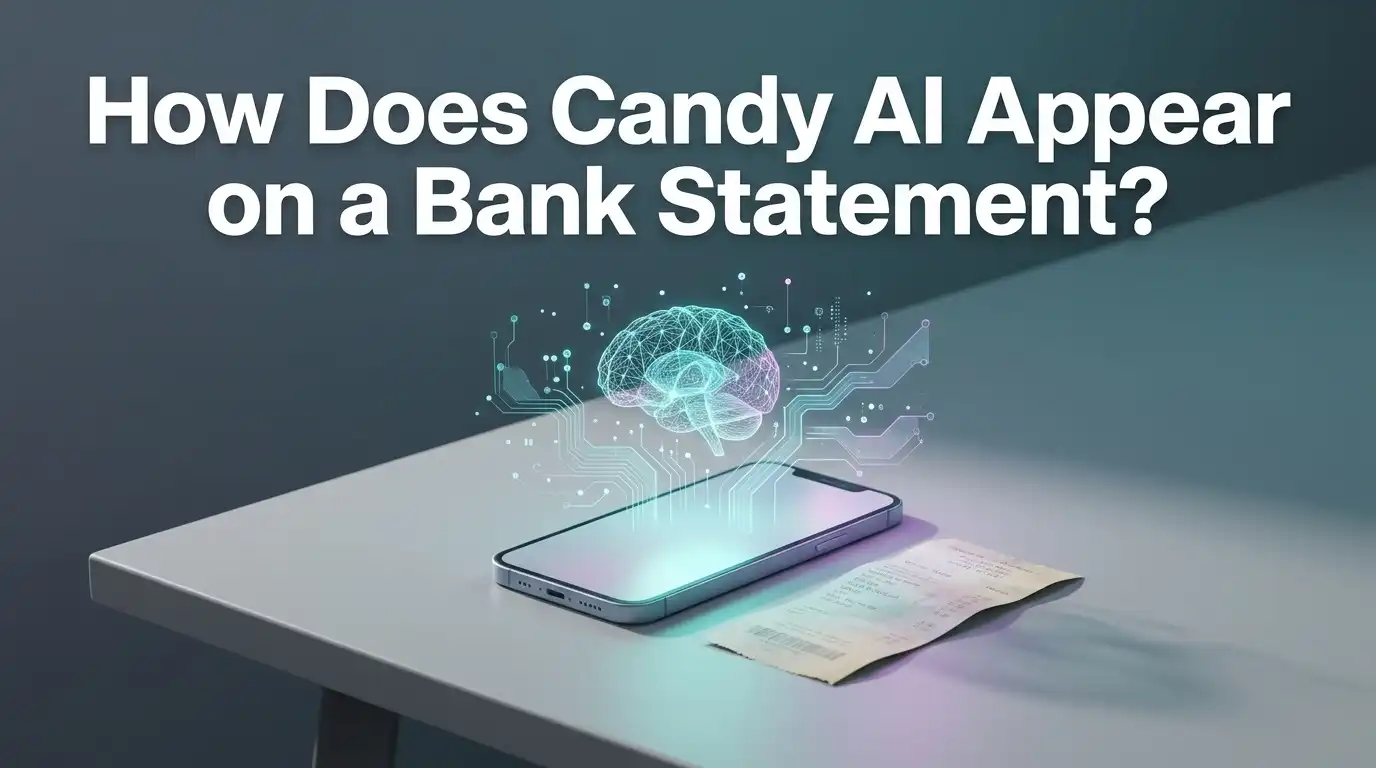
How Does Candy AI Appear on a Bank Statement?
Here is the direct answer. Candy AI charges appear as EverAI on your credit card or bank statement.
The help centre states this plainly. When you check your transaction history, the name linked to the payment is EverAI.
That is it. No mention of Candy, no mention of companions, no mention of adult content.
EverAI reads like any ordinary software company. Someone glancing at your statement would likely assume it is a productivity tool, a writing assistant, or a cloud service.
The subscription page on the site repeats the same promise. It states that the charge is shown as EverAI on your bank statement, right next to the cancellation note.
Some banks shorten or extend the text. You may see variations such as EVERAI, EVERAI LTD, EVERAI LIMITED, or EVERAI.COM depending on how your bank formats merchant data.
A few users have reported location tags added to the line. Entries similar to AI London or a Malta reference have shown up, because card networks sometimes attach the processor location rather than the head office.
None of these variations reveal the service type. They all stay inside the same neutral software naming pattern.
If you ever search the descriptor online, you will find the company page and the help centre. That is normal for any merchant of record setup.
You can start a plan through Candy AI knowing the statement line stays generic.
Why Candy AI Uses the Name EverAI
EverAI Limited is the company that operates the platform. The registration details appear on the subscription page, listing a Malta address in Santa Venera.
Using the legal entity as the descriptor is standard practice. Banks require a registered business name for card processing, not a marketing brand.
This creates a helpful side effect for users. The legal name happens to be neutral, so privacy and compliance line up nicely.
Many large companies do the same thing. Streaming apps, dating apps, and gaming studios often bill under a parent company that most customers have never heard of.
The approach also keeps billing consistent across products. If the company runs several platforms, each one can flow through the same merchant account.
There is a small trade off. A descriptor you do not recognise can look suspicious when you are scanning for fraud.
Several people have posted online asking whether an EverAI charge was a scam. In almost every case, the charge came from a real subscription the user had forgotten.
So the privacy benefit carries a memory cost. If you pay for the service, write the descriptor down somewhere safe.
That one note prevents a pointless fraud report later. It also saves you the hassle of a card replacement.
The naming logic is simple once you see it. The brand sells, the company bills.
What the Full Charge Line Usually Contains
A statement line holds more than a merchant name. Most banks print four parts.
The first part is the merchant descriptor, which in this case reads EverAI or a close variation. This is the piece most people focus on.
The second part is the amount, shown in your local currency after conversion. Small amounts rarely attract attention.
The third part is the date, which matches your billing cycle. Monthly plans repeat on the same day each month.
The fourth part is an optional location or category tag. Because the company sits in Malta, some banks add a country code, a city name, or a foreign transaction flag.
That foreign tag is the only detail that stands out for some users. Your bank may also charge a small international fee, usually one to three percent.
Mobile banking apps sometimes add a logo or a category guess. Categories such as Software, Digital Services, or Entertainment are common.
None of these categories reveal content. Entertainment is the broadest label you might see, and it covers everything from music to mobile games.
Business accounts show a little more data. Expense tools can pull merchant category codes, which again point to digital services.
If you want the cleanest possible record, the payment method matters more than the descriptor. We cover that shortly.
Candy AI Pricing and the Amounts You Will See
Knowing the amounts helps you recognise the charge instantly. The platform runs a simple tier structure with one premium level and several billing cycles.
The monthly plan costs $13.99 per month, with a discounted first month at $9.99. That first month offer is the most common entry point.
The quarterly plan bills as $26.97 every three months, which works out to $8.99 per month. It renews automatically for the same price and term.
The annual plan bills as $47.88 once a year, which equals $3.99 per month. This is the cheapest route by a wide margin.
Shorter cycles also exist in some regions. A two week option bills around $9.79, and a weekly option bills around $5.60.
Premium includes a token allowance. You get 100 tokens per month, which fund image generation, video generation, and other extras.
Heavy users buy extra token packs. Those purchases appear as separate charges on the same descriptor, which is worth remembering if you see more than one line.
Local taxes can change the final number. VAT or sales tax may push $13.99 to a slightly higher figure depending on your country.
Currency conversion also shifts the amount. A $13.99 charge might land as a different round number in pounds, euros, or rupees.
Grab the yearly plan through Candy AI if you want one small annual line instead of twelve monthly ones.
Payment Methods Accepted by Candy AI
The platform supports a wide mix of payment options, and availability depends on your location.
For subscriptions, the accepted methods include credit cards, debit cards, cryptocurrency, Apple Pay, Google Pay, and bank transfer services such as Volt and Pix.
Token purchases use the same list. You can top up with any method the site shows at checkout.
All major credit cards work from anywhere in the world. That makes cards the default choice for most users.
Crypto gives the strongest privacy. It routes outside the card networks entirely, which changes what your bank can see.
Apple Pay and Google Pay act as wrappers around your existing card. The money still leaves the same account, and the descriptor still reads the same way.
Bank transfer options appear in specific markets. Pix serves Brazil, and Volt covers open banking transfers in several regions.
PayPal availability varies and is not listed as a core method in the official help documentation. Do not assume it will appear at your checkout.
Each method produces a slightly different statement entry. A card shows a merchant descriptor, a bank transfer shows a beneficiary name, and crypto shows nothing related to the service.
Choose based on your privacy needs. The next sections break down the differences in plain terms.
How Crypto Payments Change the Statement
Crypto is the quietest route available, and the reason is simple. Your bank never sees the merchant.
Here is how it works. You buy crypto on an exchange, then send it to the payment address at checkout.
Your bank statement records the exchange purchase, not the subscription. The line reads something like Coinbase, Kraken, or Binance.
That entry looks like an investment, not an app payment. Crypto purchases are common enough that they rarely raise eyebrows.
If you already hold crypto in a wallet, your bank sees nothing at all. No new line appears on any statement.
The platform accepts crypto for both subscriptions and token packs. Supported coins typically include major options such as Bitcoin, Ethereum, and stablecoins.
There are some trade offs worth noting. Crypto payments can carry network fees, and confirmation times vary with network traffic.
Refunds also get complicated. Sending money back to a wallet is slower and messier than reversing a card charge.
Price volatility adds another wrinkle. If you buy coins and hold them briefly, the value can shift before you pay.
For most users, crypto is overkill. For users who share a bank account and want zero trace, it is the best tool on the list.
Apple Pay, Google Pay, and Bank Transfer Entries
Digital wallets feel private, but they are not anonymous. They simply hide your real card number from the merchant.
Apple Pay and Google Pay both generate a token that stands in for your card. The merchant never stores your actual digits.
Your statement still shows the merchant descriptor. EverAI appears exactly as it would with a direct card payment.
Some banks add a wallet tag to the line. You might see Apple Pay or Google Pay alongside the merchant name.
Apple also keeps a transaction list inside the Wallet app. Anyone with access to your unlocked phone can scroll through it.
Bank transfers work differently. With Volt or Pix, the money moves straight from your bank account to the merchant account.
The entry then shows a beneficiary name rather than a card merchant descriptor. That name usually matches the company name or the payment provider.
Transfers skip card networks, so you avoid foreign transaction fees in many cases. That is a nice bonus.
The downside is reversibility. Bank transfers are harder to dispute than card payments if something goes wrong.
Pick wallets for speed, cards for protection, and transfers for lower fees. The privacy level stays similar across all three.
Pros of How Candy AI Handles Billing
Here are the clear advantages of the current setup.
- Neutral descriptor. The statement reads EverAI, which gives away nothing about the service type or the content you access.
- Official confirmation. The company states the descriptor publicly in its help centre and on the subscription page, so you are not relying on guesswork.
- Multiple payment routes. Cards, wallets, crypto, and bank transfers all work, which lets you match the method to your privacy needs.
- Low and ordinary amounts. Charges between $3.99 and $47.88 look like any normal app subscription, so they blend into a busy statement.
- Crypto support for maximum discretion. Paying with crypto keeps the subscription off your banking record entirely.
- Easy self service cancellation. You can unsubscribe inside Settings without emailing support or waiting on a reply.
- Clear pricing page. The site lists every billing cycle and total upfront, so you know the exact figure before you confirm.
- Registered legal entity. A named company in Malta sits behind the charge, which makes the merchant traceable if you ever need support.
Cons of How Candy AI Handles Billing
Now the honest downsides.
- Unfamiliar descriptor causes confusion. Many users forget what EverAI is and report the charge as fraud, which wastes time and sometimes blocks a card.
- Automatic renewal catches people out. Every plan renews on its own, and forgetting a renewal date leads to surprise charges.
- Foreign transaction fees may apply. The Malta registration means some banks add an international fee of one to three percent.
- Token purchases stack up. Heavy image and video generation can push real spending well past the headline subscription price.
- Short refund window. The refund policy gives you roughly 24 hours after payment to request money back, which is tight.
- Used tokens block refunds. Once you spend tokens from a purchase, that purchase generally becomes non refundable.
- Statement privacy is not total. The descriptor hides the content, but the charge itself still appears on any shared account.
- App store billing differs. If you subscribe through a mobile store, the charge may show under that store instead, with its own rules.
How to Keep Your Candy AI Purchase Private
A neutral descriptor is a good start. These extra steps close the remaining gaps.
Use a separate card if you can. A second debit card or a prepaid card keeps the charge off your main statement.
Virtual card services work well too. Many banks and fintech apps issue single use numbers with spending limits.
Prepaid cards offer a strong middle ground. You load a fixed amount, pay, and leave no link to your main account balance.
Switch to paperless statements so no printed document arrives at your home. Digital statements stay behind your login.
Lock your banking app with a passcode or biometrics. That prevents casual scrolling by anyone who picks up your phone.
Choose the annual plan if the amount is manageable. One line per year draws far less attention than twelve.
Keep a private note of the descriptor. Future you will thank present you when the charge appears.
Review your subscriptions every few months. Cancelling what you no longer use saves money and reduces statement clutter.
If total privacy matters most, pay with crypto. It removes the subscription from your banking record completely.
Start your plan on Candy AI once you have picked the method that fits your situation.
How to Cancel Your Candy AI Subscription
Cancellation takes under a minute and stops all future charges.
Log in to your account on the website. Mobile browsers work the same way as desktop.
Open the My Profile menu from the top area of the screen. This is your account hub.
Click Settings. Scroll to the bottom of the page.
You will find your subscription details and an Unsubscribe button there. Click it.
Follow the confirmation prompts. The system may ask why you are leaving or offer a discount to stay.
Finish every prompt until you see a confirmation message. Stopping halfway leaves the subscription active.
Check your email for a cancellation notice. Keep that message as proof.
Your access continues until the end of the paid period. You do not lose features the moment you cancel.
If you subscribed through the Apple App Store or Google Play, cancel inside those store settings instead. The website cannot cancel a store managed subscription.
For any problems, contact support through the help centre and submit a ticket. Include your account email and the charge date.
Cancelling does not delete your account. Account deletion is a separate request in the help centre.
Refunds and Unexpected Charges Explained
Refund rules are strict, so read them before you buy.
The terms give you roughly 24 hours after payment to request a refund. Requests made after that window are generally declined.
Token purchases carry an extra condition. If you have already used tokens from that purchase, a refund is usually refused.
Cancelling a subscription does not automatically trigger a refund. The two actions are separate, and the help centre states this clearly.
To request a refund, contact support quickly. Provide your account email, the transaction date, and the amount.
Renewal charges are the most common complaint. People forget the renewal date, see the charge, and then ask for money back outside the window.
Set a calendar reminder two days before each renewal. That simple habit prevents most refund disputes.
Avoid filing a chargeback as a first step. Banks treat chargebacks seriously, and the merchant can close your account in response.
Try support first. A polite ticket within the refund window usually gets a faster result than a dispute.
Keep screenshots of your cancellation confirmation. Evidence helps if a charge appears after you cancelled.
Read the terms page once before subscribing. Five minutes of reading saves a lot of frustration.
What to Do if You See an Unknown EverAI Charge
Finding a strange descriptor is unsettling. Work through these steps calmly.
First, check whether you or someone with account access signed up. Search your email inbox for EverAI or Candy.
A receipt email confirms the purchase instantly. Most billing disputes end right here.
Second, check the amount against the known prices. Figures like $9.99, $13.99, $26.97, or $47.88 strongly suggest a real subscription.
Third, log in to the website and open Settings. Active subscription details appear at the bottom of that page.
Fourth, check your mobile store subscriptions. App Store and Play Store lists reveal forgotten signups.
If you find an active plan you no longer want, cancel it there and then. That stops the cycle.
If nothing matches, treat it as possible card fraud. Contact your bank, report the charge, and request a card replacement.
Also contact the merchant support team directly. They can look up charges tied to your card details.
Change your passwords if you suspect someone used your account. Use a unique password for payment linked services.
Most reported cases turn out to be forgotten trials or renewals. Check before you escalate.
Is Candy AI Safe to Pay For?
Safety has three parts: payment security, data handling, and billing honesty.
On payment security, the platform uses encrypted checkout through established processors. Your card details are handled by the processor, not stored loosely on the site.
The company is a registered legal entity in Malta, which places it under European data and consumer rules. That adds a layer of accountability.
On billing honesty, the descriptor is disclosed publicly. A service hiding something would not publish the charge name in its help centre.
Pricing is listed in full before checkout, including the renewal price after any discounted first month. There is no hidden upgrade step.
On data handling, the privacy notice explains what the company collects and how it uses that information. Read it if sensitive chat content concerns you.
The main risks are behavioural rather than technical. Automatic renewals and token spending catch out casual users.
Set limits before you start. Decide a monthly budget and stick to it.
Use a dedicated card if you want extra separation between this service and your main finances. That one habit removes most worry.
Overall, the billing setup is transparent and the descriptor does its job. Try Candy AI with a short plan first if you want to test the experience before committing.
Frequently Asked Questions
What name does Candy AI use on a bank statement?
Candy AI charges appear as EverAI, the operating company behind the platform. Some banks display small variations such as EVERAI LTD or add a Malta location tag, but the service type never appears.
Does Candy AI show adult content wording on my statement?
No. The descriptor contains no reference to companions, adult content, or the Candy brand. It reads like a standard software or digital services payment.
Can my bank see what I bought from Candy AI?
No. Your bank sees a merchant name, an amount, a date, and a broad category code. It does not receive any product or content details.
How much does Candy AI cost per month?
Premium costs $13.99 per month, with a first month offer at $9.99. The quarterly plan bills at $26.97 and the annual plan bills at $47.88.
Which payment method is the most private?
Cryptocurrency. Your bank only records the exchange purchase, so the subscription never appears on your statement at all.
Will I pay a foreign transaction fee?
Possibly. The company is registered in Malta, so some banks add an international fee of roughly one to three percent on card payments.
How do I stop future charges?
Log in, open My Profile, click Settings, scroll to the bottom, and click Unsubscribe. Confirm every prompt until you see a cancellation message.
Can I get a refund after cancelling?
Cancelling does not create an automatic refund. Refund requests must usually be made within 24 hours of payment, and used tokens generally block refunds.
Why do token charges appear separately?
Token packs are one time purchases, so each pack creates its own line. They use the same EverAI descriptor as your subscription.
Is a prepaid card a good idea?
Yes. A prepaid or virtual card keeps the charge off your main account and limits your exposure if card details are ever compromised.
Final Thoughts
Candy AI bills under EverAI, and that single fact answers the question most people came here with. The line is short, neutral, and forgettable.
Privacy on a statement is only part of the picture. Smart payment choices, calendar reminders, and a clear budget protect you far better than a descriptor alone.
Pick the plan length that fits your use, note the renewal date, and cancel in Settings whenever you are done.

Hi, my name is Lily you can say i am a gadget hunter at this point. Welcome to Gadget Gallery The Gallery of Gadget Reviews