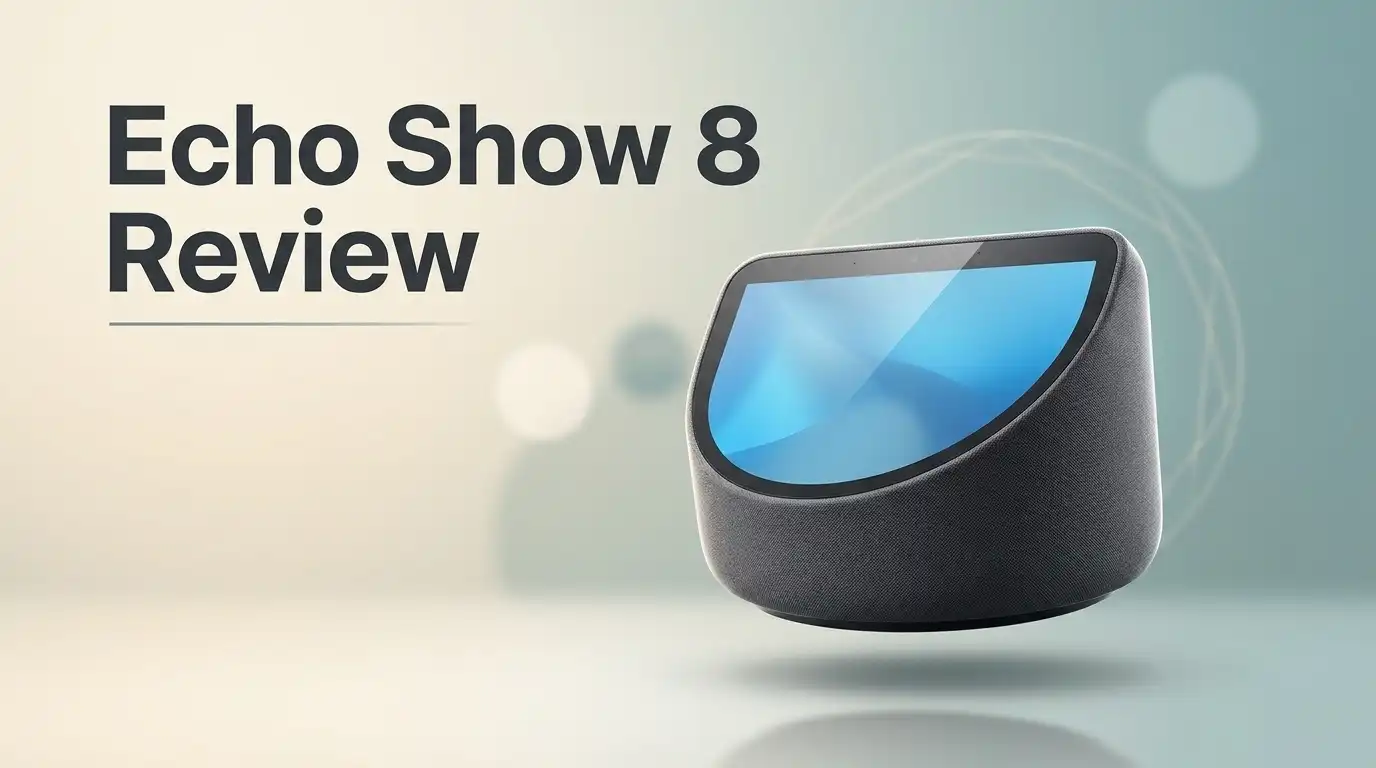
Echo Show 8 Review: Don’t Buy Until You See This
Looking for a smart screen that fits right into your home? The Echo Show 8 might be the perfect pick. It blends a sharp display with handy features that keep your family connected.
Many people use it as a digital photo frame in the kitchen or living room. Colorful screensavers and a clear time display make it easy to glance at during the day.
Video calls look crisp and bright, thanks to strong contrast and a camera that keeps you in view. The newer 2nd gen model adds a 13MP camera with auto framing.
Sound quality has improved too. Reviewers often praise the better speakers, though the microphones receive mixed feedback from users.
Want to know if this device deserves a spot on your counter? We cover the specs, pros, cons, and rivals like the Google Nest Hub.
In a Nutshell
-
Privacy controls sit within easy reach. Physical volume buttons and a privacy toggle give you quick control over the device. Many households feel more at ease with a camera in the kitchen.
-
Multi Room Music brings sound to every space. You can group speakers across the house for music that plays in sync. Blink camera viewing also lets you check on your home right from the screen.
-
Drop Ins keep family members close. Group Drop Ins let someone say hello from one room to another with a single tap. This feature works well in busy homes with kids or older relatives.
-
Screensavers add a playful touch. Colorful screensavers and a clear time and info display keep the screen lively when idle. Many owners enjoy glancing at it during breakfast.
-
Ads can break the flow. Amazon ads compete for attention on the screen. Some owners find them distracting, especially when they just want quick weather or timers.
-
Reviewers see mixed results. Some describe the microphones as just okay. Others say the device packs in many features but does not always quite stick the landing.
Display and Video Quality


Last update on 2026-11-04 / Affiliate links / Images from Amazon Product Advertising API Some of the links on this website are affiliate links, which means that at no additional cost to you, I earn a commission if you click through and make a purchase. I only recommend products and services that I believe will add value to my readers. Thank you for your support!
The screen does most of the work on the Echo Show 8. You look at it every day, so clear visuals really matter. Good display quality makes the device more useful in daily life.
The Echo Show 8 uses an HD touchscreen. Text, weather icons, and album art appear sharp from across the room. Recipes stay easy to read while you cook.
Placement affects how the screen looks. Set the device at eye level so you see the display straight on. A tilted angle can make the image look dim.
Lighting changes everything. Direct sunlight from a nearby window can cause glare. Try placing the device away from bright windows, or angle it to cut reflections.
Brightness settings give you control. Open the display menu and adjust the level for your room. A dimmer setting works well at night, while a brighter one suits sunny kitchens.
The eight inch screen fits many spaces. It is large enough to read from a counter but compact enough for a nightstand. Choose the room that matches how you plan to use it.
Video from Blink cameras shows up on this screen too. Watching a doorbell or indoor camera feed on a larger display makes it easier to spot movement. You can keep an eye on the front door without leaving the kitchen.
Video calls benefit from the screen as well. Your face stays bright and easy to see. Sit in front of a light source, not in front of a window, for the best view.
If you compare smart displays, look closely at the screen. Check how the picture looks in your own room before you decide. What works in a store may look different at home.
Some reviewers feel a few features do not always land well. Test the display yourself to see if it meets your needs. Overall, the screen makes the Echo Show 8 a pleasant device to use. Pick a good spot, adjust the brightness, and enjoy clear views every day.
Audio and Call Quality
Sound matters just as much as the picture. On the Echo Show 8, you hear calls and music through the built-in speakers. Clear audio makes every chat feel natural.
Recent reviews point to better sound than earlier models. Reviewers say calls feel more centered, so voices seem to come from the screen itself.
Microphones are the other half of the story. Many users describe them as okay rather than great.
Soft voices can get lost in a big room. Speak at a normal volume and face the screen when you talk.
Placement changes everything for audio. Put the display on a flat surface away from corners. Walls and corners can add echo and boost bass in odd ways.
Keep the area around the speakers clear. Books, plants, and fabric can muffle sound. Open space helps your voice reach the microphones.
Background noise matters too. A running dishwasher or TV can make it harder for the device to hear you. Try to reduce noise during calls.
Voice commands make calls easier. Say “Alexa, call” followed by a name to start a call without touching the screen. This works well when your hands are busy in the kitchen.
Drop In audio also deserves attention. Test a Drop In from another room to hear how the speaker sounds at a distance. This quick check shows whether the volume suits your home.
Music quality depends on the room, too. Hard surfaces bounce sound around, which can make music seem sharper. Soft rugs and curtains can calm the sound.
Test before you rely on it. Make a short call to a family member. Ask them how you sound and how loud the speaker feels on their end.
Simple tests reveal a lot about the audio. Adjust the position or volume until the sound feels comfortable. Small changes often lead to big gains.
Good audio turns the Echo Show 8 into a useful tool for daily life.
Smart Home and Camera Viewing
Smart home control feels simpler with a screen. The Echo Show 8 lets you check your home from one central spot.
Camera viewing works best when the display sits where you spend time. A kitchen counter or living room shelf gives you a clear view of the feed.
The 2nd gen model uses a 13MP camera with auto framing. This keeps you centered during video calls, even when you move around the room.
Voice requests make camera checks fast. Ask Alexa to show the front door, and the feed appears on screen.
Think about who uses the display. Kids, guests, and older relatives may need a simple view. Short commands work well for everyone.
Smart home devices can join the routine too. Ask Alexa to dim the lights while you check the front door feed.
The 1st gen model has a 1MP camera with a physical shutter. Some buyers like that shutter because it gives a clear sign when the camera is covered.
Compare cameras before you choose. The Google Nest Hub Max is a strong rival with Google Assistant. Check how each device handles your camera feeds and your daily habits.
Network strength matters for live video. A stable WiFi connection keeps feeds smooth and reduces lag during calls.
Placement also shapes the camera view. Set the display at eye level on a stable surface, so the image looks steady and natural.
Light from windows can wash out a camera feed. Face the display away from strong sun for clearer video during calls.
Think about where you want the camera to reach. A hallway or entry gives the most useful view for daily checks.
Real life use matters most. Test the feed for a day or two and note which views help you most.
Your needs will guide the choice. Pick the model that fits your rooms, your camera setup, and how often you check in.
Top 3 Alternatives
Smart displays make daily life easier. These three options each bring something different to your home.
Google Nest Hub

Last update on 2026-11-04 / Affiliate links / Images from Amazon Product Advertising API Some of the links on this website are affiliate links, which means that at no additional cost to you, I earn a commission if you click through and make a purchase. I only recommend products and services that I believe will add value to my readers. Thank you for your support!
The Google Nest Hub has a clear touch screen that shows weather, calendars, and photos. You can control smart home devices with your voice. It works well in kitchens and bedrooms.
Lenovo Smart Display

Last update on 2026-11-04 / Affiliate links / Images from Amazon Product Advertising API Some of the links on this website are affiliate links, which means that at no additional cost to you, I earn a commission if you click through and make a purchase. I only recommend products and services that I believe will add value to my readers. Thank you for your support!
The Lenovo Smart Display offers a bright screen and clear sound. It supports video calls, recipes, and music. It suits families who want a shared home hub. Its sturdy base also keeps it steady on a countertop.
Echo Show 5

Last update on 2026-10-21 / Affiliate links / Images from Amazon Product Advertising API Some of the links on this website are affiliate links, which means that at no additional cost to you, I earn a commission if you click through and make a purchase. I only recommend products and services that I believe will add value to my readers. Thank you for your support!
The Echo Show 5 is a small smart display that fits almost anywhere. You can place it on a nightstand, desk, or shelf. It handles video calls, timers, and music. It is a great pick for small rooms.
Everyday Use and On-Screen Experience
Many households use the Echo Show 8 as a daily helper. It shows the time, weather, and calendar at a glance.
Morning routines feel smoother when the screen shows your plans before you leave. You can check the forecast and your schedule in seconds.
In the kitchen, the display can run timers and guide you through recipes. You can track several cooking tasks at once.
At night, the colorful screensavers and clear time display stay useful without demanding attention.
The display also works as a photo frame. Family pictures rotate on screen, which makes the device feel personal.
Group Drop-Ins let you check in with family members across the house. Kids and grandparents can say hello with a quick voice command.
Music fills the whole home when you add speakers to multiroom music groups. One command starts a playlist in every room you choose.
The privacy toggle gives you a clear way to control the microphones. It helps many people feel more comfortable with daily use.
Ads can appear on the home screen, though. Amazon promotions compete for attention and may feel distracting during quiet moments.
Icons and cards help people scan information quickly, even from a distance. Shopping lists and reminders stay easy to find.
Timers for chores keep shared spaces organized. Each person can set a timer for laundry, homework, or a pot on the stove.
Weekend mornings feel relaxed with music and a slideshow running in the background. The device fits your pace.
Think about your daily habits first. Pick the features that help you most, and skip the rest.
Pros and Cons
Pros
- The sharp video and strong contrast make the picture easy to see.
- Physical volume buttons let you adjust sound fast without using the screen.
- Blink camera support adds another view of your home on the same display.
- Clear, bright text stays easy to read from across the room.
Cons
- Amazon ads appear on screen and pull attention away from your content.
- A feature packed design can feel crowded at times.
- Some reviewers feel the overall polish falls a little short.
- Google Assistant fans may prefer a Nest Hub instead.
Who Should Buy It
Not every home needs a screen in every room. The Echo Show 8 suits some households better than others. Here is who should seriously consider it.
Busy families get the most use from this device. Parents can share reminders, check schedules, and keep everyone on track.
Anyone who already uses Alexa will feel at home right away. Routines, skills, and voice commands work the same way they do on an Echo speaker. Setup feels familiar, so there is less guesswork during the first week.
Visual helpers also benefit from the display. Some people learn faster when they see the answer, and the screen makes weather, news, and lists easy to scan.
Homes with older relatives can benefit too. Voice commands let them call family or ask questions without tapping much.
Renters and people with small spaces will appreciate the footprint. It sits easily on a shelf, dresser, or nightstand. Anyone who moves often can carry it to a new place in minutes.
Home office workers can use it as a quiet assistant. It shows calendar events, sets timers for focus sessions, and answers quick questions without pulling attention from the desk.
Students can set study timers and look up quick facts. The display keeps homework reminders visible on the desk.
Gift buyers often pick this model for a parent or grandparent. It offers a helpful display without a steep learning curve.
Anyone deeply invested in Google services should compare options first. A different ecosystem may fit daily habits better.
Those who want a simple start can grow over time. Add more Echo devices or smart plugs later, and the setup expands without a major rebuild.
In short, the Echo Show 8 suits people who want a shared, voice friendly screen. Think about your daily routine, then decide if it fits your home. A quick test in your own kitchen or living room can answer most questions.
Final Verdict
The Echo Show 8 makes a strong case for itself. It handles daily tasks with ease. It also helps the whole household stay connected.
Still, it is not a perfect device. Its microphones sound only okay on some calls. Reviewers also feel that it does not always quite stick the landing.
Think of it as a helpful companion rather than a flawless product. It excels at being useful every single day. For many people, that practical strength matters more than a few small flaws.
Placement matters more than most buyers expect. Mount it where the family passes by, and it becomes a shared hub. Tuck it away in a quiet corner, and it turns into a single user gadget that gets less use.
Software updates can also shape the experience over time. New skills and features may arrive later, so the screen can grow more helpful as months pass. Checking release notes now and then helps you spot those changes.
Who should choose it? Shoppers who already live inside the Alexa system will feel right at home. Families who want a simple screen for calls, timers, and reminders will get real help from it.
On the other hand, Google fans should look elsewhere first. A Nest Hub may suit their habits better. Ads on the screen can also feel distracting, so people who dislike them should keep that in mind.
Our final take is simple. The Echo Show 8 suits people who want an all in one home screen. It rewards clear goals and an Alexa powered home. Buyers who want polish above all else may want to compare a few more models first.
In short, this device delivers useful everyday moments. It may not feel perfect, but it gets the job done with charm. Take your time, compare your needs, and choose with confidence.
Frequently Asked Questions
Which model should I choose, 1st gen or 2nd gen?
The 2nd gen model from 2021 suits most people. It has a 13MP camera with auto framing, so you stay centered on screen during calls. The 1st gen uses a 1MP camera with a physical shutter, which some privacy fans still prefer.
Can it work as a digital photo frame?
Yes, it shows photos and colorful screensavers when it sits idle. The time and other info stay visible too. This makes it a nice fit for a kitchen counter or a bedside table.
Can the whole household share music?
Yes, it supports Multi Room Music groups. Everyone can play tunes across rooms with a simple voice request. This works well for family dinners, parties, and quiet weekends at home.
Will the ads get in the way?
Amazon ads can appear on the screen. They may pull attention away from your content. Plan your screen use around that, and the ads become much less of a problem in daily life.

Hi, my name is Lily you can say i am a gadget hunter at this point. Welcome to Gadget Gallery The Gallery of Gadget Reviews